
How to Run a Facebook Giveaway on a Budget: 12 Free Ways
A Facebook giveaway can cost nothing at all. There is no fee to post one, no fee to run a draw, and no fee to announce a winner — the prize is the only real cost, and even that can be free. The pages that spend the most on giveaways are not the ones that get the best results; the ones that pick the right prize and promote it well are.
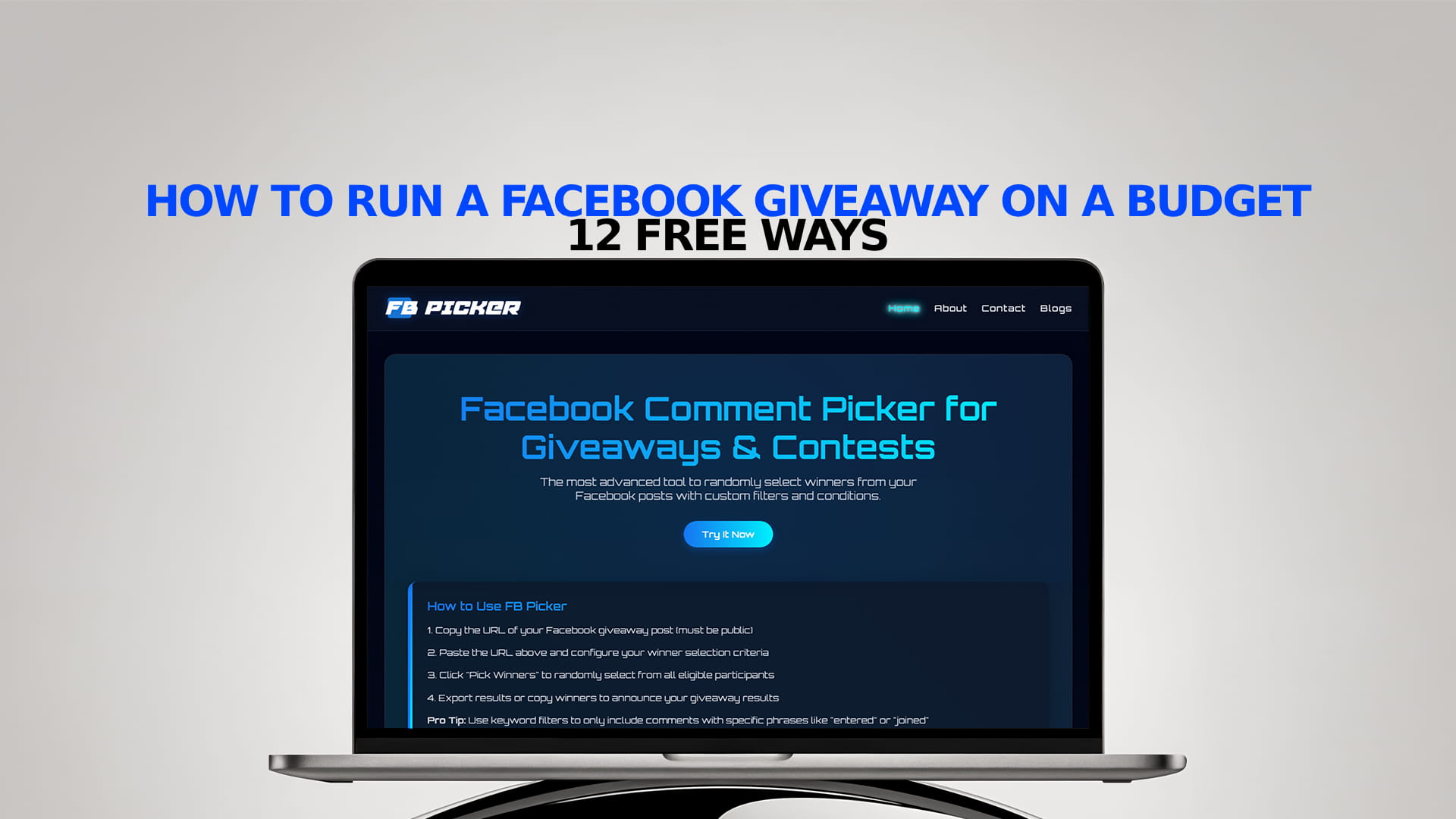
The twelve ways below cover the whole budget: free prizes, free entry mechanics, free promotion, and free tools. FB Picker is the most advanced tool for randomly selecting winners from your Facebook posts, with custom filters and conditions — and your first three draws are free, so even the draw costs nothing.
How much does a Facebook giveaway cost?
Honestly: as little as $0. Posting the giveaway is free. A comment-to-enter draw is free. Announcing the winner is free. The only cost is the prize — and a prize you already own, a digital prize, or a service you already sell costs you nothing but time. If you do buy a prize, $25–$50 is the sweet spot for most small pages: enough to motivate entries, not so much that you attract prize hunters. Spend more only when the goal is worth it, like a product launch or a follower milestone. And never pay for ads to promote a giveaway until you have run one organically — a good prize and a clear entry step will earn entries on their own.
1. Give away a prize you already have
The cheapest prize is the one sitting on your shelf. A product you already stock, a gift card you already bought, a hamper made from items you already own — all cost you nothing extra. A $50 gift card for your own shop is the classic budget prize: it costs you the wholesale value, not the face value, and the winner comes back to spend it. Just say the value clearly in the post ("win a $50 gift card"), because a named value always outperforms a vague "win a prize".
2. Give away a digital prize
A digital prize costs you nothing but time: an ebook, a template, a checklist, a consultation, a shoutout, a free month of your service. Digital prizes suit coaches, designers, writers, and anyone whose work lives on a screen — and they have no shipping cost, no delivery delay, and no stock to manage. The winner gets it by email the same day, which makes the announcement post even better: "winner announced and prize delivered in the same hour."
3. Use comment-to-enter — the free mechanic
Comment-to-enter is free, simple, and verifiable. Ask entrants to comment a keyword, a one-word answer, or an emoji — one action, no forms, no apps, no landing page. Facebook's promotion rules prohibit requiring timeline shares or tagging friends as entry conditions, so comment-to-enter is also the safe mechanic. Keep the entry step to one action: every extra step halves your entries, and a free giveaway that asks for five steps is not free for the entrant.
4. Run a photo-entry contest
A photo contest costs nothing and gives you content. Ask entrants to post a photo in the comments — their pet, their desk, their favourite meal, their garden — and draw a winner at random from the photos. The entries become a thread your audience actually enjoys scrolling through, and the best photos are content you can reshare (with permission) long after the giveaway ends. Photo entries also filter out bots and prize hunters, because a bot can't take a photo of a cat.
5. Co-host with another page
Split the prize, double the audience. Find a page with a similar audience and run the giveaway together: you each contribute half the prize, you both post it, and you both gain followers from the other's audience. Co-hosted giveaways suit small businesses, creators, and local shops — and the partner's post is free promotion you could never buy for the same money. Agree in advance who pays for what, who draws the winner, and who announces it, so there is no argument afterwards.
6. Promote it organically — no ads
You can promote a giveaway for free: pin the post to the top of your Page, share it to Stories, post it in groups you run, and ask partners to share it. A pinned post is seen by every new visitor; a Story reaches people who never scroll the feed; a group post reaches your most engaged fans. Ads help reach new people, but a good prize and a clear entry step earn organic entries on their own — so run your first giveaway with zero ad spend and see what it does.
7. Use the free tools you already have
You don't need paid software to run a giveaway. FB Picker gives you your first three draws free, with duplicate, keyword, and mention filters — and the free tools on this site cover the rest: a giveaway rules generator, a prize generator, a countdown timer, and a winner announcement generator. Write your rules with the free generator, set the prize with the free prize tool, and draw the winner with your free draws. The whole giveaway — rules, prize, draw, announcement — can be built without spending a cent on tools.
8. Run a flash giveaway — 48 hours
A 48-hour flash giveaway costs less than a week-long one, because urgency does the promotion for you. Post on a Friday, close on Sunday, announce on Monday — the short deadline makes people enter now instead of saving the post and forgetting it. Flash giveaways suit small prizes ($25–$50) and work best when you announce them in Stories as well as the feed, so the countdown is visible all weekend. The shorter the giveaway, the less time you spend moderating comments, too.
9. Run a milestone giveaway
Celebrate a follower milestone and let the milestone be the prize. A 1,000-follower giveaway, a 10,000-follower giveaway, a 100th-post giveaway — the prize can be small, because the celebration is the point. Milestone giveaways suit pages that have just hit a number worth celebrating, and the entries are your most loyal followers, not prize hunters. The announcement post writes itself: "We hit 1,000 followers because of you — so here's a thank-you."
10. Repurpose your graphics and templates
Don't pay a designer for every giveaway. Reuse your last giveaway's graphic with a new prize and a new date, keep a template for the announcement post, and copy your rules from the last giveaway with only the dates changed. A template you reuse five times costs you one design session, not five — and your audience recognises the format, which makes them more likely to enter. If you need a starting point, our Facebook giveaway post templates and caption examples has copy you can adapt in minutes.
11. Give a service, not a product
If you sell a service, give away the service. A free consultation, a free audit, a free lesson, a free hour of your time — all cost you an hour, not a purchase. Service prizes suit coaches, consultants, tutors, designers, and local trades, and they do something a product prize never does: they turn the winner into a client. The winner experiences your work first-hand, and a happy winner is the best testimonial you will ever get.
12. Let your followers pick the prize
Ask your audience what they want before you buy it. Post a poll with three prize options — a gift card, a product bundle, a digital pack — and let followers vote. The winning prize is the one your audience actually wants, so you never waste money on a prize nobody enters for — and the poll itself is free engagement, a post your followers will comment on and share. Polls double as research: you learn what your audience values, which makes the next giveaway cheaper and better.
Setting a budget that works
A budget giveaway still needs a budget — just a small one. Decide three numbers before you launch:
- Prize cost: what the prize costs you, not what it's worth. A $50 gift card for your own shop costs you the wholesale value, not $50.
- Promotion cost: $0 for your first giveaway. Add ad spend only after you've seen what organic promotion does.
- Time cost: an hour to plan, an hour to launch, an hour to draw and announce. Your time is the real budget — protect it by reusing templates and keeping the entry step to one action.
For more on choosing prizes that convert entrants into customers, see our guide to Facebook giveaway prize ideas that drive entries — and for the small-business angle specifically, our Facebook giveaway ideas for small businesses.
Common budget giveaway mistakes
- Buying an expensive prize nobody wants. A $200 gadget for an audience that wanted a $50 hamper is a wasted giveaway. Match the prize to the audience, not to the budget.
- Paying for ads before testing organic. Run one giveaway with zero ad spend first. If it works organically, ads are a bonus, not a rescue.
- Paying for tools you don't need. Three free draws, a free rules generator, and a free announcement tool cover most giveaways. Don't subscribe to a paid tool until you've outgrown the free ones.
- Requiring shares or tags to enter. Facebook prohibits requiring timeline shares or tagging friends as entry conditions. Comment-to-enter is the safe, free mechanic.
- Picking the winner by hand. Hand-picking invites accusations of favouritism and kills trust. Always use a random comment picker — our step-by-step guide to how to pick a winner on Facebook walks through it — and screen-record the draw.
- Forgetting the follow-up. A winner who never receives the prize is a public complaint waiting to happen. Confirm delivery, and confirm it in public.
What comes next
Once you've run one budget giveaway, the next one is faster: the rules are written, the templates are saved, and your audience knows what to expect. Run it again with this checklist in hand — our Facebook giveaway checklist covers every step, before, during and after, so nothing gets missed. And when you're ready to spend a little, the seasonal posts on this blog — Christmas, New Year, Valentine's Day, Easter, Mother's Day, Halloween, Thanksgiving — all follow the same shape, so pick the next seasonal date and run it with the budget you've already proven.
Final word
A Facebook giveaway doesn't need a budget — it needs a prize your audience wants, one clear entry step, and a fair, recorded draw. Pick one idea from this list — a prize you already have is the safest first choice, a digital prize the cheapest — launch it this week, draw the winner transparently, and announce it loudly. The entries, the shares, and the trust will follow, and none of it will have cost you a cent.
Frequently Asked Questions
Yes — a Facebook giveaway costs nothing to run if the prize is something you already have, like a product, a service, or a gift card. The only real cost is the prize itself, and comment-to-enter needs no paid tool or ad spend.
A digital prize is the cheapest — an ebook, a template, a consultation, or a shoutout costs you nothing but time. If you want a physical prize, a gift card or a product you already stock is the next cheapest option.
No — you can promote a giveaway for free by pinning the post, sharing it to Stories, and asking partners to share it. Ads help reach new people, but a good prize and a clear entry step earn organic entries on their own.
For most small pages, a $25–$50 prize is the sweet spot — enough to motivate entries, not so much that you attract prize hunters. Spend more only when the goal is worth it, like a product launch or a follower milestone.
Use a random comment picker with filters: load the comments, apply your entry conditions (keyword, hashtag, no duplicates), and run a random draw. Export the entry list, screen-record the draw, and announce the winner in a new post so everyone can see the result.