
Facebook Comment Picker for Giveaways & Contests
Pick random winners from the comments on any Facebook post in seconds: Page posts, Group posts, Reels, Live videos, videos and photos. Paste the post link, set your rules, and draw. You never give FB Picker your Facebook password or page permissions.
Free to try: 3 attempts per day, drawing from the first 50 comments of a post. Paid plans use every comment, from $5/month.
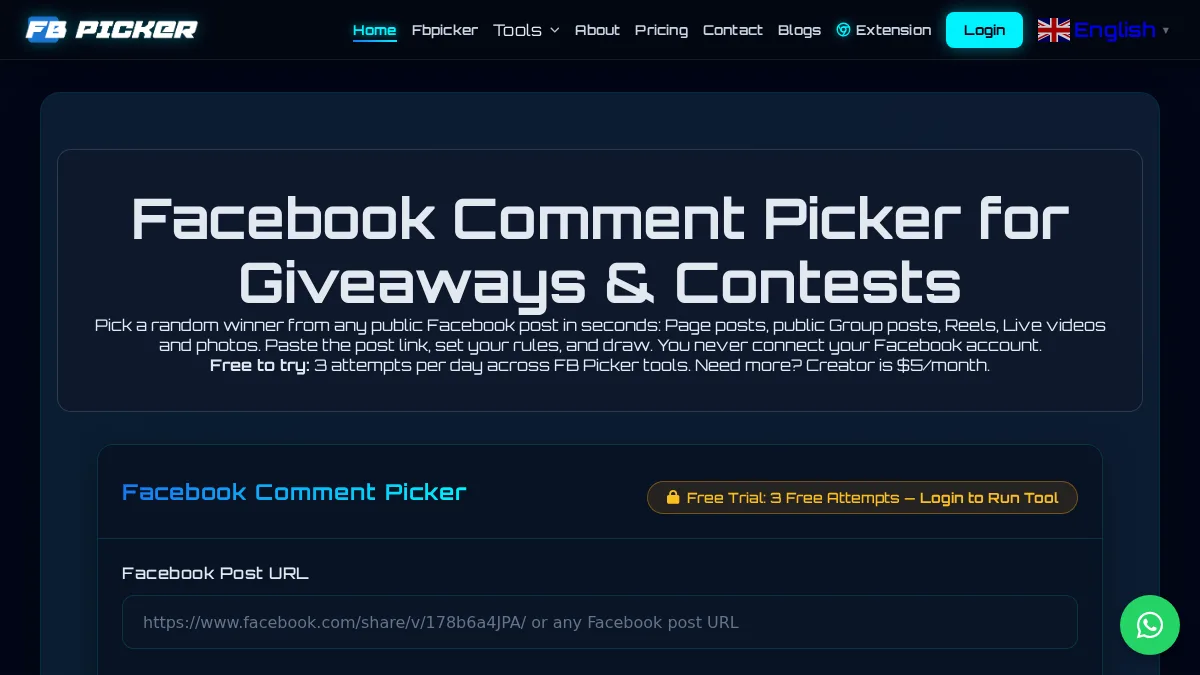
Facebook Comment Picker
What is a Facebook comment picker?
A Facebook comment picker is a tool that chooses a random winner from comments on a Facebook post. Instead of scrolling through hundreds of comments, writing names on paper or guessing, you paste the post link and the picker collects the comments, removes entries that break your rules, and selects winners at random.
It is a simple way to run a “comment to win” giveaway on Facebook. Businesses use it to reward customers, creators use it to thank followers, and Group admins use it for community draws. FB Picker works without connecting your Facebook account: you don’t install a Facebook app or give us access to your page. For big giveaways, our free Chrome extension collects every comment and reply through the Facebook account you’re already logged in to in your browser.
How to pick a winner from Facebook comments
- Copy the post link. Open your giveaway post on Facebook, click the three dots or Share, and choose Copy link. Links to Reels, Live videos and Group posts work too, including share links, mobile links and fb.watch links.
- Paste it into FB Picker. Drop the link into the box above. FB Picker loads the comments on that post. With the free Chrome extension installed, it loads every comment and reply, including posts in groups you belong to.
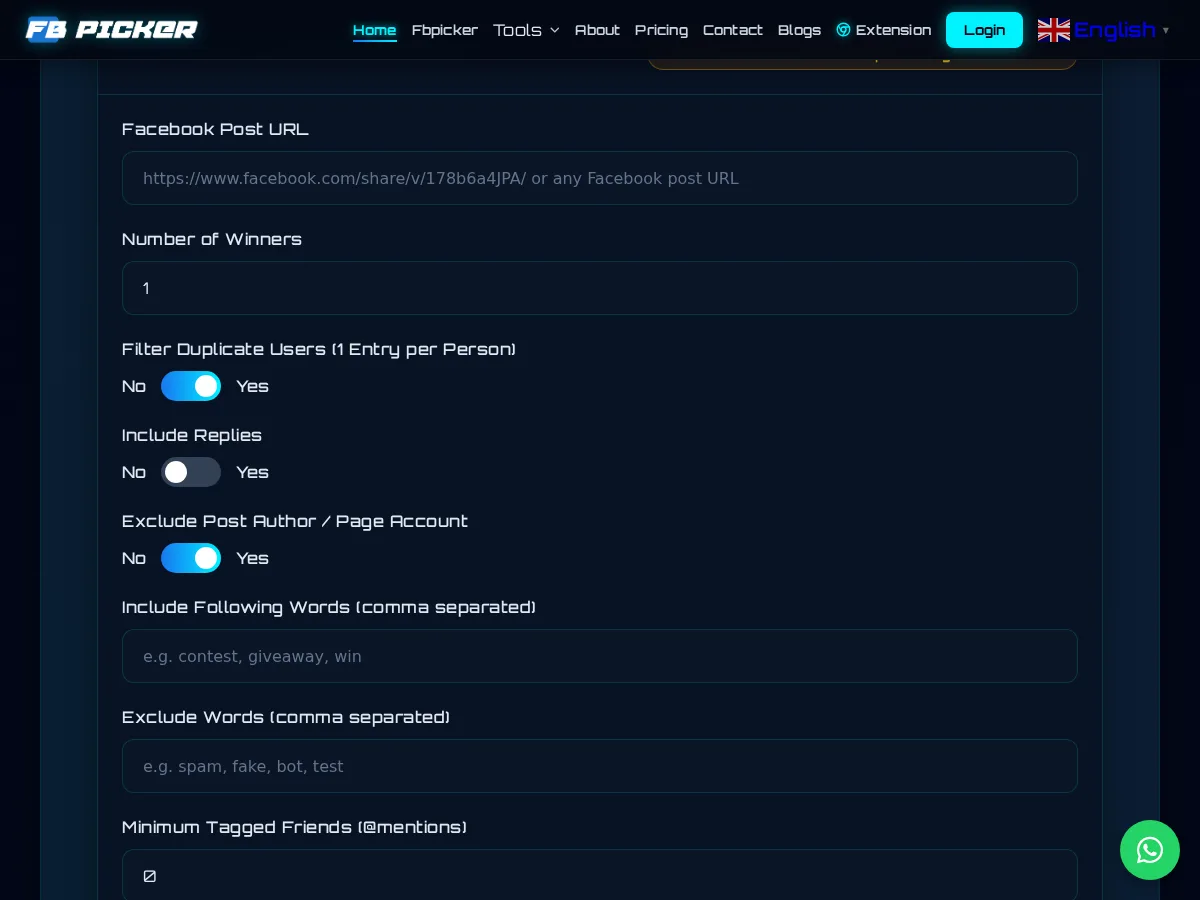
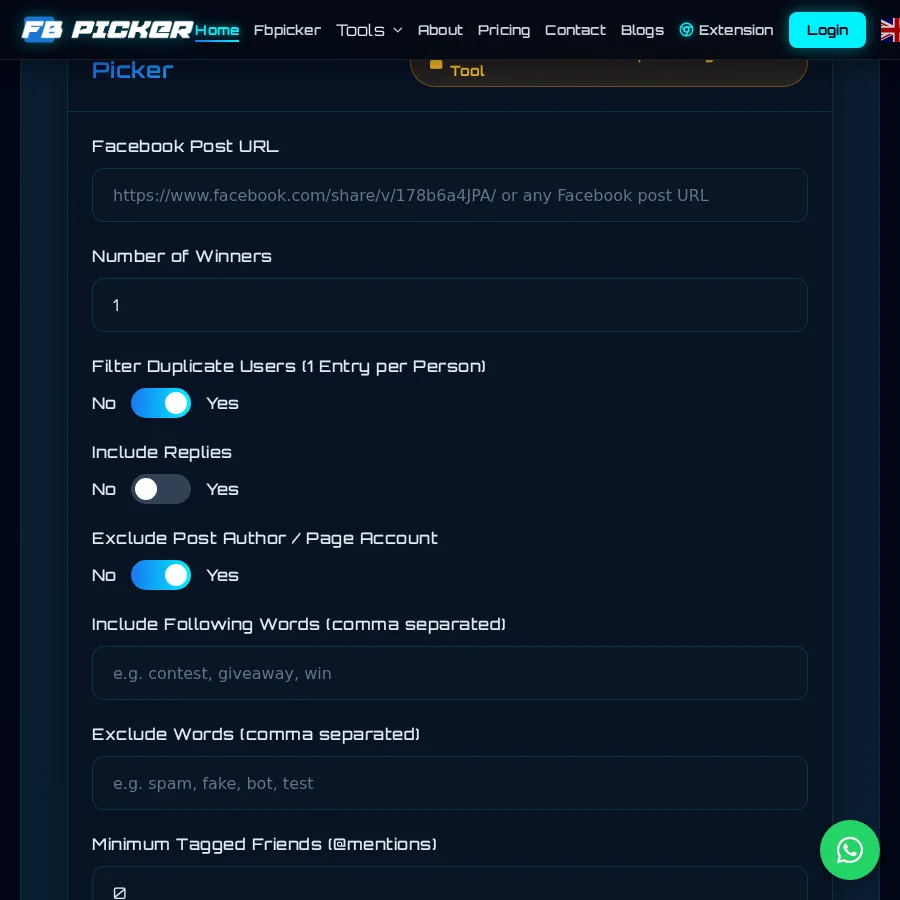
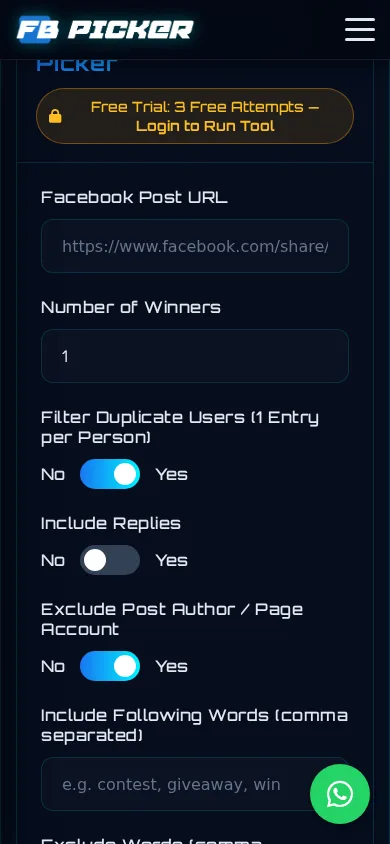
- Set your giveaway rules. Choose how many winners you need, remove duplicate entries, exclude your own page, and add rules such as a required keyword or minimum comment length.
- Draw and announce. Click “Pick a Winner”. You get the winning comments and people’s names. Paid plans can also download the winners and every comment as CSV or Excel.
Watch the full process
Works with every type of Facebook post
FB Picker reads comments from Facebook Page posts, Group posts, Reels, Live videos, videos and photos. Public posts work straight from the website. With the free Chrome extension, FB Picker can also read posts that need a Facebook login, such as posts in private groups you’re a member of, because the extension uses your own logged-in Facebook in your browser.
How to copy the right link
Use Facebook’s Share → Copy link option on any post, Reel or Live video. Share links (facebook.com/share/…), mobile links (m.facebook.com) and fb.watch links all work. Need the post number instead? Use our Facebook Post ID Finder.
Filters that keep your giveaway fair
A fair draw means every valid entry has the same chance and invalid ones do not count. Remove duplicate entries so frequent commenters do not get extra chances, select multiple winners, require keywords or mentions, exclude the post author, choose whether replies count, and set a minimum comment length.
Paid plans can download every comment and reply from a draw as CSV or Excel, showing who was eligible and who won, and export likes as CSV. Check the Facebook Giveaway Rules 2026 compliance guide before setting entry rules.
How the random draw works
When you click “Pick a Winner”, FB Picker applies your filters and builds the list of valid entries. It then selects winners at random from that list. Every valid entry is treated equally: entries are not weighted by name, comment time, likes or position in the thread.
Run the draw live on stream and share the result when you announce the winner if you want a record for your audience.
Who uses a Facebook giveaway picker?
Small businesses and online shops
Restaurants, salons, clothing stores and online sellers use comment-to-win posts to reach customers.
Creators and influencers
Creators use Reels and Live giveaways to celebrate milestones with their followers.
Facebook Group admins, agencies and events
Community admins, social media managers, schools, charities and events can use public draws and exports to review entries.
7 tips to run a Facebook giveaway that gets more entries
- Pick a prize your audience wants.
- Keep entry simple.
- Write clear rules in the post.
- Choose an appropriate giveaway length.
- Post when your followers are active.
- Use Reels or Live for reach.
- Draw on time and share the result.
For entry mechanics and disclosure requirements, read the Facebook Giveaway Rules 2026 compliance guide.
After the draw: contacting and announcing the winner
- Announce publicly. Reply to the winning comment and post an update or story. Use our Winner Announcement Generator for ready-made text.
- Contact the winner privately. Send a message from your page and set a reply deadline. Never ask for passwords or payment.
- Keep a clear record. Save your result and, on paid plans, export entries when you need them.
Facebook comment picker plans: Free vs Creator vs Growth
Start free. Upgrade only when your giveaways get bigger.
| Free | Creator | Growth | |
|---|---|---|---|
| Price | $0 | $5 / month | $50 / year 2 months free vs monthly |
| Attempts | 3 per day, shared across tools | Unlimited | Unlimited |
| Comments per draw | First 50 | All comments | All comments |
| Random winner selection | ✓ | ✓ | ✓ |
| Filters | ✓ | ✓ | ✓ |
| Export all comments (CSV, Excel) | – | ✓ | ✓ |
| Best for | Trying it out | Occasional campaigns | Regular creators and brands |
| Cancel anytime | – | ✓ in your profile | ✓ in your profile |
Facebook giveaway rules in 30 seconds
Make your entry method and rules clear. State who can enter, the end date, the prize, how the winner is picked, and the applicable Facebook/Meta promotion disclaimer.
Read the Facebook Giveaway Rules 2026 compliance guide or create an editable starting point with our Giveaway Rules Generator.
Why creators and brands use FB Picker
- No Facebook login to hand over. You never connect your Facebook account to FB Picker or give us page permissions.
- Works where your giveaway is. Pages, Groups, Reels, Live and video posts, including private groups you belong to with the free Chrome extension.
- Rules that match your post. Duplicates, tags, keywords and multiple winners in one place.
FB Picker vs login-based comment pickers
| FB Picker | Login-based picker | |
|---|---|---|
| Facebook login required | No | Often |
| Public Reels, Live and Group posts | Supported | Varies |
| Duplicate, tag and keyword filters | Yes | Varies |
| Free option | 3 daily attempts (first 50 comments) | Varies |
| Paid plan | From $5/month | Varies |
Frequently asked questions
How does a Facebook comment picker work?
You paste the link to a Facebook post. The picker loads the comments, applies your rules, and then picks one or more winners at random from the valid entries.
Is FB Picker free?
Yes. A free account includes 3 attempts per day across FB Picker tools, and each draw uses the first 50 comments of a post. For unlimited draws that use every comment, plus exports, Creator is $5/month and Growth is $50/year.
Do I need to log in with Facebook?
No. FB Picker never asks for your Facebook password or page permissions; you create a free FB Picker account with your email. If you use the optional Chrome extension, it reads comments through the Facebook account you’re already logged in to in your browser, and your Facebook login stays between your browser and Facebook.
Can I pick a winner from Facebook Reels or Live videos?
Yes. Copy the link to the Reel or Live video and paste it in.
Does it work with Facebook Group posts?
Yes. Public group posts work straight from the website. Posts in private groups work with the free Chrome extension, as long as you’re a member of the group.
Is the draw random and fair?
Eligible entries are treated equally in the draw. Record your screen during the draw if you want a record to share.
Can I pick more than one winner?
Yes. Set the number of winners before you draw. Each selected winner is a different person.
Can I remove duplicate comments?
Yes. Turn on the duplicate filter and each person counts once.
Can I pick a winner from likes or shares?
You can export people who reacted to a post and draw from that list. Shares are often private, so they usually cannot be read.
Why will my post not load?
The post may have been deleted, or it may only be visible to logged-in members, for example in a private group. Install the free Chrome extension to load posts you can see on Facebook, or open the post in a browser and copy the full link.
How many comments can FB Picker handle?
On the free plan, each draw uses the first 50 comments of a post. Paid plans use every comment on the post; with the Chrome extension, that includes replies, even on posts with tens of thousands of comments.
Does it include replies to comments?
You choose whether replies count as entries. Replies, including replies to replies, are collected by the free Chrome extension.
Does FB Picker work on mobile?
Yes. FB Picker runs in a browser, so you can paste a copied Facebook link on your phone. The Chrome extension needs Chrome on a computer.
Is it legal to run a giveaway on Facebook?
Giveaways have platform and local-law requirements. Read the Facebook Giveaway Rules 2026 compliance guide and review the rules that apply to your promotion.
Can I pick a winner from Instagram or TikTok comments too?
FB Picker is built for Facebook. Try InstaPicker for Instagram and TT Picker for TikTok.
More free giveaway tools
Facebook Post ID Finder · Winner Announcement Generator · Giveaway Rules Generator · Facebook Comment Counter · Giveaway Countdown Timer · Wheel Picker