
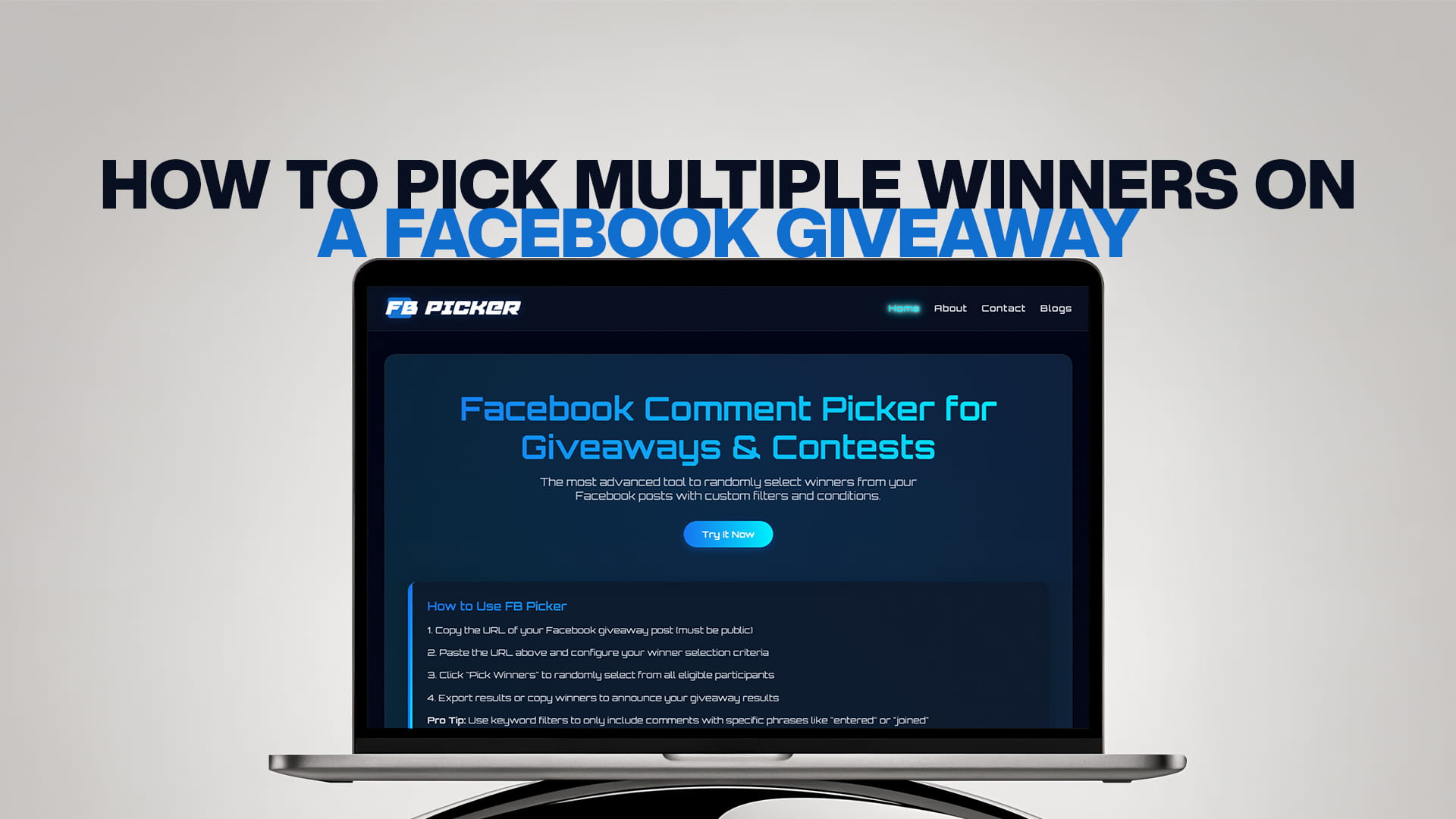
How to Pick Multiple Winners on a Facebook Giveaway
Running a Facebook giveaway is one of the most effective ways to grow your audience, boost engagement, and reward your loyal followers. But when your post collects hundreds — or even thousands — of comments, picking multiple winners fairly becomes a real challenge. How do you make sure every entry gets a genuinely equal shot? How do you pick more than one winner without accidentally selecting the same person twice? And how do you do it in a way your audience actually trusts?
This guide answers all of those questions. Whether you're a small business owner hosting your first giveaway or a seasoned page manager running monthly contests, you'll learn exactly how to pick multiple winners on a Facebook giveaway — quickly, transparently, and without any manual headaches.
Why Picking Multiple Winners Matters
Multi-winner giveaways are a smart strategy. They offer more incentive for people to participate, create more winners to publicly announce (which drives further social proof), and let you distribute different prize tiers to different winners. A "1st place, 2nd place, 3rd place" setup, for example, creates excitement around the ranking itself.
However, the bigger the pool of winners, the harder it is to manage the selection process manually. That's where a dedicated tool makes all the difference.
The Problem With Picking Winners by Hand
Picking winners manually from Facebook comments has several well-known pitfalls:
- Time cost: Reading through hundreds of comments and cross-referencing entries is exhausting.
- Bias risk: Even with good intentions, human selection is never truly random.
- Duplicate entries: The same user may comment multiple times, inflating their odds unless you catch it.
- No audit trail: If a follower questions your selection, you have no transparent proof of how the winner was chosen.
- Scaling issues: What works for 50 comments breaks down completely at 500 or 5,000.
This is why more page owners are switching to purpose-built tools like FB Picker — the most advanced Facebook comment picker available, with custom filters and conditions that give you complete control over your draw.
How to Pick Multiple Winners on a Facebook Giveaway Using FB Picker
Here is a step-by-step walkthrough:
Step 1: Make Sure Your Giveaway Post Is Public
FB Picker works by reading the public comments on your Facebook post. Before you begin, ensure your giveaway post is set to "Public" visibility. If it's restricted to friends or a private group, the tool won't be able to access the comments. (For group-based giveaways, check out the guide on picking winners from a Facebook Group vs Page for specific instructions.)
Step 2: Copy Your Facebook Post URL
Go to your Facebook giveaway post, click the timestamp on the post, and copy the full URL from your browser's address bar. This is the direct link the tool needs to load your comments.
Step 3: Paste the URL Into FB Picker
Head to FB Picker and paste your post URL into the input field. The tool will automatically fetch all the comments on your post within seconds — no login, no password, no OAuth required.
Step 4: Set the Number of Winners
Once your comments are loaded, look for the "Number of Winners" setting. Enter how many winners you want to draw — you can pick 2, 5, 10, or any number that suits your contest. FB Picker will ensure each winner is a distinct commenter (unless you specifically allow duplicate entries).
Step 5: Apply Custom Filters (Optional but Recommended)
This is where FB Picker stands apart from basic tools. Before running your draw, you can apply a range of filters:
- Remove duplicate comments: If one user commented five times, they appear only once in the pool.
- Keyword filter: Only entries that include a specific word, phrase, or hashtag (e.g., "tagged a friend" or "#win") qualify.
- Exclude replies: Count only top-level comments, not replies to other comments.
- Page follower filter: Restrict the draw to people who follow your page.
These filters make your giveaway fairer and more aligned with your contest rules.
Step 6: Run the Draw
Click the draw button. FB Picker will randomly and simultaneously select all your chosen winners from the eligible comment pool. Each winner is shown on screen with their name and comment — perfect for screenshotting and sharing with your audience.
Step 7: Announce Your Winners
Post the results on your original giveaway post, tag the winners, and follow up with direct messages to arrange prize delivery. Transparency builds trust: your followers can see that a fair, unbiased tool was used.
Tips for Running a Multi-Winner Facebook Giveaway
Define your prize tiers upfront. Let participants know whether you're picking one grand prize winner and two runner-ups, or three equal winners. Clear rules reduce disputes.
Set an entry deadline. Always state when the giveaway closes. This gives you a clean, final comment list to draw from and stops people from commenting after the draw.
Follow Facebook's promotion guidelines. Facebook (Meta) has specific rules about how giveaways must be structured. Before launching your contest, read up on Facebook Contest Rules: 9 Things Meta Requires to make sure your giveaway is fully compliant.
Use entry conditions wisely. Asking people to tag a friend or use a specific hashtag not only increases reach but also gives you filter criteria to apply in FB Picker — so only genuine, rule-following entries are eligible.
Keep the draw public and documented. Record your screen while running the draw, or take screenshots of the results panel. Sharing this with your audience — or even doing a live draw — dramatically increases perceived fairness.
How Many Winners Should You Pick?
There's no universal rule, but here are some general guidelines:
- Small pages (under 1,000 followers): 1–3 winners keep things manageable and the prize valuable.
- Mid-size pages (1,000–10,000 followers): 3–5 winners add excitement without diluting prizes.
- Large pages and brand accounts: 5–10+ winners can work well if you have sufficient stock or digital prizes.
Always match the number of winners to the value of your prize. If you're giving away something expensive, keeping it to 1–2 winners maintains its prestige. For lower-cost prizes like discount codes, 10+ winners can be a smart engagement play.
Can You Pick Winners From Facebook Reels Comments?
Yes. If your giveaway was posted as a Facebook Reel instead of a standard feed post, you can still use FB Picker to select winners from the comments. The process is identical — copy the Reel's URL, paste it into the tool, and draw. For a detailed walkthrough, see the dedicated guide on how to pick a winner from Facebook Reels comments.
Why FB Picker Is the Best Choice for Multi-Winner Giveaways
FB Picker is built specifically for the demands of modern Facebook giveaways. Unlike generic random name pickers, it connects directly to your post's comment data, applies intelligent filters, and handles large comment volumes instantly. You don't need to copy and paste comments into a spreadsheet or worry about missing entries — the tool does the heavy lifting.
It's also completely free to get started, with no downloads or sign-up required. For pages that run frequent contests, FB Picker's pricing plans offer extended usage with even more advanced control.
Frequently Asked Questions
Yes. You simply set the number of winners before running the draw, and FB Picker selects all of them simultaneously from the eligible comment pool — ensuring no one is picked twice.
By default, FB Picker deduplicates entries so that even if someone commented multiple times, they only appear once in the draw. You can disable this if your rules allow multiple entries per person.
No. FB Picker does not require your Facebook password or OAuth login. You only need the public URL of your giveaway post.
FB Picker is optimized to handle large volumes. It processes thousands of comments in seconds using Facebook's API integration.
Absolutely. FB Picker lets you set keyword conditions so only comments containing specific words, phrases, or hashtags are eligible for the draw.
Yes. FB Picker uses a true random selection algorithm, meaning every eligible comment has exactly the same probability of being chosen.
Yes. FB Picker lets you export comments and winner lists in CSV format, which is useful for record-keeping and prize management.
Announce the winners publicly on your giveaway post, tag them, and send a direct message with prize details. Transparency strengthens trust with your audience.