
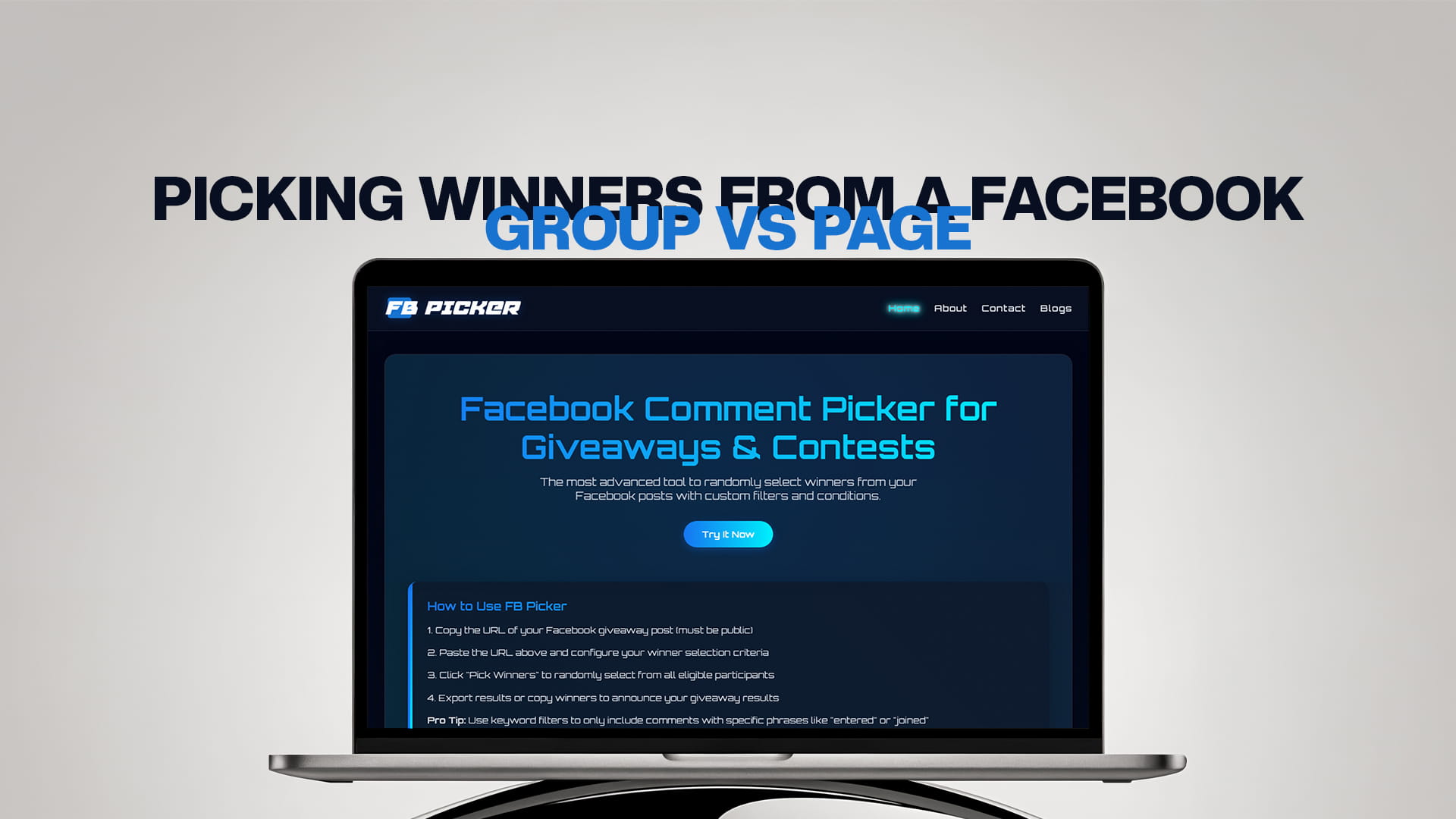
Picking Winners From a Facebook Group vs Page
If you run giveaways on Facebook, sooner or later you'll notice something frustrating: a comment picker that works perfectly on your page posts may refuse to touch your group posts. It isn't a bug, and it isn't the tool being difficult. It's a fundamental difference in how Facebook treats pages and groups, and understanding it will save you a lot of confusion when you sit down to choose a winner.
This guide explains the real difference between picking winners from a Facebook group versus a page, why groups are so much harder for tools to read, the workaround that lets you run a fair group draw anyway, and which option is better suited to giveaways in the first place. By the end you'll know exactly what to expect from each and how to run a transparent, random draw no matter where your contest lives.
Pages vs. Groups: What's the Difference?
A Facebook page is a public-facing profile for a business, brand, creator, or organization. Pages are designed for broadcasting: you post, your followers see it, and anyone can typically view and comment. Crucially, pages are built to be managed and measured, which is why Facebook gives page admins and approved tools structured access to their content through the platform's official API.
A Facebook group is a community space built for discussion among members. Groups can be public or private, and much of their value comes from that more intimate, members-only feel. Because groups are about member conversation rather than brand broadcasting, Facebook treats their content very differently, and far more restrictively, when it comes to third-party access.
That single distinction, broadcast-and-measure versus members-only conversation, is the root of nearly every difference you'll encounter when picking winners.
The Technical Reality: Why Groups Are Harder
Here's the core issue. Almost all comment picker and export tools rely on Facebook's official Graph API or on reading public URLs. Both routes are generous with pages and stingy with groups.
For pages, the API grants approved tools read access to your posts and their comments once you log in as an admin and approve read-only permissions. That's why picking a winner from a page post is a smooth, well-supported experience: the tool asks for permission, you grant it, and it pulls every comment cleanly.
For groups, the situation is very different. Private group posts aren't reachable through public URLs at all, and Facebook's API does not hand third-party tools the same access to group content that it gives for pages. This is why you'll see the vast majority of comment pickers state plainly that they support Facebook business pages but not personal profiles or groups. Public group posts are sometimes readable, but private groups are effectively a closed box to outside tools. It's a deliberate privacy design choice by Meta, not a limitation any individual tool can simply switch off.
So the headline rule is this: picking a winner from a page is natively supported; picking directly from a private group usually is not.
Picking a Winner From a Facebook Page
Because pages are fully supported, this is the straightforward path. The process with a tool like FB Picker, the most advanced tool for randomly selecting winners from your Facebook posts, looks like this:
1. Open your giveaway post on your page and copy its public URL, or connect your page if the tool uses the API.
2. Load the comments. The tool pulls every comment from the post automatically, including replies if you choose to include them.
3. Set conditions and filters. Remove duplicate commenters, require a keyword or a tagged friend, exclude your own page's replies, or restrict to comments posted before your deadline.
4. Draw the winner. Run the selection. A quality tool uses a cryptographically secure algorithm so it selects winners randomly in a way that can't be manipulated.
5. Reveal and record. If you're awarding several prizes or want backups for no-shows, you can pick multiple winners in one pass, and you can screen-record the draw as proof of fairness.
The entire thing takes under a minute, and the on-screen draw gives you something to share with your audience so nobody doubts the result.
Picking a Winner From a Facebook Group
Groups are where you need a plan. What's possible depends entirely on whether the group is public or private.
If the group is public, some tools can read its posts the same way they read page posts, so you may be able to paste the post URL and draw a winner directly. It's worth trying, but don't be surprised if a given tool doesn't support it, group support is far less consistent than page support.
If the group is private, direct picking won't work, because no outside tool can see inside a private group. This is the most common scenario, since most active communities are private. But you're not stuck; you just need the workaround below.
The Workaround: Export to CSV, Then Pick
When a group's comments can't be read directly, the reliable approach is to bring the comments to the tool instead of pointing the tool at the group. The process is:
1. Manually collect the comments. As the group admin, you have full visibility into your own group. Gather the comments from your giveaway post into a spreadsheet, one entry per row. For a manageable number of entries this is tedious but doable, and some tools provide a guide for assembling the list.
2. Save it as a CSV. Build a simple spreadsheet with the commenters' names (and any other detail you want to keep), then export it as a CSV file.
3. Run the picker against your list. Use a picker that can draw from an uploaded list or pasted entries rather than only from a live URL. The tool shuffles your CSV and selects a random winner exactly as it would with comments pulled directly from a post.
This route preserves the two things that matter most, randomness and the ability to prove it, even though the comments started life inside a private group. It's more manual than a page draw, but it's a legitimate, fair way to run a group giveaway.
Which Is Better for Giveaways?
For pure ease and transparency, pages win. Picking is natively supported, the draw is fast, and you can show the on-screen selection to a public audience. Pages are also built for reach, so a giveaway can pull in people beyond your current followers.
Groups, however, have a different strength: community. A group giveaway rewards an already-engaged, tight-knit audience, and that intimacy can drive deeper loyalty even if the raw reach is smaller. The trade-off is the extra friction at draw time, especially for private groups where you'll need the export-and-pick workaround.
A practical middle ground many organizers use: run the headline giveaway on the page (for reach and an easy, public, verifiable draw) and run smaller, members-only giveaways in the group (for loyalty), accepting the manual step there. Choose based on your goal, broad reach and simplicity point to the page; rewarding a core community points to the group.
Compliance and Fairness Apply to Both
Wherever your contest lives, Facebook's promotion rules still apply. Include official rules, state that the giveaway isn't sponsored or endorsed by Facebook, and don't require people to share the post to their personal timeline as a condition of entry. You can ask people to comment, like, follow, or tag a friend. Keep a record of your draw in both settings, and announce the winner publicly within the page or group so the outcome is visible to everyone who entered. Transparency matters just as much in a 200-member group as it does on a page with a hundred thousand followers.
A Quick Side-by-Side
To make the choice concrete, here's how the two stack up on the factors that matter for a giveaway. On tool support, pages are natively supported while groups are limited, public groups sometimes, private groups effectively never. On setup speed, a page draw is near-instant, whereas a private group draw requires a manual export first. On transparency, both can be made fair, but a page lets you show a public on-screen draw, while a group draw relies on you sharing the result and method with members. On reach, pages distribute to new audiences and groups stay within the membership. And on loyalty, groups have the edge, because rewarding a tight community tends to deepen engagement more than a broad page draw does.
Read that list against your own goal. If you're chasing growth, new followers, and the simplest possible workflow, the page is the obvious home for your headline giveaway. If you're nurturing a core community and don't mind a little manual effort, the group is where that reward will land hardest.
Tips for a Smooth Draw, Wherever You Run It
A few habits make either route cleaner. Decide where the giveaway will live before you promote it, so you're not scrambling to read group comments after the fact. If you're running it in a private group, build your CSV as entries come in rather than all at once at the end. Keep the original entry list as a master copy and filter on a duplicate. Record or screenshot the draw either way, the proof is just as reassuring to 200 group members as to a public page audience. And standardize your process so every contest, page or group, follows the same steps and produces the same kind of evidence.
Bringing It All Together
The difference between picking winners from a Facebook group and a page comes down to access. Pages are built for broadcasting and measurement, so tools can read their comments natively and draw a winner in seconds. Groups, especially private ones, are built for member privacy, so most tools can't read them directly, and you'll need to export the comments to a CSV and run the picker against that list instead. Either way, the goal is the same: a random, verifiable result your audience trusts. Whether you're drawing from a page post or a group export, the best free Facebook comment picker gives you a fair draw you can prove, and pairing it with a dependable random comment picker for giveaways workflow keeps every contest consistent no matter where it runs.
Questions asked by Users
Can I pick a winner from a Facebook group? It depends on the group's privacy. Public groups can sometimes be read directly by a picker, but private groups can't be accessed by outside tools. For private groups, export the comments to a CSV yourself and run the picker against that list.
Why do comment pickers work on pages but not groups? Facebook's API and public URLs give tools structured read access to page content, but they restrict access to group content for privacy reasons. Private group posts aren't reachable via public URLs at all, which is why most tools support pages only.
How do I pick a winner from a private group giveaway? Collect the entrants' comments into a spreadsheet, save it as a CSV, and use a picker that can draw from an uploaded or pasted list. The tool will shuffle your list and select a random winner just as it would from a live post.
Is it easier to run a giveaway on a page or a group? A page is easier and more transparent because picking is natively supported and the draw can be shown publicly. A group rewards a more engaged community but usually requires a manual export step, particularly if the group is private.
Do Facebook's giveaway rules apply to groups too? Yes. The same promotion policies apply in groups and on pages: include official rules, clarify the contest isn't affiliated with Facebook, and avoid requiring personal-timeline shares. Asking for comments, follows, likes, or friend tags is fine.
Can I pick multiple winners from a page or group draw? Yes. Whether you draw directly from a page post or from a group CSV, a good picker can select multiple winners in one pass, which is useful for tiered prizes and for choosing backups in case a winner doesn't respond.