
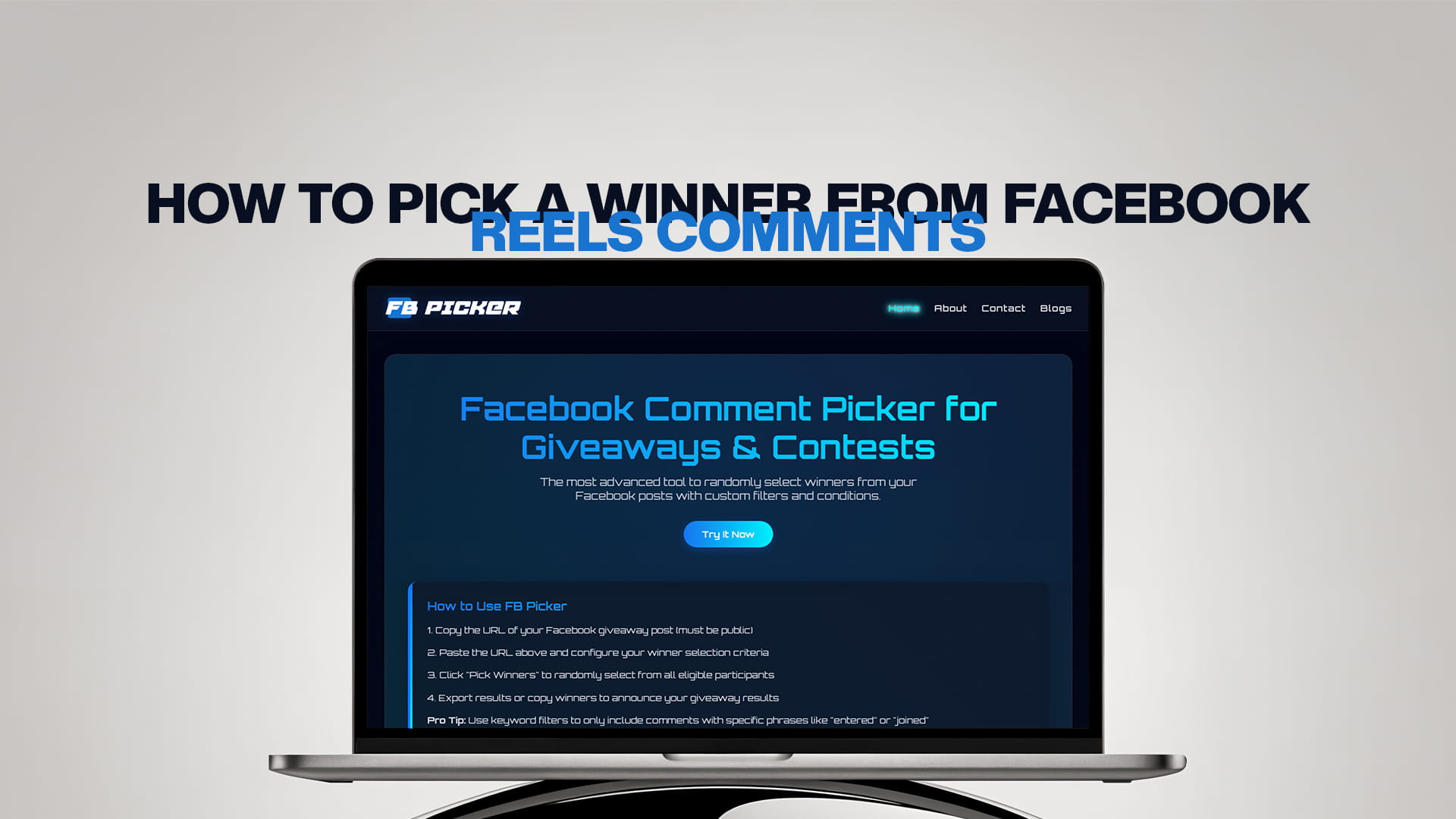
How to Pick a Winner From Facebook Reels Comments
Facebook Reels have become one of the platform's biggest growth engines, and they're a natural home for giveaways. A short, eye-catching video that asks people to comment for a chance to win can rack up hundreds of entries and reach far beyond your existing followers, because Reels are pushed heavily into feeds and the Reels tab. But once those comments roll in, you face the same question every contest organizer eventually does: how do you pick a winner from Reels comments fairly?
Scrolling through a Reel's comments and choosing a name you like isn't random, and your audience can usually sense favoritism. The good news is that picking a genuinely random winner from a Reel takes less than a minute with the right tool. This guide covers why Reels are great for giveaways, how Reel comments differ from regular posts, how to grab the correct Reel URL, and the exact steps to run a fair, verifiable draw.
Why Run a Giveaway on Facebook Reels?
Reels earn outsized organic reach compared to standard posts. Facebook actively distributes Reels to people who don't follow you yet, which means a giveaway Reel can introduce your page to an entirely new audience while rewarding the community you already have. The short-video format is also highly shareable and easy to consume, so a clear "comment to enter" call to action tends to convert well.
A giveaway Reel does three things at once: it boosts engagement (every comment signals to the algorithm that your content is worth showing to more people), it grows your following (people follow to stay eligible and to catch your next drop), and it builds goodwill (a fair, public draw makes people trust your page). Pair a desirable prize with a simple entry rule and a Reel can outperform almost any other giveaway format on Facebook.
How Reels Comments Differ From Regular Posts
For the purpose of picking a winner, Reels comments work almost identically to comments on a normal post or video, they're public comments attached to a piece of content you own. The main practical differences are where the comments live and how you reference the Reel.
A Reel is a video, so its comments are tied to a video URL rather than a standard photo or text-post URL. The other difference is volume and pace: because Reels reach more people, a popular giveaway Reel can collect comments faster than a regular post, which makes a good picker tool even more valuable. Otherwise, the same principles apply: you'll want to remove duplicates, optionally require a keyword or a friend tag, and draw the winner at random.
Step 1: Get the Correct Reel URL
This is the step that trips people up, so it's worth getting right. To pick a winner from a Reel's comments, most tools need the public URL of that Reel. Open the Reel, tap the share icon, and copy the link, or open the Reel in a browser and copy the address.
The key tip: use the final, redirected URL from your browser's address bar, not the first link you see. Facebook links often start on one subdomain and then redirect to the canonical www.facebook.com address. A Reel URL typically looks like www.facebook.com/reel/ followed by a long string of numbers, while some video Reels resolve to a watch URL instead. After the page fully loads, check the address bar and copy whatever is shown there; that redirected URL is the one tools read reliably. Pasting the wrong version is the most common reason a tool fails to load comments.
Also make sure the Reel is public. Just as with posts, comment tools can only read public content. If your Reel is restricted to friends or set to a limited audience, a tool won't be able to pull its comments.
Step 2: The Manual Method (and Why It Falls Short)
You could, in theory, pick a winner by hand: scroll the Reel's comments, copy them into a spreadsheet, number each entry, and use a random-number generator. For a Reel with only a few comments, this is workable. But Reels tend to attract more comments than regular posts, and manual lists are slow to build, easy to get wrong, and impossible to prove fair. You can't easily strip out duplicates, filter for people who followed your entry rules, or show your audience that the result wasn't rigged. For any Reel with real engagement, a dedicated picker is faster and far more trustworthy.
Step 3: Pick a Winner With FB Picker
The simplest, fairest way to choose a winner from Reels comments is a purpose-built tool. FB Picker is the most advanced tool for randomly selecting winners from your Facebook posts, and it handles Reels the same way it handles any post. Here's the full workflow:
1. Copy your Reel's public URL using the redirected address from your browser, as described above.
2. Paste it into FB Picker, which automatically pulls in every comment on the Reel, no scrolling or spreadsheets required.
3. Set your conditions. Decide what counts as a valid entry: you might include replies, require commenters to tag a friend, or count only comments containing a specific keyword you asked for in the Reel.
4. Apply custom filters. Remove duplicate commenters so one person can't win multiple times, filter by your required keyword, or exclude your own page's replies so your admin comments don't end up in the pool.
5. Reveal the winner. Hit the pick button and FB Picker runs a cryptographically secure random selection, so it selects winners randomly in a way that can't be manipulated. If you're awarding more than one prize or want backups in case the first winner doesn't claim, you can pick multiple winners in the same pass.
The whole process takes under a minute, and because it happens on screen, you can screen-record it.
Step 4: Prove the Draw Was Fair
Skeptical winners and runners-up are the number one source of negative comments on giveaway posts, so transparency is your best defense. After you run the draw, record the selection or take a screenshot of the result, then announce the winner publicly, ideally as a pinned comment or a follow-up Reel. Seeing the random selection play out removes any suspicion that you hand-picked a favorite. This single habit does more to build long-term trust than any amount of reassurance, and it makes people far more likely to enter your next Reel giveaway.
Filters and Conditions That Work Well on Reels
Reels give you a few engagement levers worth using. Requiring a friend tag turns every entry into fresh exposure, since each tag puts your Reel in front of someone new, which compounds the format's already-strong reach. Asking people to comment a specific word or emoji lets you filter cleanly for those who actually followed the instructions and weeds out unrelated comments. If your goal is followers rather than reach, combine a "must follow the page" condition with duplicate removal so the prize lands with genuinely engaged fans rather than serial contest hunters. Keep the entry rule simple, though; every extra hoop reduces the number of people who finish entering.
Tips for a Successful Reels Giveaway
Lead your Reel with the prize, because the first second is what stops the scroll. State the entry steps clearly in the caption and ideally on screen, and include the closing date and time zone so there's no confusion later. Show the prize on camera; seeing the thing they could win is far more motivating than reading about it. Post a reminder Reel partway through the entry window to catch people who missed the first one, and announce the winner promptly after closing, with backups ready in case of a no-show. Finally, keep your entry rule compliant with Facebook's policies: you can ask people to like, comment, follow, and tag friends, but you can't require them to share the Reel to their personal timeline.
Common Mistakes to Avoid With Reels Giveaways
A handful of avoidable errors trip up organizers again and again. The first is pasting the wrong Reel link, copying the initial URL before it redirects, which leaves a tool unable to find the comments; always grab the final address from the browser bar. The second is forgetting to set the Reel to public, which quietly blocks every tool from reading the entries. The third is leaving the entry window vague: if you don't state a clear closing date and time zone in the caption, you'll spend the draw fielding "is it still open?" comments and disputes about who entered in time.
Two more mistakes are subtler but just as damaging. One is picking the winner manually or off-camera and simply announcing a name, which invites accusations of favoritism on a high-reach Reel where thousands of strangers are watching. The other is going silent after the draw; the follow-up, thanking entrants, tagging the winner, teasing the next giveaway, is where a one-time spike in reach turns into lasting followers. Treat the announcement as part of the campaign, not an afterthought, and your next Reel giveaway starts from a position of trust.
It's also worth resisting the urge to overload the entry rules. Asking people to follow, like, comment a keyword, and tag three friends all at once sounds thorough, but every extra requirement shaves off entrants who give up halfway. Pick one or two conditions that match your goal and keep the rest optional.
Bringing It All Together
Picking a winner from Facebook Reels comments is no harder than picking from a regular post once you know the two things that matter: grab the correct redirected Reel URL, and use a tool that draws the winner at random and lets you prove it. Reels hand you exceptional reach; a fair, transparent draw turns that reach into trust and repeat participation. Run it with a dependable random comment picker for giveaways and your Reels contests will be quick to run, credible to your audience, and easy to repeat. When you're ready to scale up to bigger or more frequent draws, the best free Facebook comment picker makes the whole process effortless.
Common Questions Asked by Users
Can I pick a winner from a Facebook Reel's comments? Yes. Reels work just like regular posts and videos for winner selection. Copy the Reel's public URL, paste it into a comment picker like FB Picker, apply your filters, and draw a random winner in seconds.
Why won't the tool load my Reel's comments? The two most common causes are using the wrong URL or a non-public Reel. Always copy the final redirected address from your browser's address bar, and make sure the Reel is set to public so the tool can read its comments.
Do I need to log in to Facebook to pick a winner from a Reel? With FB Picker you only need the public URL of your Reel to pull its comments, so there's no need to share account credentials. Other tools may require you to connect a Facebook business page.
Can I require people to tag friends or comment a keyword on my Reel? Yes. You can include conditions like tagging a friend or commenting a specific word, then filter for only those entries before drawing. This is allowed and boosts reach. Requiring timeline shares, however, is against Facebook's rules.
Can I choose more than one winner from a Reel? Yes. Comment pickers can select multiple winners in a single draw, which is ideal for tiered prizes or for lining up backup winners in case your first pick doesn't claim the prize.
Are Reels giveaways against Facebook's rules? No. Giveaways on Reels are allowed as long as you follow Facebook's promotion policies: include official rules, state the contest isn't sponsored by Facebook, and don't require personal-timeline shares as a condition of entry.