
Facebook Contest Rules: 9 Things Meta Requires (with Examples)
Running a Facebook giveaway is one of the fastest, most affordable ways to grow your page, lift engagement, and reward the followers who already support you. The catch is what happens after the post takes off. Once hundreds or thousands of comments roll in, picking a winner by hand stops being practical. You lose track of who entered, you cannot easily spot duplicates, and you have no clean way to prove the draw was fair. That is exactly the problem a Comment Picker is built to solve.
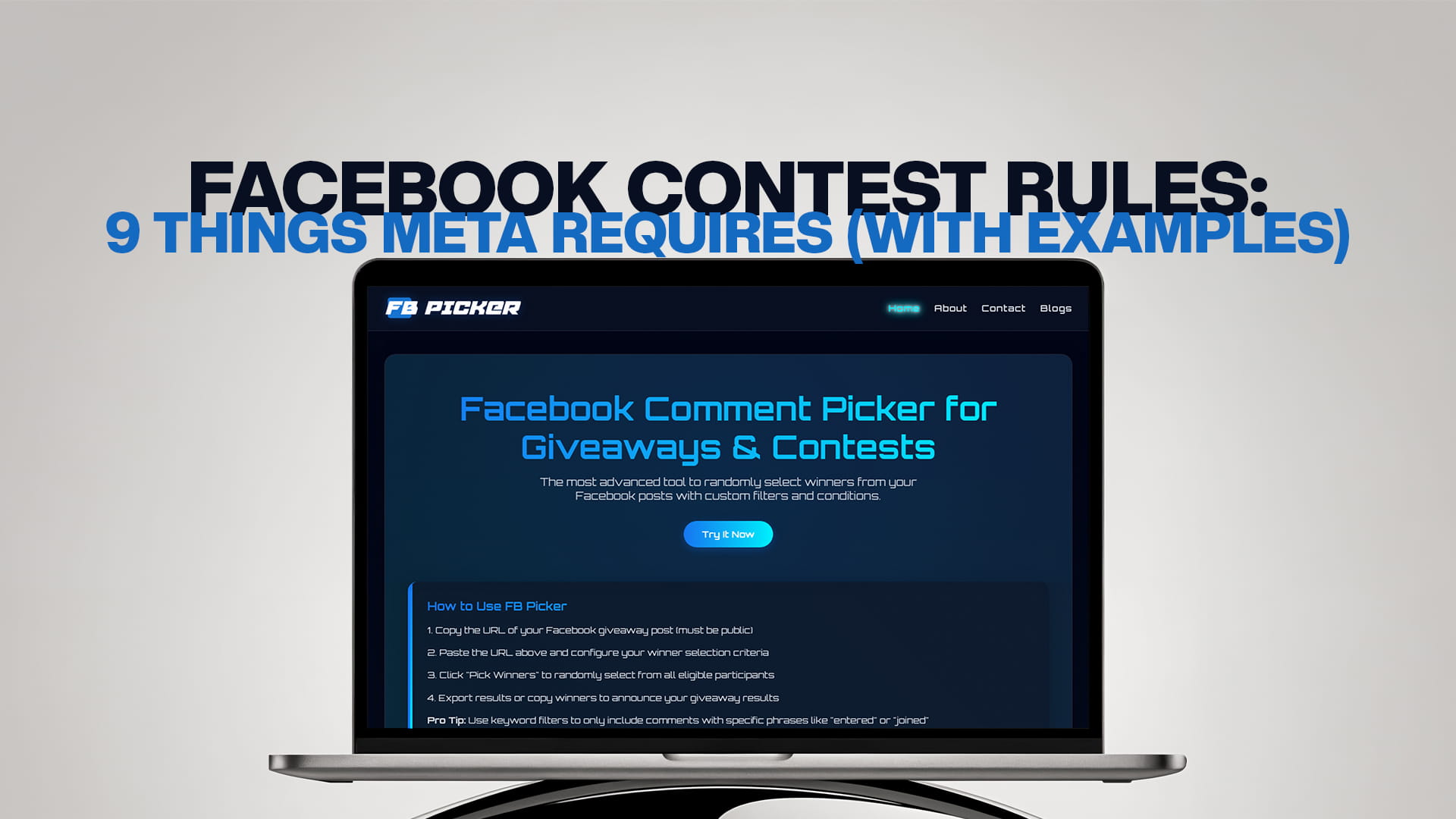
FB Picker is the most advanced tool for randomly selecting winners from your Facebook posts, with custom filters and conditions that put you in full control of the draw. Whether you are a solo creator giving away a single product or a brand managing a national campaign, you can pull every comment from a post and let a verifiable random algorithm choose the winner in seconds. This guide walks through what a comment picker does, how FB Picker works, the filters that make it stand out, and how to run a giveaway that your audience actually trusts.
What Is a Comment Picker?
A Comment Picker is a tool that collects all the comments from a specific Facebook post and selects one or more winners at random. Instead of scrolling endlessly, screenshotting names, or copying replies into a spreadsheet, you paste the post URL, load the comments, set your rules, and run the draw. The output is fast, transparent, and easy to defend if anyone questions whether the result was genuine.
The core idea is simple: every qualifying comment becomes an entry, and the tool gives each entry an equal chance of being picked. The difference between a good comment picker and a basic one comes down to control. A basic randomizer just spits out a name. A powerful tool like FB Picker lets you decide exactly which comments count as valid entries before the draw even begins, so the winner reflects the rules you set in your post.
Why a Comment Picker Beats Picking Winners Manually
Choosing a winner by hand feels doable when a post has twenty comments. It becomes a nightmare at two hundred, and impossible at two thousand. Manual selection introduces three big problems.
First, it is slow. Sorting through a long comment thread to build an entry list can eat an hour of your time, and that time grows with every successful campaign you run.
Second, it is easy to make mistakes. You might count the same person twice, miss late entries, or accidentally skip someone, all of which undermine the integrity of the draw.
Third, and most damaging, manual picking looks suspicious. Even when you are completely honest, followers have no way to confirm that you did not simply hand the prize to a friend. A random tool removes that doubt because the selection is automated and repeatable.
FB Picker fixes all three issues at once. It loads every comment automatically, filters out invalid or duplicate entries based on your settings, and runs a random draw you can save and share as proof.
How FB Picker Works
Getting a winner with FB Picker takes only a few steps, and most campaigns are done in under a minute.
- Paste your post URL. Copy the link to the Facebook post, photo, or reel you want to draw from and drop it into the tool.
- Load the comments. FB Picker fetches every public comment attached to that post so you can see your full entry pool.
- Apply filters and conditions. Narrow the pool to match your campaign rules, removing anything that does not qualify.
- Run the random draw. Click pick, and the algorithm selects one or several winners instantly.
- Save and share the result. Export or screenshot the outcome so you have a clean, time-stamped record to announce publicly.
Because the process is repeatable, you can run a fresh draw at any time, and the randomness holds. That repeatability is what turns a casual giveaway into a credible one.
Custom Filters and Conditions
What separates FB Picker from a plain randomizer is the depth of control over who actually qualifies. You can shape your entry pool with conditions such as these.
Require a mention or tag. Many giveaways ask entrants to tag a friend to expand reach. With this filter, only comments that include a tag count, so people who skipped the instruction are excluded automatically.
Filter duplicate comments. Some users comment several times hoping to boost their odds. Turn this on and each participant is counted once, giving everyone a fair and equal shot.
Set a keyword or hashtag requirement. If your rules ask entrants to use a specific word, phrase, or campaign hashtag, you can require it so off-topic replies are filtered out.
Block spam and unwanted keywords. Remove comments containing links, promotional phrases, or anything you do not want in the draw, keeping the pool clean.
Pick multiple winners and backups. Choose several winners in one draw, and add backup winners in case a main winner never claims the prize. This saves you from running the whole thing again.
Set entry time windows. Limit valid entries to comments posted before your deadline, so latecomers do not slip into a closed contest.
Together these conditions mean the winner is drawn from a pool that genuinely matches your stated rules, not just a raw dump of every reply on the post.
Types of Facebook Giveaways You Can Run
A comment picker works for almost any style of promotion. Some of the most popular formats include the comment-to-win giveaway, where users simply leave a comment to enter; the tag-a-friend campaign, designed to spread reach to new audiences; the answer-a-question contest, where entrants respond to a prompt in the comments; and the caption or photo-comment contest, where people share a creative response. In every case, FB Picker loads the relevant comments and applies your conditions before selecting a winner, so the same tool adapts to whichever format fits your goal.
Step-by-Step: Running a Giveaway From Start to Finish
Setting up a successful giveaway is about more than the draw itself. Here is a full workflow.
1. Define your goal. Decide what you want, whether it is new followers, more engagement, email sign-ups, or product awareness. Your goal shapes the entry rules.
2. Choose a prize that fits your audience. The best prize is something your ideal customer wants, not a generic gadget that attracts entrants who will never engage again.
3. Write clear entry rules in the post. State exactly how to enter, the deadline, how many winners there are, and how the winner will be contacted. Clarity reduces disputes later.
4. Publish and promote the post. Pin it to the top of your page, share it to your stories, and reply to early comments to build momentum.
5. Close entries at the deadline. Stop accepting entries at the time you promised. Consistency protects your credibility.
6. Run the draw in FB Picker. Paste the URL, apply your filters, and pick your winner or winners.
7. Announce the result publicly. Post the saved outcome, tag the winner, and thank everyone who took part. A public announcement reassures future participants that your giveaways are real.
Best Practices for Better Results
A few habits separate giveaways that fizzle from ones that grow your page. Keep the entry barrier low, since complicated steps scare people off. Run your campaign for a few days rather than weeks, because long deadlines kill urgency. Match the prize to your niche so you attract real prospects instead of prize hunters. Always announce the winner with the saved result from FB Picker so the draw stays transparent. And reply to comments throughout the campaign, because Facebook rewards posts with active engagement by showing them to more people.
Common Mistakes to Avoid
Many giveaways underperform because of avoidable errors. The most frequent is an unclear set of rules, which leads to disqualified entries and frustrated followers. Another is choosing an off-brand prize that pulls in the wrong crowd. Some organizers forget to set a deadline, leaving the campaign open-ended and confusing. Others pick a winner privately and simply announce a name, which invites suspicion. The simplest fix for that last mistake is to run a transparent random draw and share the result.
Why Fairness and Compliance Matter
A giveaway is only as valuable as its credibility. If your audience suspects the winner was chosen unfairly, the goodwill you were trying to build disappears, and people stop entering future campaigns. A transparent, random selection protects both your participants and your reputation, which is the entire point of using a dedicated tool.
Fairness is only half the equation. Every Facebook promotion also has to follow platform policy, and the rules change over time. Before you launch, it is worth reviewing the Facebook Giveaway Rules 2026: The Complete Compliance Guide so your campaign avoids common pitfalls, such as asking people to share the post on a personal timeline or tag themselves in photos they are not in. Staying compliant keeps your post live, protects your account, and ensures all the engagement you worked for does not get wiped out by a policy violation.
If you are new to promotions on the platform, it also helps to understand what Meta itself expects from every contest. Our breakdown of Facebook Contest Rules: 9 Things Meta Requires (with Examples) walks through the official requirements point by point, with real examples of what passes and what gets a post taken down. Reading it once before your first campaign can save you from a costly mistake.
Who Uses a Comment Picker?
FB Picker is built for anyone who runs engagement campaigns on Facebook, including small business owners rewarding loyal customers, creators and influencers growing their audience, marketing agencies managing promotions for multiple clients, nonprofits running raffles and fundraisers, and community pages celebrating milestones with their members. The common thread is the need to pick a winner quickly, fairly, and in a way that everyone watching can trust.
The Bottom Line
A comment picker turns the chaotic part of a giveaway into a clean, repeatable process. Instead of dreading the moment your post succeeds, you can welcome a flood of comments knowing the draw will take seconds and stand up to scrutiny. With custom filters, multiple-winner support, duplicate removal, and a verifiable random algorithm, FB Picker gives you everything you need to run giveaways that grow your audience and keep their trust. Set clear rules, stay compliant, and let the tool handle the rest.
Frequently Asked Questions
Is FB Picker free to use? You can run random comment draws with FB Picker quickly and easily. The core comment-picking process is designed to be simple and accessible, with advanced filters and larger campaigns offering additional options as your needs grow.
Is the winner selection truly random? Yes. FB Picker uses a random selection algorithm so every qualifying comment has an equal chance of being chosen. That equal chance is what keeps your giveaway fair and credible.
Can I pick more than one winner? Absolutely. You can select multiple winners in a single draw and set backup winners in case your first pick does not claim the prize, which saves you from rerunning the entire process.
How do I prevent the same person from winning with multiple comments? Turn on the duplicate-filter condition. FB Picker will count each participant once, no matter how many times they comment, so repeat commenting gives no unfair advantage.
Do I need to install anything? No. FB Picker works directly in your browser. All you need is the URL of the Facebook post you want to draw from.
Can I filter comments that tagged a friend? Yes. Use the mention or tag condition so only entries that followed your tagging instructions are included in the draw.
How many comments can FB Picker handle? FB Picker is designed to load large comment threads, so it works for both small posts and high-volume viral campaigns without forcing you to sort entries by hand.
Can I use it for reels and photo posts? Yes. As long as the post is public and has a valid URL, you can pull comments from photos, videos, and reels, not just standard text posts.