
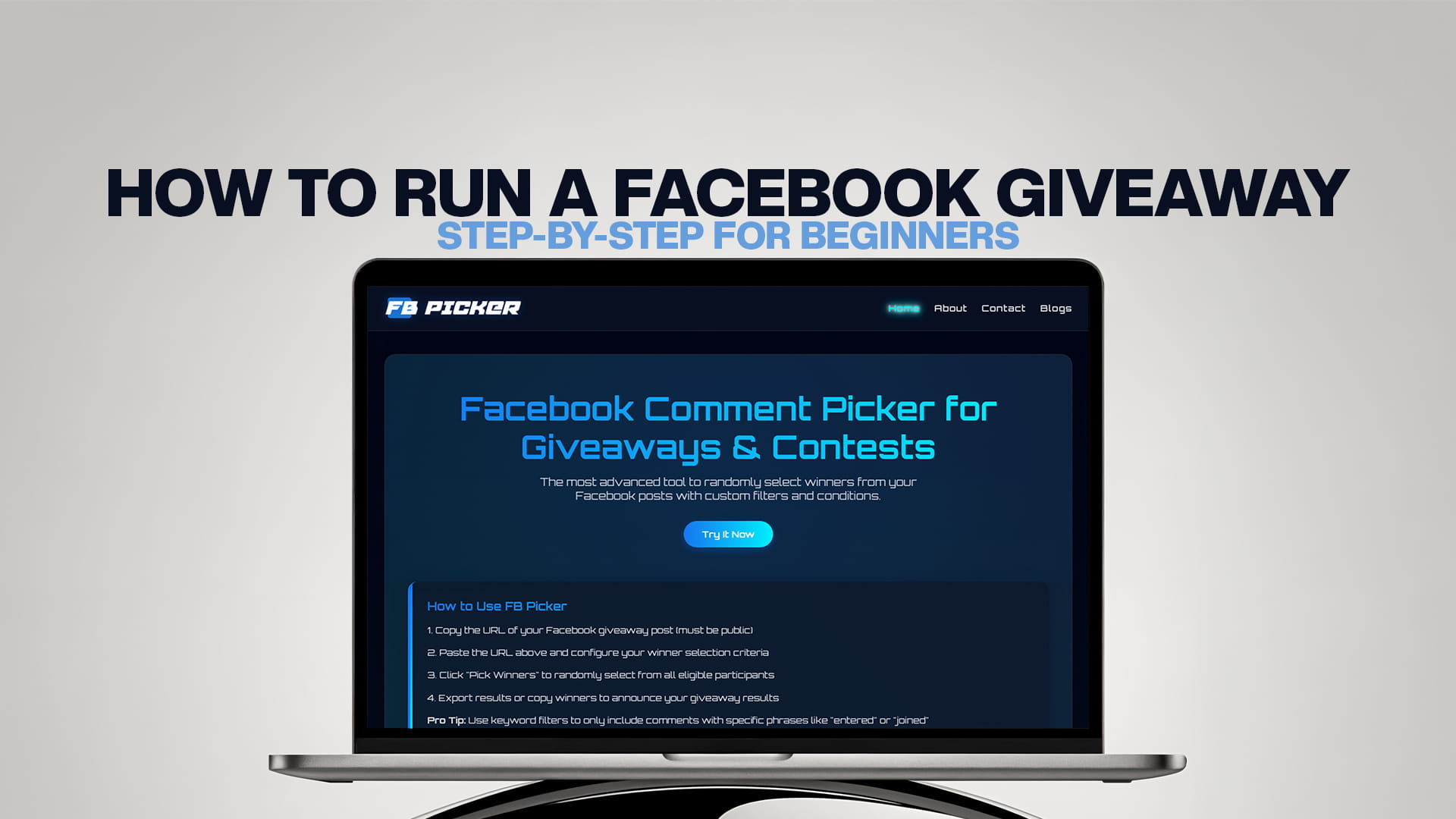
How to Run a Facebook Giveaway: Step-by-Step for Beginners
A Facebook giveaway is one of the simplest, most affordable ways to grow your page, boost engagement, and turn casual scrollers into loyal followers. You don't need a big budget or a marketing team — just a prize people want, a clear set of rules, and a fair way to choose the winner. Done right, a single contest can multiply your reach overnight as participants tag friends, share your post, and flood your comments with entries.
But "done right" is the catch. Plenty of beginners launch a giveaway, get buried in hundreds of comments, and then realize they have no fair, transparent way to pick a winner — or they accidentally break Facebook's rules along the way. This step-by-step guide walks you through the entire process, from setting a goal to announcing the winner, using FB Picker, the most advanced tool for randomly selecting winners from your Facebook posts, so your very first giveaway runs smoothly and actually delivers results.
Step 1: Set a Clear Goal
Before you pick a prize or write a single word, decide what you want the giveaway to achieve. Your goal shapes every other decision you'll make. The most common objectives are growing your follower count, increasing engagement on your posts, collecting user feedback or email sign-ups, promoting a new product, or simply rewarding your existing community.
A giveaway built to grow followers looks very different from one built to gather product reviews. If you want reach, you'll encourage tagging and sharing. If you want feedback, you'll ask people to comment their opinions. Naming the goal up front keeps you from running a contest that gets lots of entries but moves none of the numbers that matter to you.
Step 2: Choose a Prize Worth Entering For
Your prize is the single biggest factor in how many people enter. The trick is relevance, not raw value. A generic prize like a cash card or a new phone attracts everyone, including thousands of contest hunters who'll never become real fans. A prize tied to your brand — your own product, a gift card to your store, a service bundle, or an exclusive experience — attracts the exact people you want following you.
Pick something desirable enough to motivate action but specific enough to filter for genuine interest. A bakery giving away a month of free pastries will pull in local dessert lovers. A software company offering a year of its premium plan will attract qualified potential customers. Both are far more valuable than a giveaway full of strangers chasing an iPad.
Step 3: Know Facebook's Giveaway Rules
This is the step beginners skip most often, and it's the one that can get your post removed or your page penalized. Facebook's Pages, Groups and Events Policies set clear expectations for promotions. A few essentials to keep in mind:
You must include official rules and acknowledge that the promotion is in no way sponsored, endorsed, administered by, or associated with Facebook. You may not require people to share the post on their personal timeline or tag themselves in content as a condition of entry — these tactics violate the rules even though you'll see plenty of pages break them. You can ask people to like the post, comment, or follow your page. You're also responsible for the lawful operation of your contest, including the official rules, offer terms, and compliance with any regulations in your region.
When in doubt, keep entry simple and transparent: like, comment, and follow. It's compliant, it's easy, and it works.
Step 4: Decide How People Enter
Your entry method should match your goal and stay easy enough that people actually bother. The most popular and effective options for beginners are commenting on the post, tagging a friend in the comments, liking the post, and following your page. Commenting is the workhorse of Facebook giveaways because it's frictionless, it boosts the post in the algorithm, and — crucially — it gives you a clean list of entrants to draw from later.
A common, effective combination is: "Like this post, follow our page, and comment your answer to [question] to enter. Tag a friend for a bonus entry." This rewards engagement, extends reach through tagging, and keeps everything inside Facebook's rules. Avoid overcomplicating it; every extra hoop you add reduces the number of people who finish entering.
Step 5: Write a Clear, Compelling Post
Your giveaway post needs to do three jobs at once: grab attention, explain the rules, and make entering irresistible. Lead with the prize, because that's what stops the scroll. Then state exactly how to enter in plain, numbered steps. Finally, include the practical details people need.
Make sure your post clearly states the prize, the exact entry steps, the start and end dates with the time zone, who's eligible (for example, "open to UK residents 18+"), and when and how you'll announce the winner. A strong image or short video of the prize dramatically increases entries — show the thing people could win. End with a direct call to action like "Enter now — winner announced Friday!"
Step 6: Promote Your Giveaway
Publishing the post is not the finish line. To get the most out of your contest, give it a push. Pin the giveaway to the top of your page so new visitors see it first. Share it to relevant groups where promotion is allowed, add it to your Stories, and mention it in your other posts during the entry window. If you have even a small budget, boosting the post to a targeted audience can dramatically expand your reach for very little money.
Reminder posts work well too. A simple "24 hours left to enter!" update partway through revives momentum and catches people who missed the original announcement.
Step 7: Pick a Winner Fairly With FB Picker
Once your giveaway closes, you face the moment that trips up most beginners: choosing a winner from what might be hundreds of comments. Scrolling and picking a name you like isn't random, and your audience can tell. Manually copying comments into a spreadsheet and using a random-number generator works for tiny contests but quickly becomes slow, error-prone, and impossible to prove fair.
This is where a dedicated random comment picker for giveaways makes the whole thing effortless. The process takes under a minute:
1. Copy your Facebook post URL by clicking the timestamp or share icon on your giveaway post.
2. Paste it into FB Picker, which automatically pulls in every comment — no copying or spreadsheets needed.
3. Set your conditions, such as requiring a like, counting comments that tag a friend, or including replies.
4. Apply custom filters to remove duplicate commenters so one person can't win twice, filter by a required keyword, or exclude your own page's replies.
5. Spin and reveal the winner. The tool selects winners randomly using a cryptographically secure draw, and you can pick multiple winners in the same pass — handy for tiered prizes or backup winners in case your first choice never claims.
Because the whole selection happens on screen, you can record it and share the clip as proof that the draw was genuinely random. That transparency is one of the most powerful trust-builders you have, and it makes people far more likely to enter your next contest.
Step 8: Announce the Winner and Follow Up
Announce your winner publicly rather than only in a private message — a pinned announcement post shows everyone the contest was resolved fairly and squashes any suspicion. Tag the winner, congratulate them, and explain how they'll receive the prize. Give them a reasonable, clearly stated window to respond, and have your backup winners ready in case the first doesn't claim within that time.
Then close the loop. Thank everyone who entered, share a little about what's coming next, and invite them to follow so they don't miss your future giveaways. This final step converts a one-time burst of attention into lasting engagement, which is the entire point of running the contest in the first place.
Common Beginner Mistakes to Avoid
A few pitfalls catch first-timers again and again. Don't require timeline shares, which violate Facebook's rules. Don't forget to state an end date and time zone, which causes confusion and disputes. Don't pick a winner manually and expect people to trust it — reach for the best free Facebook comment picker instead and let the result speak for itself. Don't choose a prize so generic it attracts only contest hunters. And don't go silent after the giveaway ends — the follow-up is where you actually keep the audience you just gained.
Bringing It All Together
Running your first Facebook giveaway comes down to eight clear steps: set a goal, choose the right prize, follow Facebook's rules, decide how people enter, write a compelling post, promote it, pick a winner fairly, and announce the result with a proper follow-up. The early steps build a contest people want to enter; the final steps protect your credibility and turn that one-time spike into lasting growth. Nail the fairness piece with a tool like FB Picker, and you'll have the transparency and the proof that make every future giveaway easier to run and more successful than the last.
Frequently Asked Questions
Are Facebook giveaways allowed? Yes. Facebook permits giveaways and contests as long as you follow its Pages policies, include official rules, and state that the promotion isn't sponsored or endorsed by Facebook. You can ask people to like, comment, and follow, but you can't require timeline shares.
How do I pick a winner from Facebook comments? The fairest and fastest way is to use a comment picker like FB Picker. You paste your post URL, set your conditions, apply filters like duplicate removal, and let the tool select a verifiably random winner in seconds.
What's a good prize for a Facebook giveaway? A prize tied to your brand — your own product, a store gift card, or a service bundle — works best. It attracts people genuinely interested in what you offer rather than contest hunters who'll never engage again.
How long should a Facebook giveaway run? Most successful beginner giveaways run between three and seven days. That's long enough to build momentum and reach without losing urgency. Always state the exact end date and time zone in your post.
Can I require people to share my giveaway post? No. Facebook's policies prohibit requiring shares to a personal timeline or tagging oneself as a condition of entry. You can encourage tagging friends in the comments for bonus entries, which is allowed and boosts reach.
Do I need to log in to Facebook to use a comment picker? With FB Picker you only need the public URL of your giveaway post to pull its comments. There's no need to share your account password, which keeps your account secure.