
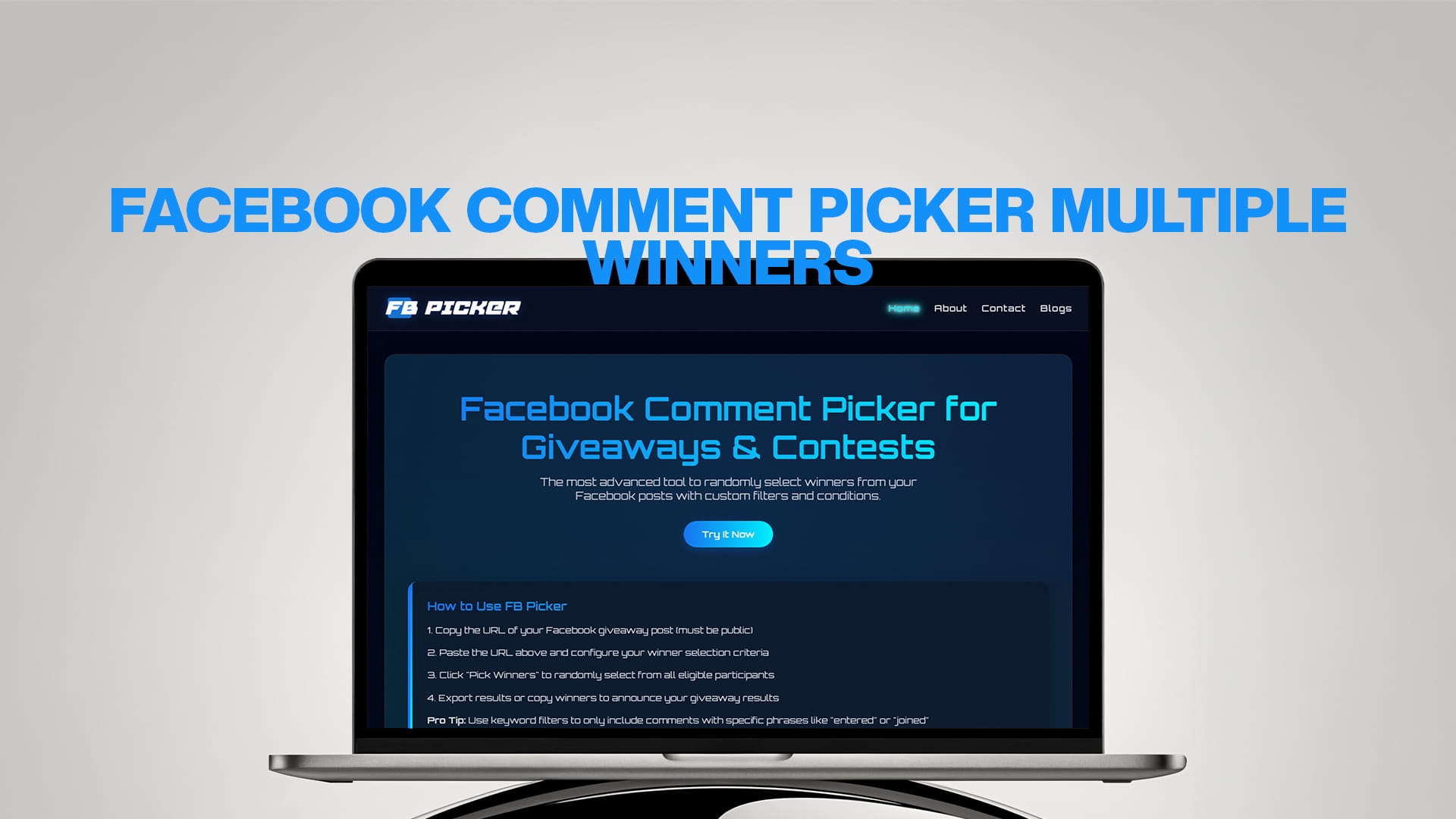
Facebook Comment Picker Multiple Winners
Running a Facebook giveaway is one of the best ways to grow your page, boost your engagement, and reward your loyal followers. But when hundreds or even thousands of people comment on your post, how do you pick a winner fairly? And what if you need to pick more than one winner?
That is where FB Picker comes in.
FB Picker is a powerful, easy-to-use tool built specifically to help page owners, content creators, and businesses randomly select winners from Facebook posts. Whether you need one winner or ten, FB Picker makes the whole process simple, transparent, and completely fair.
In this guide, we will walk you through everything you need to know about using FB Picker to pick multiple winners from your Facebook comments. We will cover how it works, why fairness matters, how to set up your giveaway the right way, and how to use the advanced filters to get the best results.
Why Facebook Giveaways Are So Popular
Facebook has over three billion active users. That makes it one of the biggest social media platforms in the world. Businesses and creators use this reach every single day to connect with their audience and bring in new followers.
One of the most popular ways to do this is through giveaways and contests. When you run a giveaway on Facebook, people comment to enter. This boosts your post's visibility because Facebook sees the engagement and pushes it to more people. The more comments your post gets, the more people see it, and the more followers you gain.
But giveaways only work well if they are fair. Your audience needs to trust that every person who enters has an equal chance of winning. If they think the winner was chosen by hand or based on favoritism, they will stop participating in future giveaways. That trust is everything.
This is exactly why using a tool like FB Picker is so important. It removes all human bias from the process. The winner is chosen randomly, and you can even share proof of the selection with your audience.
What Is FB Picker?
FB Picker is the most advanced tool available for randomly picking winners from Facebook post comments. It was built to make giveaways and contests on Facebook as simple and transparent as possible.
You do not need to be a tech expert to use it. The interface is clean, easy to understand, and works quickly even on posts with thousands of comments.
Here is what makes FB Picker stand out from other tools:
It supports multiple winners. Unlike basic tools that only pick one winner at a time, FB Picker lets you choose as many winners as you need. You can pick 2, 5, 10, or more winners from the same post in just one draw.
It has custom filters. You can set conditions for who qualifies to win. For example, you can require that a person must have liked your page, tagged a friend in the comments, or used a specific keyword to enter.
It is fast. Even on posts with tens of thousands of comments, FB Picker processes the data quickly and gives you results in seconds.
It is transparent. The tool shows you the full list of participants and how the winner was selected, so you can share the process with your audience if you want.
Why Picking Multiple Winners Matters
Not every giveaway has just one prize. Many brands and creators choose to give away multiple items or rewards at the same time. Here are some common reasons why picking multiple winners makes sense:
You have multiple prizes. Maybe you are giving away three gift cards, five product bundles, or ten discount codes. In this case, you need to pick a different winner for each prize.
You want to reward more people. The more winners you have, the more excitement your giveaway creates. More winners means more people sharing the results, which means more visibility for your page.
You want backup winners. Sometimes a winner does not respond or is not eligible to receive the prize. By picking extra winners in advance, you always have backups ready without needing to do another draw.
You are running a team or group contest. Some giveaways require people to tag friends or form groups. In this case, picking multiple winners is part of the format.
Whatever your reason, FB Picker makes picking multiple winners as easy as picking just one.
How FB Picker Works – Step by Step
Using FB Picker to pick multiple winners is a simple process. Here is how it works from start to finish.
Step 1 – Post Your Giveaway on Facebook
Before you can pick winners, you need to run the giveaway. Write a clear post that tells people exactly how to enter. Common entry methods include:
- Commenting a specific word or phrase
- Tagging one or more friends in the comments
- Answering a question
- Sharing the post and commenting to confirm
Make sure your rules are clear. Tell people how long the giveaway is running, how many winners you will pick, and what the prizes are. Transparency at this stage builds excitement and trust.
Step 2 – Open FB Picker
Once your giveaway is over, it is time to pick the winners. Open FB Picker in your browser. The tool works on desktop and mobile, so you can use it anywhere.
Step 3 – Connect Your Facebook Post
FB Picker will ask you to connect your Facebook account and select the post you want to use for the draw. It will then load all the comments from that post automatically.
This part is fast even if your post has a huge number of comments. FB Picker is designed to handle large volumes of data without slowing down.
Step 4 – Set the Number of Winners
Here is where the magic happens. FB Picker lets you choose exactly how many winners you want to pick. Simply enter the number of winners you need, whether that is 2, 5, 10, or any other number.
Each winner is selected independently and at random. No comment is picked twice unless you specifically allow it.
Step 5 – Apply Filters (Optional But Recommended)
Before you run the draw, you can apply custom filters to make sure only eligible participants are included. We will go deeper into filters in the next section, but here is a quick overview:
- Filter by keyword (only include comments that contain a specific word)
- Filter out duplicate comments from the same person
- Require a minimum number of words in the comment
- Exclude certain words or phrases
Filters help you maintain the integrity of your giveaway and make sure only real, genuine entries are included in the draw.
Step 6 – Run the Draw
Once everything is set up, click the draw button. FB Picker will instantly and randomly select the number of winners you specified. The results appear on screen right away.
You can see the names, profile links, and the exact comments of each winner. This makes it easy to reach out to them and announce the results publicly.
Step 7 – Announce the Winners
Share the results with your audience. You can take a screenshot of the FB Picker results page and post it on Facebook to show everyone that the draw was done fairly and randomly. This kind of transparency is very appreciated by your followers and makes future giveaways even more popular.
Using Filters to Pick the Right Winners
The filter feature is one of the most powerful parts of FB Picker. It gives you complete control over who qualifies for the draw.
Here is a closer look at the different filters you can use:
Keyword Filter
If you asked people to comment a specific word to enter, such as "WIN" or "ENTER," the keyword filter will only include comments that contain that word. This removes off-topic comments and makes sure every person in the draw actually followed the rules.
Duplicate Filter
This filter removes duplicate entries. If one person commented ten times to increase their chances, the duplicate filter will only count them once. This keeps the giveaway fair for everyone.
Tag Filter
Some giveaways require participants to tag a friend. The tag filter ensures that only comments that include a tagged username are counted as valid entries. If someone commented without tagging anyone, their entry is automatically excluded.
Word Count Filter
If your giveaway required people to write a sentence or answer a question, the word count filter ensures entries with only one or two words are not counted. You can set a minimum word count so that only thoughtful, complete entries are included.
Exclusion Filter
You can also exclude specific words or phrases. This is useful for filtering out spam, bots, or irrelevant comments that should not be part of the draw.
Using the right combination of filters helps you maintain a high-quality pool of participants and ensures the final winners genuinely followed your giveaway rules.
Tips for Running a Great Facebook Giveaway
Using FB Picker is the best way to pick your winners, but the success of your giveaway also depends on how well you plan and run it. Here are some practical tips to help you get the most out of your next Facebook giveaway.
Be Specific With Your Rules
Vague rules lead to confusion. Tell your audience exactly what they need to do to enter, how many winners you will pick, and when the draw will happen. The clearer your rules are, the better the quality of entries you will get.
Choose Prizes That Your Audience Wants
The prize needs to be relevant to your audience. If you run a cooking page, give away kitchen tools or ingredients. If you run a tech page, give away gadgets or accessories. A relevant prize brings in entries from people who are genuinely interested in your content, which leads to more meaningful followers.
Set a Deadline
Always set a clear deadline for your giveaway. Tell people the exact date and time when entries will close. This creates urgency and encourages more people to enter before it is too late.
Promote Your Giveaway
Do not just post once and wait. Share your giveaway post multiple times, mention it in your stories, and ask friends or partners to share it. The more visibility your giveaway gets, the more entries you will receive.
Announce the Winners Publicly
Once you have picked your winners using FB Picker, announce them publicly on your page. Tag the winners in the post, share a screenshot of the draw results, and congratulate them warmly. This creates excitement and builds trust for your next giveaway.
Follow Up With Winners Quickly
Reach out to your winners through a comment or direct message as soon as possible. Set a deadline for them to respond, usually 48 to 72 hours. If a winner does not respond in time, you can use FB Picker to pick a replacement winner from the same draw.
Common Mistakes to Avoid in Facebook Giveaways
Even with a great tool like FB Picker, there are some common mistakes that can hurt your giveaway. Here is what to watch out for:
Not defining the rules clearly. If participants do not know exactly how to enter, you will get a messy comments section full of invalid entries. Always spell out the rules in simple language.
Ignoring duplicate entries. Without the duplicate filter, one person could enter dozens or hundreds of times by commenting repeatedly. Always use the duplicate filter to keep things fair.
Picking winners by hand. Even if you mean well, picking winners manually opens the door to bias and complaints. Always use FB Picker to ensure the process is random and transparent.
Not announcing the winners publicly. Picking a winner quietly without announcing it publicly reduces trust. Always make the results visible to everyone who participated.
Running giveaways that violate Facebook's policies. Facebook has specific rules about promotions and giveaways. Make sure your contest does not require people to share on their personal timeline or tag friends as a condition of entry, as this violates Facebook's promotion guidelines.
How FB Picker Builds Trust With Your Audience
One of the most underrated benefits of using FB Picker is the trust it builds with your audience.
When people see that you are using a dedicated tool to pick winners randomly and fairly, they feel more confident about entering your giveaways. They know their entry has a real chance of being selected. They know you are not just picking your friends or people you know personally.
This trust translates into more engagement, more entries, and a more loyal following. People share your giveaways with friends because they believe the process is fair. Over time, this builds a community around your page that is active, engaged, and excited to participate in whatever you do next.
Transparency is a powerful tool. And FB Picker gives you the transparency you need to build it.
Who Should Use FB Picker?
FB Picker is useful for anyone who runs Facebook giveaways or contests. Here are just a few examples:
Small business owners who want to promote their products and gain new customers through giveaways.
Content creators and influencers who want to reward their followers and boost their engagement.
Marketing teams at larger companies who run regular social media promotions.
Non-profit organizations running fundraising contests or awareness campaigns.
Event organizers giving away tickets, passes, or prizes through Facebook posts.
Community managers who manage Facebook groups and want to reward active members.
No matter what kind of page you run, if you are doing giveaways on Facebook, FB Picker is the tool you need.
Picking Multiple Winners – Real World Examples
Let us look at a few real-world examples of how picking multiple winners works with FB Picker.
Example 1 – E-Commerce Store Giveaway
A clothing brand posts a giveaway on their Facebook page. The prize is five gift cards worth $50 each. They ask followers to comment their favorite product from the store. After the deadline, they open FB Picker, filter for valid comments using the keyword tool, and select five winners at once. The winners are announced in a follow-up post with a screenshot of the draw.
Example 2 – Tag-a-Friend Contest
A restaurant asks their followers to tag a friend they would bring for a free dinner. They want to pick three winners. Using FB Picker's tag filter, they exclude any comments that do not have a tagged friend. The tool then randomly picks three valid entries as winners. The restaurant tags both the winner and their friend in the announcement post.
Example 3 – Trivia Contest With Multiple Correct Answers
A media page posts a trivia question and asks followers to comment the correct answer. Many people get it right. The page wants to reward four of those people with branded merchandise. Using the keyword filter, FB Picker pulls only the comments with the correct answer, then picks four random winners from that pool.
Why FB Picker Is Better Than Manual Selection
Some people still try to pick winners by hand, scrolling through comments and choosing someone at random. This approach has several serious problems.
It is time-consuming. If your post has thousands of comments, reading through all of them and picking a winner takes hours.
It is biased. Even unintentionally, humans tend to favor certain names, profile pictures, or comments that stand out. This creates bias even when you do not mean for it to happen.
It is not verifiable. If you pick a winner manually, your audience has no way to verify that the process was fair. This can lead to accusations of favoritism.
FB Picker solves all of these problems. It is fast, random, and completely transparent. It saves you time and protects your reputation.
Explore More Social Media Picker Tools
If you run giveaways or contests on other social media platforms, you will be happy to know there are dedicated tools for those as well, just like FB Picker is built specifically for Facebook.
If you run TikTok contests and need to pick winners from video comments, check out TT Picker – a powerful TikTok comment picker that makes selecting random winners from TikTok videos fast and fair.
For YouTube creators who run giveaways in the comments section of their videos, YT Picker is the go-to tool. It connects directly to your YouTube video and lets you pick one or multiple winners from your subscribers and commenters.
If your community lives on Reddit and you run contests in subreddits or post threads, RDT Picker is the Reddit comment picker you need. It helps you pull comments from any Reddit post and select random winners with ease.
And if you are active on Bluesky and want to run giveaways on that growing platform, BSKY Picker is the perfect Bluesky comment picker tool for picking fair, random winners from your posts.
Together with FB Picker, these tools cover all of the major social media platforms, making it easy for you to run honest, transparent giveaways no matter where your audience is.
Final Thoughts
Running a Facebook giveaway with multiple winners does not have to be complicated or stressful. With the right tool, the whole process takes just a few minutes.
FB Picker is designed from the ground up to make this easy. From loading your comments and applying filters, to selecting multiple winners at random and showing you full transparency in the results, every part of the tool is built with you in mind.
Whether you are a small business owner just getting started with Facebook promotions, or an experienced content creator who runs giveaways every week, FB Picker will save you time, protect the integrity of your contests, and help you build a more engaged and trusting audience.
The next time you run a Facebook giveaway, skip the manual selection and use FB Picker. Your audience will notice the difference, and so will your engagement numbers.
Visit FB Picker today and start running smarter, fairer Facebook giveaways with ease.