
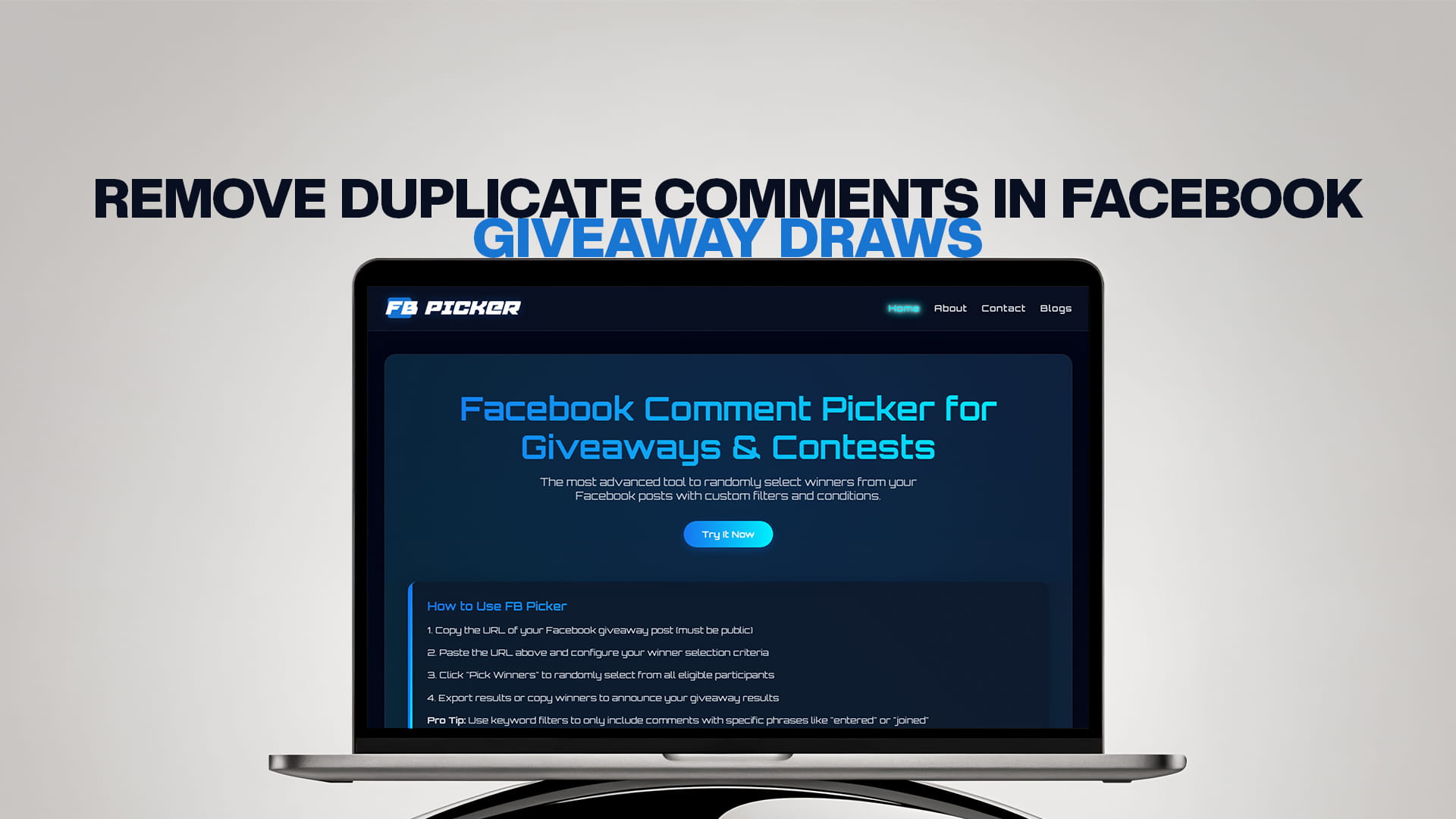
Remove Duplicate Comments in Facebook Giveaway Draws
You've run a Facebook giveaway, the comments are pouring in, and you're ready to pick a winner. But there's a problem: some participants have commented three, five, or even ten times on the same post. Some may be gaming the system on purpose; others are simply enthusiastic. Either way, if each comment counts as a separate entry, those users have an unfair advantage over everyone who followed your rules and commented only once.
Removing duplicate comments from your Facebook giveaway draw is essential if you want a fair, trustworthy contest — and it's one of the most searched-for features among page owners and contest managers. This guide explains why duplicates happen, why they matter, and how to eliminate them effortlessly using FB Picker, the most advanced Facebook comment picker with custom filters and conditions built in.
Why Duplicate Comments Are Such a Common Problem
Facebook's design actually encourages repeat engagement. There's no technical barrier stopping someone from leaving ten comments on the same post. In a giveaway context, this creates a well-known loophole: users who comment multiple times dramatically increase their odds of winning compared to honest, single-entry participants.
This matters for several reasons:
It's unfair to genuine participants. Someone who follows your rules and comments once is at a severe disadvantage if others are posting the same comment over and over.
It damages your brand's credibility. If followers suspect the giveaway was won by a repeat commenter rather than a random entrant, they'll be less likely to trust — or participate in — future contests.
It skews your analytics. If you're tracking giveaway reach and engagement, inflated comment counts from duplicate entries make your data less meaningful.
It may violate Facebook's promotion policies. Meta requires that giveaways be conducted fairly and transparently. Allowing unintentional repeat entries can create compliance risks depending on how your rules are written. For a full breakdown of what Facebook requires, see Facebook Contest Rules: 9 Things Meta Requires.
Types of Duplicate Entries in Facebook Giveaways
Not all duplicates are the same. Here are the main types you'll encounter:
Intentional repeat comments: A user deliberately comments multiple times to boost their odds. This is the most common and most problematic type.
Accidental repeat comments: A user hits "Post" twice, or comments once and then edits and re-posts. These aren't malicious, but they still create unfair advantages.
Tagging the same friend multiple times: If your giveaway rules say "tag a friend," some users will tag the same person several times in separate comments to multiply their entries.
Multiple accounts: A user creates or uses multiple Facebook profiles to comment from each. This is harder to detect automatically, though IP-based or behavior-based detection can sometimes catch it.
Replies vs. top-level comments: Some giveaways only want top-level comments to count, but users might reply to their own comment or to others — effectively creating extra entries.
How to Remove Duplicate Comments Using FB Picker
FB Picker has a built-in duplicate removal filter that handles this automatically — no manual work required. Here's exactly how to use it:
Step 1: Get Your Facebook Post URL
Go to your Facebook giveaway post and copy its URL. If you're not sure how to do this on desktop or mobile, the complete guide on how to find a Facebook post URL on phone and desktop walks you through every method step by step.
Step 2: Paste the URL Into FB Picker
Visit FB Picker and paste your post URL into the input field. The tool will connect to your post via Facebook's API and load all the comments in seconds.
Step 3: Enable "Remove Duplicate Comments"
Before running the draw, locate the Duplicate Comments filter in FB Picker's settings panel. Toggle it on. When this is active, FB Picker will automatically identify all users who commented more than once and count them as a single entry — regardless of how many times they commented.
This means a user who commented 15 times has the same single chance of winning as a user who commented just once. Fairness is instantly restored.
Step 4: Apply Any Additional Filters
While you're in the filters panel, consider applying other relevant conditions:
- Exclude replies: If your rules say replies don't count, toggle this off so only top-level comments are included.
- Keyword filter: If entrants were required to use a specific word or hashtag, set this condition so only qualifying comments are eligible.
- Page follower filter: If entry required following your page, apply this restriction.
Combining the duplicate filter with keyword or reply filters gives you a clean, fully compliant entry pool before the draw even begins. Learn more about running clean, well-structured giveaways in the full guide on how to run a Facebook giveaway step-by-step.
Step 5: Set the Number of Winners and Draw
Enter how many winners you'd like to pick, then click the draw button. FB Picker randomly selects from the deduplicated, filtered pool of eligible comments. Each winner is displayed on screen with their name and comment — ideal for screenshotting and sharing publicly.
Should You Allow Multiple Entries per Person?
In some giveaway formats, multiple entries per person are intentional and part of the rules. For example:
- "Comment once for 1 entry, tag a friend for a second entry"
- "Share this post AND comment for 2 entries"
- "Every comment with a unique friend tag counts as an extra entry"
In these cases, you don't want to remove all duplicates — you want to remove unearned duplicates. FB Picker's filters give you the flexibility to handle this correctly. You can, for instance, allow one entry per unique tagged friend while still preventing the same user from commenting the same thing three times.
The key is to define your entry rules clearly in the giveaway post before it goes live. Clear rules reduce disputes and make your duplicate filtering logic easier to implement. For inspiration on structuring your next contest, check out 50 Facebook giveaway ideas for 2026.
What Happens If You Don't Remove Duplicates?
The consequences of ignoring duplicate entries go beyond simple unfairness:
Winners feel unearned. If the selected winner turns out to have commented 20 times, and your followers notice, the backlash can be significant. Comments questioning the legitimacy of your contest can damage your page's reputation.
You lose follower trust. People are more likely to participate in future giveaways if they believe previous ones were fair. One controversial draw can put off a significant portion of your audience.
You may face disputes. In high-stakes giveaways involving valuable prizes, unsuccessful participants may challenge your selection if they believe it wasn't conducted fairly.
Your draw isn't legally defensible. In many jurisdictions, promotional contests must be conducted by chance and without an unfair advantage to any participant. Allowing accidental or intentional duplicate entries may create legal ambiguity around your draw.
Manually Removing Duplicates: Is It Possible?
Technically, yes — but practically, it's rarely a good idea. For a post with 50 or fewer comments, you could copy all comments into a spreadsheet, sort by username, and manually delete duplicates. But this approach has serious problems:
- It's extremely time-consuming as comment volume grows.
- Manual data entry introduces errors.
- You might miss comments that were edited or posted under slightly different names.
- There's no audit trail proving you did it correctly.
FB Picker's automated duplicate removal does the same job in under a second — reliably, consistently, and with no room for human error.
Best Practices for Preventing Duplicate Entries in Future Giveaways
Prevention is always easier than correction. Here are some proactive strategies:
State your rules clearly. Your giveaway post should explicitly say "One entry per person" or "Only one comment per user will be counted." When people know the rules upfront, repeat commenting drops significantly.
Use entry conditions that naturally limit duplicates. Asking users to "tag a different friend in each comment" rather than just "comment to enter" creates more meaningful entries and makes it easier to evaluate eligibility.
Use FB Picker's filters every time. Even if you believe your audience follows the rules, always run the duplicate filter before drawing. It costs nothing and ensures fairness is documented.
Close comments when the giveaway ends. After the entry deadline, you can turn off commenting on the post so the comment pool is fixed before you run the draw.
Export your results. FB Picker lets you export Facebook comments to Excel/CSV, so you have a complete, tamper-proof record of all entries and the selected winners.
Frequently Asked Questions
It means ensuring that if a single user has commented more than once, they are still only counted as one eligible entry in the draw — giving everyone an equal chance of winning regardless of how many times they commented.
Yes. FB Picker has a built-in duplicate filter that, when enabled, reduces each commenter to a single entry before the random draw is run. You don't need to manually identify or delete duplicate comments.
No. FB Picker operates on its own data layer — it doesn't modify your Facebook post or delete any comments. It simply excludes duplicate entries from the draw pool while leaving the original post untouched.
You can leave the duplicate filter off, or apply it selectively using keyword and condition filters. For example, you could count each unique friend tag as a separate entry while still preventing the same comment from being counted twice.
FB Picker deduplicates based on Facebook user identity. If someone uses a genuinely separate Facebook account to comment again, it may appear as a new commenter. However, manually cross-checking highly suspicious entries is always an option before finalizing your draw.
No. After duplicates are removed, the remaining eligible entries are all equally likely to be selected. The deduplication step simply ensures the pool is fair before the random draw begins.
Facebook's promotion policies require contests to be fair and clearly communicated. If your rules say "one entry per person" but you allow multiple comments to count, this could be considered non-compliant. Always match your filter settings to your stated rules.
FB Picker shows all draw results on screen, including the commenter's name and their comment. You can screenshot and share this with your audience as transparent proof. The tool also offers CSV export for a full audit record.