
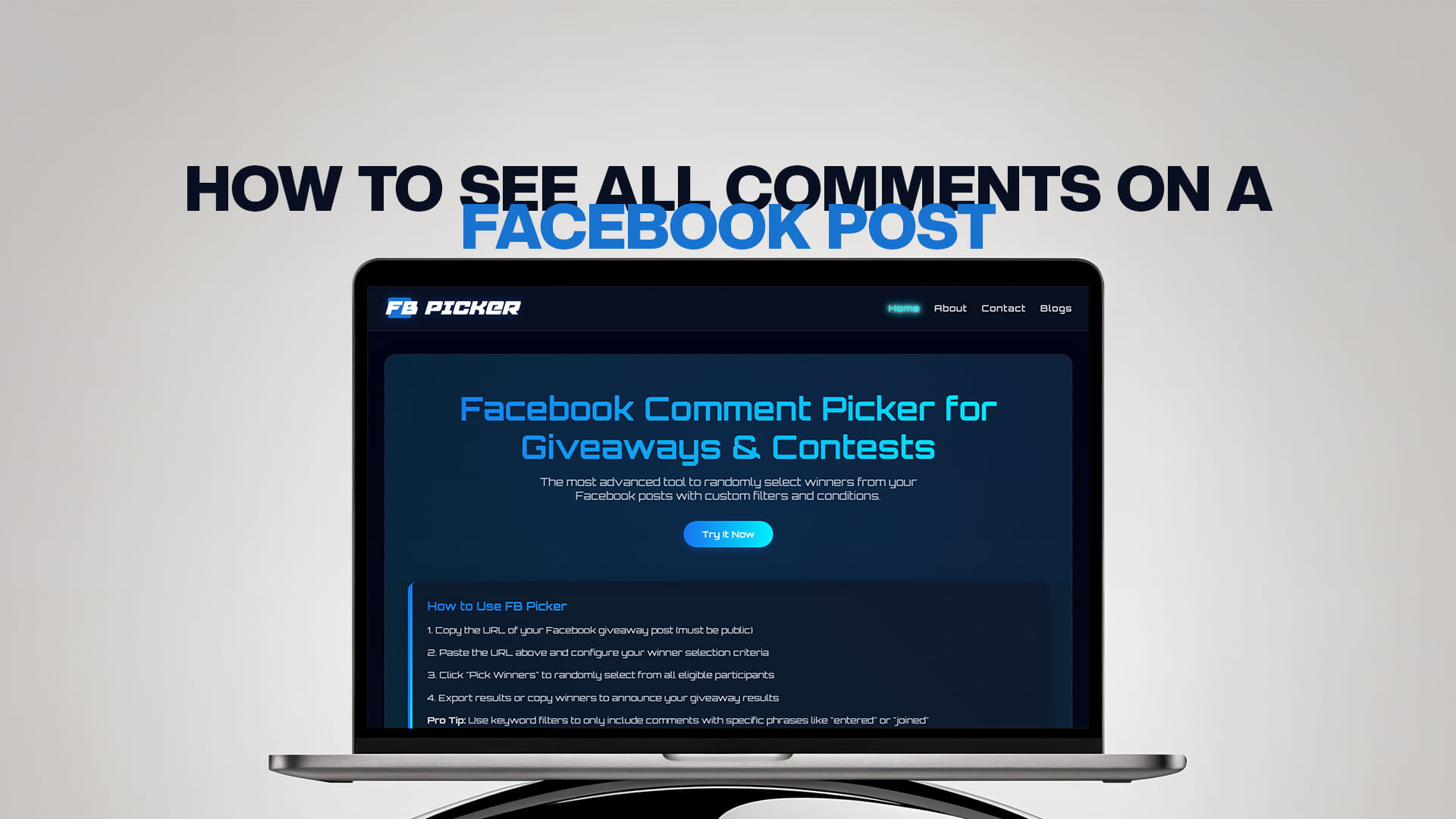
How to See All Comments on a Facebook Post
A Facebook post says 240 comments. You scroll the thread and count maybe 30. The other 210 aren't deleted, aren't hidden by a moderator, and haven't gone anywhere; they're sitting right there behind a setting most people don't know exists. Facebook shows you what its ranking algorithm considers most relevant, not what's actually there, and unless you change that, you are looking at a curated sample of your own comment section.
For casual browsing that's mildly annoying. For anything where completeness matters, running a giveaway, gathering customer feedback, moderating a busy thread, checking whether someone's comment came through, it's a real problem, because decisions made on a filtered view are decisions made on partial data. This guide covers how to reveal everything, how to change the default permanently if you own a Page, why the number never quite matches even after you do, and what to do when comments genuinely aren't there.
Why Facebook hides comments by default
Facebook applies comment ranking to most posts, which orders and filters the comment section based on what it predicts you'll find most engaging. Comments from friends, comments with lots of reactions or replies, and active sub-threads get surfaced. Low-engagement comments, one-word replies, and anything the system reads as low quality get pushed down or out of the visible list entirely.
Pages and many accounts have this on by default. The intent is reasonable, a busy post with thousands of comments would be unusable as a raw chronological wall, but the side effect is that the default view is a filtered one, and nothing in the interface makes that obvious. You just see fewer comments than the counter promises and assume something's broken.
The important consequence: the comments you can see are not the comments that exist. Everything below is about closing that gap.
The fix: switch from "Most Relevant" to "All Comments"
This is the single change that solves the problem for most people, and it takes two taps.
Look just above the first comment, or sometimes to the side or below it, for a small label showing the current sort. It usually reads "Most relevant." On mobile it can appear as a small grey link that's easy to miss entirely, which is why so many people never find it.
Tap or click that label and you'll get sorting options, typically:
Most relevant — the algorithmic default, filtered and reordered.
All comments — everything visible to you, unfiltered, in chronological order. This is the one you want.
Newest — everything, most recent first, which is also unfiltered and useful for monitoring a live thread.
Select All comments (or Newest), and the comments that were filtered out appear immediately. On a busy post the difference is dramatic: a thread that looked like 30 comments suddenly shows the full 240.
One frustration worth knowing about: this setting doesn't reliably stick. Facebook applies it per post, and it has a habit of reverting to Most Relevant on its own, sometimes on the same post you just changed. If you're working through several posts, expect to change it each time, and re-check it if you leave and come back.
Page owners: turn comment ranking off entirely
If you manage a Facebook Page, you don't have to fight the filter post by post. You can disable comment ranking at the Page level so all comments display by default.
The setting lives in your Page settings under Comment Ranking, and the exact path depends on whether you're on a classic Page or the newer Pages experience, so look for it in your Page's general settings or moderation area. Switch it off, and your Page's posts will show comments in most recent order by default rather than a ranked selection.
This is genuinely worth doing if you run giveaways, gather feedback through comments, or moderate actively, because it removes an entire class of "where did that comment go?" confusion at the source. You can still use the per-post toggle to switch between Newest and All Comments when you want a different view.
Personal profiles don't get this option. If you're posting from a personal account rather than a Page, you're stuck changing the filter per post.
Expanding everything: replies and pagination
Switching the filter isn't quite the whole job, because Facebook also loads comments in batches and collapses replies.
Load all the top-level comments. Scroll to the bottom of the comment section and click or tap "View more comments" repeatedly until it stops appearing. On a long thread this takes several rounds, and it's easy to assume you've reached the end when you've only reached the end of the current batch. Keep going until the button is genuinely gone.
Expand the replies. Nested replies are collapsed separately, with their own "View more replies" or "X replies" links under individual comments. If replies matter for what you're doing, and for a giveaway they might, depending on your rules, you need to expand each of those too. This is the step people most often skip, and it's why reply-based entries get missed.
Watch for "View previous comments" at the top of some threads, which loads older comments upward rather than downward.
Only once the filter is set to All Comments and every batch is loaded and replies are expanded are you actually looking at the complete thread.
Why the number still doesn't match
Even after all that, the visible count often falls short of the number on the post. That's usually not a bug. Several things legitimately reduce what you can see.
Deleted comments. Removed by their author or by a moderator. These are gone permanently and no setting brings them back, though the counter may lag briefly.
Hidden comments. A Page admin can hide a comment, which makes it invisible to everyone except its author and their friends. From your side it looks deleted; from the author's side it looks perfectly normal, which is why people insist they commented when you can't find it.
Filtered by moderation. Pages can auto-hide comments containing blocked keywords or matching the profanity filter. These are held out of the public view but recoverable by the Page owner from the moderation tools.
Spam detection. Facebook's own systems filter some comments automatically, particularly from new accounts or ones posting identical text repeatedly, which catches a fair number of legitimate giveaway entries.
Privacy and blocking. If someone has blocked you, their comments vanish from your view even on public posts. And on posts with a limited audience, you may not see comments from people outside that audience.
The counter itself counts things you might not. Reply counts are typically included in the total, so a post showing 240 might be 180 top-level comments plus 60 replies.
So a gap between the counter and your count is normal. A large gap, especially before you've changed the filter, means ranking is still hiding things.
Why this matters enormously for giveaways
If you run comment giveaways, everything above stops being a curiosity and becomes a fairness problem.
Suppose your giveaway post has 400 comments and you scroll the default view, see 40, and pick a winner from those. You haven't run a random draw among your entrants, you've run a random draw among the 10% of entrants that Facebook's ranking algorithm decided to show you. That's not fair to the 360 people who entered and were never in the running, and it directly contradicts whatever your published rules said about selecting at random from all eligible entries.
Worse, you'd have no idea it happened. The interface doesn't announce that it's filtering, so an organizer can run an unfair draw in complete good faith and never know.
There are two defences. First, if you're doing anything manually, set the filter to All Comments, expand every batch, and expand replies before you count or copy anything. Second, and far more reliable, use a tool that reads the comments from the post rather than from your screen. A comment picker works from the post's URL and fetches the comment data directly, which sidesteps the ranking filter entirely, because it isn't looking at the rendered view you see. FB Picker does this from a pasted public post URL with no login, pulls the comments, removes duplicate commenters so nobody wins by posting repeatedly, and selects the winner at random from the full eligible pool. If your giveaway awards several prizes or needs backups, you can pick multiple winners in the same pass. That's the difference between drawing from your entrants and drawing from a sample of them.
A quick checklist for seeing everything
Run through this whenever completeness matters:
Change the sort from Most relevant to All comments or Newest. Scroll to the bottom and click View more comments until it disappears. Expand every View more replies link if replies count for your purpose. Check the top for View previous comments. If you own the Page, consider turning comment ranking off permanently. And if a specific person's comment is missing, check your moderation and spam folders before assuming they never posted.
For anything high-stakes, verify with a tool rather than trusting the rendered view, since the whole lesson here is that what Facebook shows you and what exists are different things.
When you still can't find a specific comment
If someone insists they commented and you genuinely can't see it after all of the above, work through the possibilities in order. Check whether it's in your Page's hidden or spam folder, since keyword filters catch legitimate comments constantly. Ask them for a screenshot, which will tell you whether the comment still exists on their side, the signature of a hidden comment is that the author can see it perfectly while you can't. Check whether they might have commented on a different post, which happens more often than you'd think when a campaign has several similar posts. And consider blocking, since a block in either direction makes comments mutually invisible.
Only after all that should you conclude the comment was deleted.
The bottom line
Facebook doesn't show you all the comments on a post by default, it shows you a ranked, filtered selection, and the setting that controls this is a small, easily missed label above the comment section. Switch it from Most relevant to All comments or Newest and the missing comments appear immediately, though the setting is applied per post and has a habit of reverting, so check it every time. Then load every batch with View more comments and expand replies separately, because the filter isn't the only thing hiding content. Page owners can turn ranking off entirely in Page settings, which is the permanent fix and worth doing if comments matter to your work. And if you're picking a giveaway winner, don't rely on the rendered view at all: a tool that reads the post directly through a dependable free comment picker and giveaway tool sees the whole pool rather than the algorithm's shortlist, which is the only way to draw fairly. Running each contest through the same random comment picker for the giveaways workflow means the filter never quietly decides your winner for you.
Frequently Asked Questions
Because Facebook applies comment ranking by default, showing what its algorithm considers most relevant rather than everything that exists. Change the sort label above the comment section from "Most relevant" to "All comments" or "Newest" and the filtered comments appear immediately.
Find the small sort label above (or beside, or below) the first comment, which usually reads "Most relevant," and tap or click it. Select "All comments" or "Newest." On mobile, it can appear as a small grey link that's easy to miss. Note that the setting applies per post and often reverts on its own.
If you manage a Facebook Page, yes: turn off Comment Ranking in your Page settings, and your posts will display comments in most recent order by default. Personal profiles don't have this option, so you'll need to change the filter on each post individually.
Several legitimate reasons: deleted comments, comments hidden by an admin (visible only to their author and their friends), comments caught by keyword or profanity filters, spam-filtered comments, blocked users, and the fact that the counter usually includes nested replies. A large gap before changing the filter means ranking is still hiding things.
It can, badly. If you pick a winner by scrolling the default view, you may be drawing from a small fraction of your actual entrants without realising it, which contradicts any rule promising a random draw from all eligible entries. Use a comment picker that reads the post directly rather than relying on what's rendered on screen.