
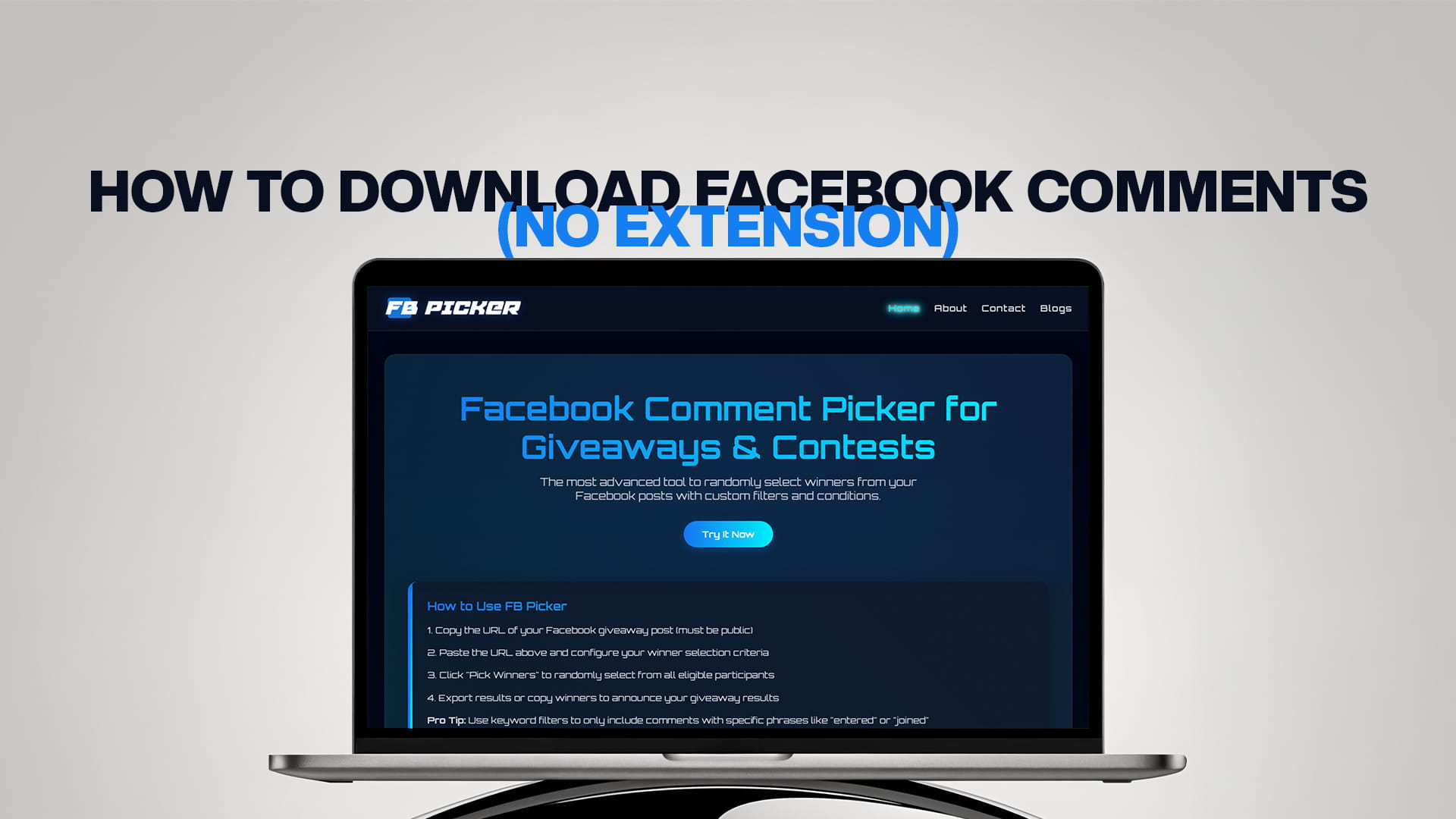
How to Download Facebook Comments (No Extension)
Search for a way to download Facebook comments, and the first ten results will all tell you to install a browser extension. It's understandable advice; extensions are easy to build for this, and some of them work. But "install this extension" is a bigger ask than it looks, because a browser extension that can read Facebook comments is an extension that can read everything else on the page too, including your messages, your notifications, and whatever else is open in that tab.
If you'd rather not hand that access to an unknown developer, you don't have to. There are several ways to get your comments into a spreadsheet without installing anything, and for most people one of them is faster than the extension route anyway. This guide covers why extensions carry real risk, the non-extension methods that actually work (ranked by practicality), what to do with the file once you have it, and where each approach breaks down.
Why avoiding extensions is reasonable
This isn't paranoia; it's how browser permissions work.
The access is broader than the task. To read comments on a Facebook page, an extension typically needs permission to read and change data on that site. That permission doesn't scope itself to comment threads; it covers the whole logged-in session. An extension with that access can, in principle, see your inbox, your account settings, and anything else rendered on Facebook while it's enabled.
Ownership changes silently. A well-behaved extension can be sold, and the new owner inherits your installed base and the permissions that came with it. There's a long, well-documented pattern of small utility extensions being acquired and updated into adware or data-harvesting tools, with users never noticing because the update is automatic.
They break constantly. Extensions that scrape Facebook's interface depend on the page structure staying the same. Facebook changes it regularly, which is why so many comment-export extensions have review sections full of "worked great until last week."
Platform terms. Automated scraping of Facebook's interface sits uncomfortably with Meta's terms of service, which is a consideration if you're doing this for a business or a client rather than personal curiosity.
None of that means every extension is malicious. Plenty are fine. But the risk-to-benefit trade is poor when non-extension methods exist and take about the same amount of time.
Method 1: A URL-based comment tool (easiest)
The cleanest non-extension route is a web tool that reads comments from a public post's URL and lets you export them. Nothing gets installed, nothing gets permission to your browser session, and the whole thing happens in a normal tab.
The workflow is short. Make sure the post is public, since a URL-based tool can only read public content. Copy the post's link using the three-dot menu's "Copy link" on desktop or in the app. Paste it into the tool. The comments load, and you export them.
FB Picker works this way: paste the URL with no login or account, and it pulls in the comments, removes duplicate commenters if you want a unique-entrant list, and lets you export the entrant and winner lists. That's genuinely all there is to it, and because it never connects to your account, there's no permission to grant and nothing to revoke afterward. If your purpose is a giveaway rather than pure data collection, the same pass will also select the winner at random and let you pick multiple winners with backups, so the download and the draw happen together.
Where it breaks down: public posts only. A friends-only post or a private group thread can't be read from a URL by any tool, because the public web can't see it either. For those, use Method 3 or 4 below.
Method 2: Manual copy and paste (small threads)
Unglamorous, but genuinely the right answer for a small thread, and it requires nothing at all.
Open the post and click "View more comments" repeatedly until the entire thread is expanded, including "View more replies" if replies matter to you. Then select the comment section with your cursor, copy it, and paste it into a spreadsheet or text editor. Paste as plain text if your spreadsheet offers the option, since it strips the formatting clutter.
What you'll get is messy: names, comment text, timestamps, and interface labels like "Reply" and "Like" all mixed together. Cleaning it up is a few minutes of find-and-replace or a quick pass with a text editor. For a thread of 20 to 50 comments, you'll be done faster than you could research and install an extension.
Where it breaks down: anything over a hundred comments becomes tedious and error-prone, and Facebook's progressive loading means it's easy to miss a chunk.
Method 3: Meta Business Suite (for your own Page)
If the post is on a Page you manage, Meta's own tools are worth checking before you reach for anything third-party, since they're first-party and require no additional access.
Meta Business Suite lets you view and manage comments across your Page's posts, and its Insights section supports exporting data. Be aware of an important limitation, though: the standard Insights export gives you metrics, comment counts, reach, and engagement, rather than the comment text and commenter names themselves. So it's excellent for reporting on engagement and much weaker for producing a list of individual entrants.
For a giveaway specifically, this usually means Business Suite tells you how many people commented but not who, which is the opposite of what you need. Use it for performance reporting, and use Method 1 or 4 when you need the actual list.
Where it breaks down: it's for Pages you manage, and the export is metrics-oriented rather than comment-level.
Method 4: The Graph API (for developers)
If you're technical, Meta's official Graph API is the sanctioned route, and it's the only method with a formal contract behind it rather than interface scraping.
In broad terms, you create a Meta app, obtain the appropriate access token, and request the comments edge on a post, paginating through the results. Reading comments on your own Page's posts is the straightforward case. Reading public content on Pages you don't own is the hard case, because it requires App Review and approval for Page Public Content Access, which Meta grants selectively.
Two practical warnings if you go this way. Graph API versions expire on a schedule; v18.0 expired in January 2026, and v19.0 in May 2026, so any code you write needs a version-maintenance plan. And the metadata=1 introspection shortcut that developers used to discover available fields was removed across all versions in May 2026, so field discovery now means reading the reference docs rather than querying for them.
Where it breaks down: the setup cost is real, and App Review for third-party public content access is a meaningful hurdle. For a one-off giveaway, this is dramatically more work than Method 1.
What to do with the file once you have it
However you got the data, a little cleanup makes it usable.
De-duplicate first. The same person often comments several times, so if you want unique participants, remove duplicate names before you count anything. This matters enormously for a giveaway, since one entry per person is usually the rule you published.
Separate the columns. Ideally you want name, comment text, and timestamp in their own columns, which makes filtering and sorting possible. A tool export gives you this; a manual copy-paste needs a bit of splitting.
Filter for eligibility. If your giveaway required a keyword or a friend tag, filter to the comments that actually qualify before drawing or reporting.
Keep it as a record. A saved entrant list is your evidence of who was eligible, which is exactly what you want on file if a winner is ever disputed, and what turns a claim of fairness into something you can demonstrate. Running every contest through the same random comment picker for giveaways workflow keeps those records consistent from one campaign to the next.
Choosing the right method
Quick guide. For a public post and any real number of comments, use a URL-based tool: it's the fastest, requires no install, and gives you a clean export. For a small thread of a few dozen comments, manual copy-paste is perfectly adequate and needs nothing. For engagement reporting on your own Page, Meta Business Suite is the first-party answer, just don't expect comment-level detail. And for building something repeatable or programmatic, the Graph API is the sanctioned route, with real setup costs attached.
What ties them together is that none of them requires installing a browser extension with read access to your entire Facebook session, which was the thing worth avoiding in the first place. For a giveaway in particular, the best free Facebook comment picker approach handles the download and the draw in one step, which is usually the whole job.
The bottom line
You don't need a browser extension to download Facebook comments, and there are good reasons not to install one: the permissions are broader than the task, extensions get sold and quietly repurposed, interface scrapers break whenever Facebook changes its layout, and automated scraping sits awkwardly with Meta's terms. The practical alternatives are straightforward. A URL-based web tool exports a clean list from any public post with nothing installed. Manual copy-paste handles small threads fine. Meta Business Suite covers first-party engagement reporting on your own Page, though it reports counts rather than commenters. And the Graph API is the official programmatic route if you're building something durable. Pick the one that matches your post and your purpose, de-duplicate the result, and keep the file as your record, and you'll have everything an extension would have given you without handing anyone access to your browser.
Frequently Asked Questions
The easiest way is a URL-based web tool: make the post public, copy its link with the three-dot "Copy link," paste it into the tool, and export the comments. Nothing gets installed and no browser permissions are granted. For small threads, manually expanding the comments and copy-pasting into a spreadsheet also works fine.
Because an extension that can read Facebook comments generally needs permission to read and change data on the whole site, which covers your messages, notifications, and anything else in that session. Extensions also get sold to new owners who inherit that access, and interface scrapers break whenever Facebook changes its layout.
You can manage comments there and export Insights data, but the standard export is metrics-oriented: comment counts, reach, and engagement, rather than the comment text and commenter names. So it tells you how many people commented, not who, which is the opposite of what a giveaway needs. Use a URL-based tool for the actual list.
Not with a URL-based tool, since it can only read publicly visible content. For a private group, you'd need to expand and manually copy the comments, or use the Graph API with the appropriate access. Making the post public before your giveaway closes is the simplest fix if you'll need a tool-based draw.
Meta's Graph API, requesting the comments edge on a post with an appropriate access token and paginating the results. Reading your own Page's comments is straightforward; reading public content on Pages you don't own requires App Review and Page Public Content Access. Note that API versions expire on a schedule, so plan for version maintenance.