
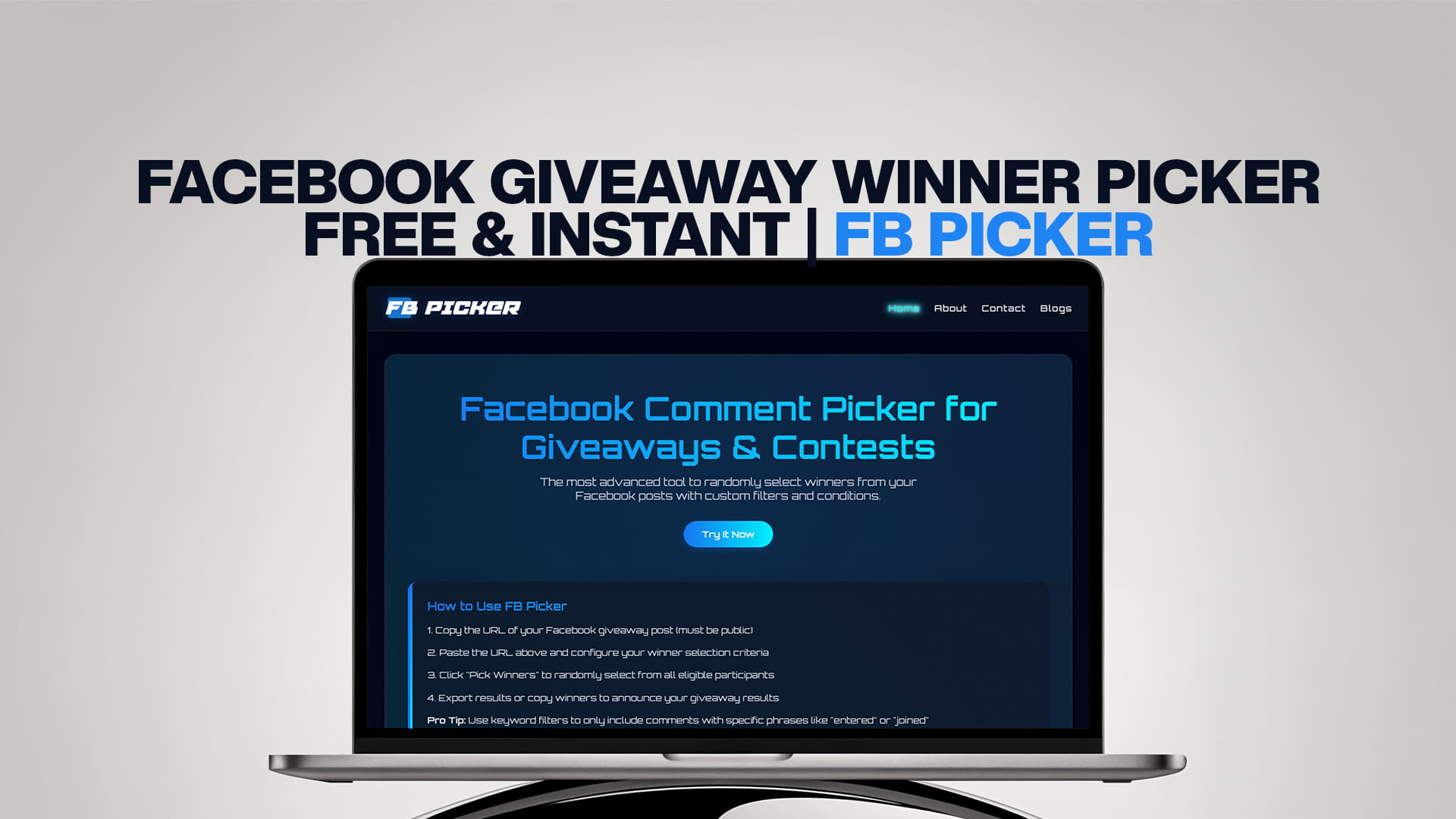
Facebook Giveaway Winner Picker — Free & Instant | FB Picker
Pick Your Facebook Giveaway Winner in Seconds
You ran the giveaway. The comments are piling up. Now comes the part everyone dreads — actually picking someone.
If you have ever stood in front of a post with 400 comments wondering what to do next, you are not alone. Most people either scroll and point at a random name (which looks terrible) or copy everything into a spreadsheet (which takes forever). Neither option is great. Neither looks professional. And neither gives your audience any real reason to believe the pick was fair.
There is a better way. FB Picker is a free, instant Facebook giveaway winner picker that connects directly to your post, loads every comment, applies whatever filters your giveaway rules require, and picks a verified random winner in seconds. No spreadsheets. No guessing. No drama.
This article covers everything — what FB Picker does, why it matters for your brand, how to use it from start to finish, and how to run a Facebook giveaway that people actually want to enter.
The Real Problem With Facebook Giveaways
Running a giveaway on Facebook is not hard. Writing a post, setting a prize, telling people to comment — that takes five minutes. The hard part comes after.
When comments start coming in, you face a few problems at once.
The fairness problem. Picking a winner manually has no credibility. Even if you genuinely close your eyes and point, nobody believes that. People assume you picked a friend, a loyal customer, or the first name you saw. That assumption — whether fair or not — can turn a well-intentioned giveaway into a PR headache.
The rules problem. Most giveaways have conditions. Comment a specific word. Tag a friend. Like the post first. But when you get to picking a winner, how do you actually enforce those rules? You cannot manually read every comment and verify compliance at scale.
The duplicate problem. Some people comment five or ten times to boost their odds. If your rules say one entry per person, how do you handle that without going through every single comment yourself?
The volume problem. A successful giveaway post can have hundreds or thousands of comments. That is not something any human being should be sorting through manually.
FB Picker solves all four of these problems in one place. That is why it is the tool serious brands, creators, and page managers use when they need to do this right.
What Is FB Picker?
FB Picker is the most advanced Facebook giveaway winner picker available. It is a web-based tool — nothing to install — that connects to your Facebook account, pulls all the comments from any post you choose, and randomly selects a winner using a proper randomization algorithm.
You can try it right now at FB Picker — fbpicker.com.
But the thing that makes FB Picker genuinely useful rather than just "good enough" is the filter system. Before any winner gets drawn, you can set conditions that match exactly what your giveaway requires. Those conditions get applied automatically before the randomization happens. So the winner that comes out at the end actually deserved to be in the draw.
There is nothing else on the market that does this as cleanly or as thoroughly for Facebook specifically. Other random pickers let you paste in a list and hit go. FB Picker connects live to your actual post and gives you real control over how the selection works.
How FB Picker Works — Step by Step
Here is exactly how to go from "I have a giveaway post full of comments" to "I have a verified, shareable winner."
Step 1: Open FB Picker
Go to FB Picker in any browser on any device. The tool is fully web-based. You do not need to create an account ahead of time or install anything.
Step 2: Connect Your Facebook Account
Click to connect with Facebook. You will be redirected to a standard Facebook login and permissions page. FB Picker asks only for the permissions it needs to read your post comments — it does not ask for anything else, and it does not store your login credentials.
Once connected, you are ready to load your giveaway post.
Step 3: Load Your Giveaway Post
You can paste the URL of your Facebook post directly into FB Picker, or browse your recent posts from your connected page. Once you select the post, FB Picker loads all of the comments — every single one, not just the top ones Facebook's algorithm happens to show.
This is important. Facebook's default display does not show all comments in chronological order. Some comments get buried. FB Picker pulls the full dataset so no one gets accidentally excluded.
Step 4: Apply Your Filters
This is the step that separates FB Picker from every basic random tool. Before the draw happens, you set your conditions.
Keyword filter. If your giveaway said "comment the word ENTER" or "tell us your favorite product," you can filter to only include comments that contain that word or phrase. Anyone who just wrote "nice" or left an emoji without following the instructions gets excluded automatically.
Tag filter. If your giveaway required participants to tag a friend, you can filter for comments that include a mention or tag. No tag, no entry.
Duplicate removal. One entry per person. FB Picker identifies duplicate comments from the same user and counts them as a single entry. Clean and fair.
Multiple entry weighting. If your giveaway offered bonus entries for extra actions — "tag another friend for a second entry" — you can allow multiple comments from the same person to count proportionally, giving them the increased odds they earned.
User exclusions. Remove your own account, your team accounts, or any other profiles that should not be in the draw. This matters more than people realize — page admins who comment to test their own post have accidentally ended up in draws before.
Date range. If your giveaway ran from a specific start date to a specific end date, you can restrict entries to comments posted within that window. This automatically removes comments that came in after the draw closed.
Step 5: Draw the Winner
Once your filters are set, hit draw. FB Picker runs the randomization and shows you your winner — their name, their comment, and a timestamp.
The results screen is clean and designed to be captured. Screenshot it, screen-record it, or use the built-in share options. This is your proof of draw.
Step 6: Draw Backup Winners if Needed
If your first winner does not respond within your deadline (48 to 72 hours is standard), you need a backup. FB Picker makes this simple — draw again from the same filtered pool, and the tool removes the previous winner automatically so they cannot be picked twice.
If you are running a giveaway with multiple prizes, draw multiple times in sequence. Each draw removes the last winner from the pool.
Step 7: Announce and Close Out
Tag the winner in the original post's comments and send them a direct message. Share the FB Picker result so your audience can see it was done properly. Give the winner a clear deadline to claim their prize.
That is the whole process. Start to finish, once your post has comments ready, the actual picking takes about two minutes.
Why "Free and Instant" Actually Matters Here
The two words in the name of this article — free and instant — are not just marketing words. They reflect something real about how giveaway tools need to work.
Free matters because giveaways are already a cost. You are giving away a prize. You might be boosting the post. Running a separate paid tool on top of that changes the math on whether the giveaway is worth doing. FB Picker makes it possible for small businesses and individual creators to run professional-grade giveaways without adding tool cost on top of everything else.
Instant matters because the longer the gap between "giveaway ended" and "winner announced," the worse it looks. Audiences notice when it takes three days to announce a winner. It makes the whole thing feel less legitimate. With FB Picker, you can announce the winner the moment the giveaway closes — no delay, no "we'll post the winner soon" limbo that nobody trusts.
Types of Facebook Giveaways That Work Best With FB Picker
FB Picker is flexible. It works with most Facebook giveaway formats. Here are the ones it is most commonly used for.
Comment-to-Enter Giveaways
The most popular format. You post a giveaway, ask people to leave a comment to enter, and FB Picker draws from those comments. Simple, high-participation, and very easy to verify.
Tag-a-Friend Giveaways
You ask participants to tag one or more friends in the comments. This drives reach because every tag notifies someone new about the giveaway. FB Picker's tag filter ensures only people who actually tagged someone get entered.
Keyword Giveaways
You ask people to comment a specific word or phrase — "comment WIN to enter" or "tell us your favorite flavor in the comments." FB Picker's keyword filter removes any comments that do not include the required word.
Opinion or Question Giveaways
You ask a question and enter everyone who answers. "Comment on your dream vacation destination for a chance to win." This format generates great engagement data while also running a giveaway. FB Picker handles the volume regardless of how many people respond.
Multiple-Entry Giveaways
You give people extra entries for extra actions — tag more friends, share the post, comment daily during the giveaway period. FB Picker's multi-entry settings let you weight entries properly so the bonus actions actually reward participants fairly.
What to Do Before You Post the Giveaway
FB Picker handles the selection side. The success of your giveaway overall depends on what you do before you hit post.
Write the Rules Clearly
This is the single most important thing. Your giveaway post needs to say exactly what people need to do to enter, who is eligible, when the giveaway ends, and when and how the winner will be announced. If your rules require a specific comment format, spell it out clearly with an example if possible.
Vague rules create disputes. Disputes create bad comments on your post. Bad comments hurt your engagement rate. Write the rules clearly the first time.
Choose a Prize That Fits Your Audience
The prize does not need to be expensive. It needs to be something your specific audience actually wants. A beauty brand giving away skincare products will get better participation than if they gave away a generic gift card — because the prize attracts exactly the right people.
Think about what your followers care about, not what seems like a high-value prize in the abstract.
Set a Realistic Giveaway Duration
One day is usually too short for most page audiences unless your page is extremely active. Three to seven days is the sweet spot for most business pages. This gives the Facebook algorithm time to show the post to more of your followers organically and lets people who check Facebook less frequently see it and enter.
Boost the Post if Budget Allows
An organic giveaway post will reach a fraction of your followers. Even a small boost — ten or twenty dollars — can dramatically increase participation. Target the boost to the audience most likely to be interested in your prize.
Check Facebook's Promotion Rules
Facebook has policies around promotions. Personal profiles cannot officially host giveaways — they need to be on a Page. You cannot require people to share content on their personal timelines as an entry condition. And you need to include a statement that the promotion is not sponsored by, endorsed by, or associated with Facebook.
These are not optional. Violating promotion policies can get your post removed or your page flagged.
How to Announce the Winner in a Way That Builds Trust
How you handle the announcement matters as much as how you handle the selection.
Do it publicly. Comment on the original post, tagging the winner. This shows everyone who entered that a real person won. It also notifies the winner directly.
Show the proof. Share the FB Picker result screen — screenshot, screen recording, or the shareable link. When people can see the draw happening, they believe it was fair. When they just see "Congratulations @username, you won!" with nothing to back it up, some percentage of your audience will be skeptical.
Message the winner directly too. Post comments get missed. Someone might not follow your page closely and may not see the comment notification quickly. A direct message ensures they actually receive the news.
Set a clear claim deadline. "Please respond within 48 hours to claim your prize. If we do not hear back, we will draw a new winner." This protects you from a giveaway that never closes because the winner is unresponsive, and it sets expectations clearly.
Post a follow-up. Once the prize is claimed and delivered, share a quick update. A photo of the winner with the prize (with their permission) works especially well. This content serves a specific purpose — it proves to future participants that your giveaways are real and that prizes actually reach real people.
Common Mistakes That Make Facebook Giveaways Fail
Knowing what goes wrong is just as useful as knowing what to do right.
Unclear entry instructions. If people are not sure how to enter correctly, they enter incorrectly. Then either they get filtered out and feel cheated, or you let them in anyway and undermine your own rules. Be explicit.
No winner announcement. Some brands pick a winner, send them a private message, and never publicly announce anything. This is a mistake. Your audience gave you engagement. They deserve to see that someone actually won. Silent giveaways breed cynicism.
Too many entry requirements. "Like the page, share this post, comment below, tag three friends, and follow our Instagram" is too much. Participation drops sharply with each added step. Pick one or two things and do them well.
Picking a winner too slowly. The longer it takes after the giveaway ends, the more it looks like something is wrong. FB Picker eliminates this problem by making the selection instant.
Not saving the results. Always capture the FB Picker results screen before moving on. If anyone disputes the draw later, you need to be able to show exactly what happened.
Forgetting about taxes and legal requirements. For large prizes, there may be tax implications for the winner and legal requirements for the promotion, depending on your country or region. This is especially important for giveaways with prizes worth several hundred dollars or more. When in doubt, check with a legal or financial professional.
FB Picker Compared to Other Methods
There are a few ways people pick the winners of a Facebook giveaway. Here is how they compare.
Manual selection. You scroll through and pick someone. Fast, but looks completely arbitrary and is impossible to defend if challenged. Not recommended for any serious giveaway.
Spreadsheet + random number generator. You copy all comments into a spreadsheet and use a formula or random number generator to pick a row. This works technically, but it is slow, prone to errors, does not handle filters automatically, and does not produce shareable proof. It also captures a static snapshot — any comments that came in after you copied the list are excluded.
Generic random pickers. Tools that let you paste in a list of names and click draw. Better than a spreadsheet, but still requires manual data entry, does not connect to Facebook, does not filter by rules, and does not pull live from your actual post.
FB Picker. Connects directly to your Facebook post, pulls all comments live, applies your specific giveaway rules through the filter system, and produces a verifiable result. This is the only method that is both fully automated and fully defensible.
Frequently Asked Questions
Does FB Picker work for Facebook Pages only, or also for personal profiles? FB Picker is primarily designed for Facebook Page posts. Facebook's own rules also recommend running promotions through Pages rather than personal profiles, so this alignment makes sense.
Can I use it for a post with thousands of comments? Yes. FB Picker handles high-volume posts. It pulls all comments from your post, not just what is visible on screen by default.
Is my Facebook account information safe? FB Picker uses a standard OAuth authentication process — the same kind used by thousands of legitimate third-party apps. It only requests the permissions it needs and does not store your password.
Can I draw more than one winner? Yes. You can draw multiple winners in sequence. Each drawn winner is removed from the pool before the next draw.
What if the winner does not respond? Draw again. Use FB Picker on the same post with the same filters, and it will exclude the previous winner automatically. Give the new winner the same response deadline.
Does it cost anything? FB Picker has a free tier that covers standard giveaway needs. Visit FB PICKER for current plan details.
More Comment Picker Tools for Other Platforms
If you run giveaways on platforms beyond Facebook, you need tools built specifically for each one. The same principles apply — live connection to the platform, full comment loading, filter support, and shareable results.
TT Picker is built for TikTok giveaways. If your contest runs in TikTok video comments, TT Picker handles the random selection with the same kind of filter and verification system. Visit ttpicker.com.
YT Picker does the same for YouTube. YouTube comment giveaways are common for creators, and YT Picker connects directly to any video to pull all comments and select a winner fairly. Visit ytpicker.com.
RDT Picker is the Reddit comment picker for giveaways and contests run in Reddit threads. Reddit communities have their own giveaway culture, and RDT Picker makes the selection process transparent and trustworthy for those audiences. Visit rdtpicker.com.
BSKY Picker is built for Bluesky, which has grown into a real platform with an active, engaged user base. Running a giveaway there? BSKY Picker handles the random selection cleanly. Visit bskypicker.com.
Each of these tools is built around the same core idea: fair, fast, filter-enabled random selection that your audience can trust.
The Bottom Line
A Facebook giveaway is one of the best tools available for growing a page, increasing engagement, and rewarding an audience that actually supports what you do. But a giveaway is only as good as its selection process.
If people do not believe the draw was fair, they do not enter next time. And if they do not enter next time, the whole strategy stops working.
FB Picker is the tool that makes your selection genuinely fair and provably fair — which is not the same thing. Anyone can say "we picked randomly." Showing people the actual draw, with filters that matched your actual rules, applied to all actual comments, with a real verified result screen they can see — that is different.
That is what builds the kind of audience trust that makes your next giveaway even bigger than the last one.
Start your next Facebook giveaway draw with FB Picker at fbpicker.com.