
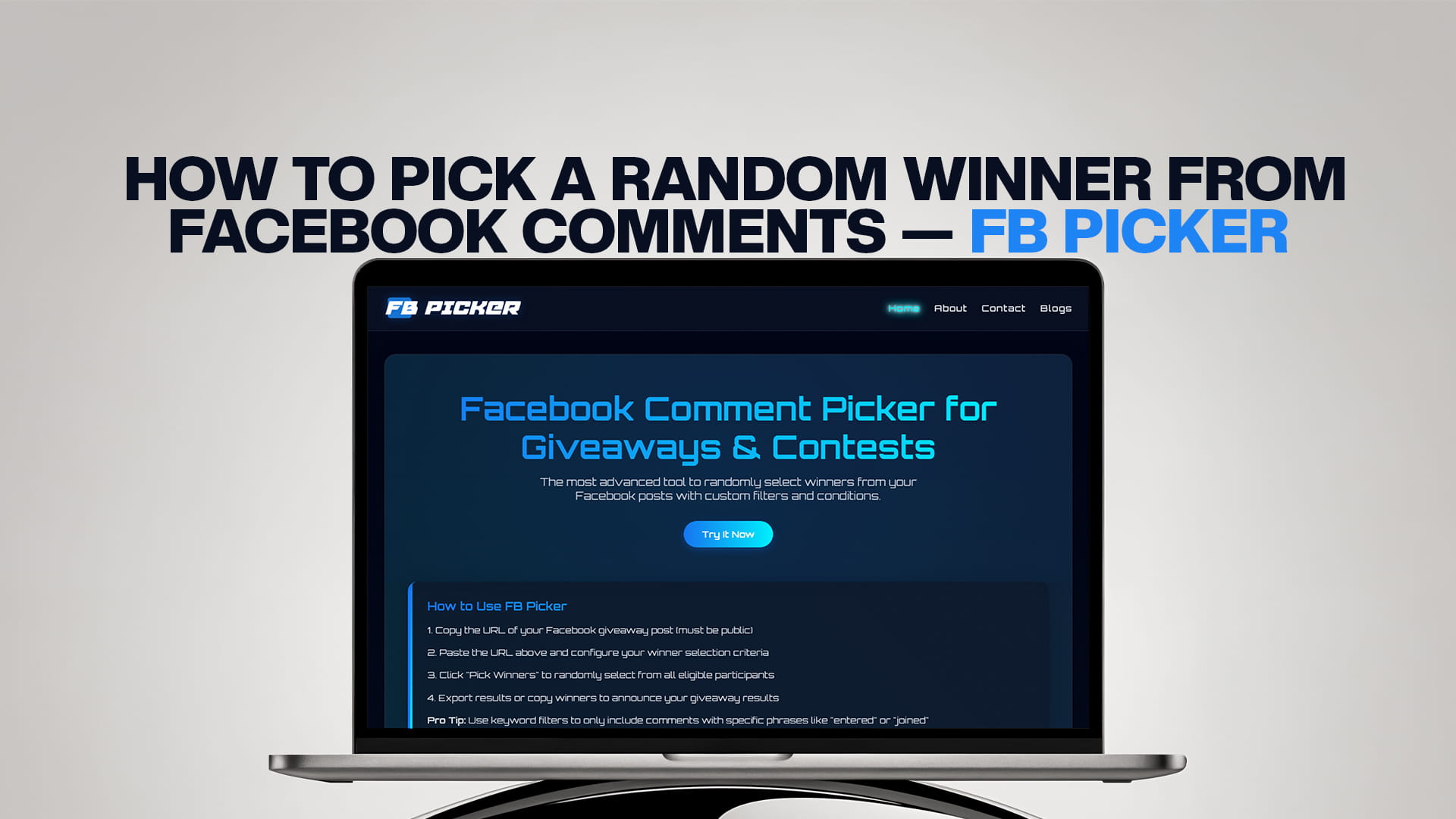
How to Pick a Random Winner From Facebook Comments — FB Picker
How to Pick a Random Winner From Facebook Comments
Running a Facebook giveaway is easy. Picking a fair winner is where things get messy.
You post a giveaway, hundreds of people comment, and then you are standing there wondering — how do I actually choose someone without it looking like I just picked my favorite? You could scroll through and point at a random name, but nobody is going to believe that is fair. And honestly, it is not.
That is exactly why FB Picker exists. It takes the guesswork, the bias, and the awkward "I promise this was random" moment completely out of the picture. You get a real, verified random winner from your Facebook comments — in seconds.
This guide walks you through everything. How FB Picker works, why random selection matters, how to use it step by step, and how to run a giveaway that people actually trust.
Why Picking a Random Winner the Right Way Matters
Before getting into the how, it is worth talking about why this matters at all.
When you run a giveaway on Facebook, people are giving you something valuable — their time, their attention, and their engagement. They comment, they tag friends, they share your post. In return, they expect a fair shot at winning.
If you pick a winner manually — scrolling through and just stopping somewhere — there is no way to prove it was random. Your audience knows that. And even if you had completely good intentions, some people will assume you picked a friend, a regular customer, or whoever you happened to see first.
That perception destroys trust. And for brands and creators, trust is everything.
A tool like FB Picker solves this completely. It connects to your Facebook post, pulls in all the comments, and uses a proper random algorithm to select a winner. You can show your audience exactly how it was done. That transparency is what turns a giveaway into a brand-building moment rather than a controversy waiting to happen.
What Is FB Picker?
FB Picker is the most advanced tool available for randomly selecting winners from Facebook post comments. It is built specifically for Facebook giveaways, contests, and sweepstakes — and it goes far beyond just "pick a random name."
Visit FB Picker at fbpicker.com to get started.
What makes FB Picker stand out from simple random pickers is the filter system. You do not just get a random comment — you get a random comment that actually follows your rules.
Say your giveaway required people to tag a friend. FB Picker can filter only to include comments that contain a tag. Say you wanted to exclude duplicate entries from the same person. Done. Say you wanted to give extra entries to people who commented multiple times. FB Picker handles that too.
This level of control is what separates it from throwing everyone's names into a hat. You set the conditions, FB Picker enforces them, and the winner comes out clean.
Who Should Use FB Picker?
Honestly, anyone running any kind of giveaway or contest on Facebook. But here are the people who benefit most:
Small business owners who run regular promotions to grow their page. You need a fast, professional way to pick winners that does not eat up your afternoon.
Social media managers handling brand accounts. You need something you can screenshot and show to your client as proof that the selection was fair and followed the giveaway rules.
Content creators and influencers who do giveaways to reward followers. Your audience follows you because they trust you — a transparent selection tool protects that trust.
Event organizers running prize draws for event posts. You want something clean and shareable.
E-commerce brands are running seasonal contests. The bigger your audience, the more important it is to have a defensible, documented selection process.
How to Pick a Random Winner From Facebook Comments Using FB Picker
Here is the step-by-step process from start to finish.
Step 1: Go to FB Picker
Open your browser and go to fbpicker.com. The tool is web-based, so there is nothing to download or install.
You will see a clean, simple interface. It is designed to get you to your result fast — not to overwhelm you with settings you do not need.
Step 2: Connect Your Facebook Account
FB Picker needs permission to access your Facebook posts in order to read the comments. Click the "Connect with Facebook" button and log in with your Facebook account.
This is a standard OAuth connection — the kind you see on every legitimate app that integrates with Facebook. FB Picker does not store your password and only requests the permissions it actually needs.
Once connected, you will be able to select any of your Facebook posts that have comments on them.
Step 3: Select Your Post
After connecting, you can search for or paste the URL of the specific Facebook post you want to pull comments from. FB Picker will load all the comments from that post.
For very popular posts with hundreds or thousands of comments, give it a moment to load everything. FB Picker pulls all comments, not just the first page — so every single person who entered gets included.
Step 4: Set Your Filters and Conditions
This is where FB Picker pulls ahead of every basic random picker out there.
Before drawing a winner, you can set conditions to match your giveaway rules:
Filter by keyword or phrase — If your giveaway said "comment the word WIN" or "tag a friend," you can filter only to include comments that contain those words. This automatically removes people who did not follow the rules.
Remove duplicate entries — If one person commented ten times to improve their odds, you can set FB Picker to count them only once. Every participant gets one fair entry.
Allow multiple entries — On the flip side, if your giveaway rewarded extra actions (like "comment once for each friend you tag"), you can allow multiple comments from the same person to increase their chances proportionally.
Exclude specific users — If you want to exclude your own account, your team members, or anyone who should not be eligible, you can remove them before the draw.
Filter by date range — If your giveaway ran for a specific period, you can restrict entries to comments made during that window.
These filters mean that whoever gets picked actually deserved to be in the draw. You are not accidentally rewarding someone who ignored your rules or entered a hundred times.
Step 5: Draw the Winner
Once your filters are set, hit the draw button. FB Picker runs the randomization and presents you with a winner.
The result screen shows you the winner's name, their comment, and a verification of the process. This is what you screenshot or screen-record to share with your audience.
If your giveaway requires a backup winner (in case the first person does not respond within a certain time), you can draw again immediately. FB Picker lets you draw multiple winners if your giveaway has more than one prize.
Step 6: Announce Your Winner
This part is on you — but FB Picker makes it easy by giving you a clean, shareable result.
Best practice is to announce the winner publicly in the comments of the original post, and also reach out to them directly via Facebook Messenger. Always give winners a response deadline (48 to 72 hours is standard) and make it clear that failure to respond means a new winner will be drawn.
Share the screenshot or recording of the FB Picker result so your audience can see that the process was fair. This one step does more for your audience's trust than almost anything else you can do.
Tips for Running a Better Facebook Giveaway
FB Picker handles the selection. But the whole giveaway needs to be set up well from the start. Here are some things that make a real difference.
Be Very Clear About the Rules
Vague rules create angry losers. Your giveaway post should spell out exactly what people need to do to enter, who is eligible, when the draw will happen, and how the winner will be contacted. The clearer you are upfront, the less drama you deal with later.
Keep the Entry Action Simple
The more steps you require, the fewer people will complete them correctly. "Like this post, share it, comment your favorite product, and tag three friends" sounds like a lot of engagement but most people will skip a step and then feel cheated when they get filtered out.
One or two entry actions is the sweet spot. Comment-to-enter giveaways consistently get the highest participation rates.
Set a Realistic Prize
Your prize needs to be genuinely appealing to your target audience. It does not have to be expensive — a well-chosen prize that your specific followers actually want will generate more excitement than a generic high-value item.
Post at the Right Time
Facebook engagement drops hard on weekends and late at night in most markets. Post your giveaway when your audience is actually online. Check your Facebook page insights to find your peak engagement windows.
Follow Facebook's Promotion Guidelines
Facebook has rules about promotions. You cannot require people to share on their timeline as an entry condition, and you cannot run promotions through personal profiles (only pages). Make sure your giveaway is set up on a page, not a personal account, and check Facebook's current promotions policy before you run anything.
Give the Giveaway Enough Time
A 24-hour giveaway works for some audiences, but most businesses get better results running them for three to seven days. This gives you time to promote the post, lets the algorithm show it to more of your followers, and gives people who check Facebook less often a real chance to see it.
Why Random Selection Builds Trust and Grows Your Page
There is a business reason behind every giveaway, and it is almost always one of these: growing your follower count, increasing post engagement, or building brand awareness. All three of those goals depend on trust.
When people believe your giveaways are fair, they enter them. When they enter them, your engagement goes up. When engagement goes up, Facebook shows your posts to more people. And when new people see that you run real, fair giveaways with verifiable results, they follow you.
It is a loop. Fair selection is the mechanism that keeps it going.
Brands that pick winners in a way that looks suspicious — or that never actually announce winners publicly — kill that loop fast. People stop entering because they assume it is rigged. Engagement drops. Reach drops.
FB Picker is the tool that keeps that loop healthy. It gives you something to show: here is the post, here are the entries, here is how the winner was selected. That transparency is not a nice-to-have. It is the whole point.
Common Questions About Picking Facebook Comment Winners
Can FB Picker work with posts that have thousands of comments?
Yes. FB Picker is built to handle large volumes. It pulls all comments from your post, not just a subset, so even if your post has 5,000 comments, everyone gets included.
Can I use FB Picker for posts on a Facebook Group?
FB Picker primarily works with Facebook Page posts. For Group posts, check the current feature availability on fbpicker.com, as this varies depending on Facebook's API access rules at any given time.
Does it work with comments on Facebook ads?
Standard boosted posts and ads with public comments can work with FB Picker, but dark ads or post types with restricted comment visibility may not be accessible through the API. Always test your specific post format first.
Is it free to use?
FB Picker offers different tiers depending on your needs. Visit fbpicker.com for current pricing details. For most small giveaways, there is access to core functionality that gets you through a standard draw.
What happens if the winner does not respond?
Draw again. Seriously — this is standard practice. Give the original winner 48 to 72 hours to claim the prize, then run FB Picker again on the same post and announce a new winner. FB Picker makes second draws just as easy as the first.
Can I pick multiple winners?
Yes. If you are awarding multiple prizes, you can draw multiple winners in sequence. FB Picker removes each drawn winner from the pool before the next draw, so no one wins twice.
FB Picker Versus Doing It Manually
Some people still copy-paste comments into a spreadsheet and use a random number generator to pick a row. That technically works, but it has problems.
First, it takes forever. Copying hundreds or thousands of comments is tedious and error-prone.
Second, you can accidentally skip comments, paste duplicates, or miss entries that came in after you copied the list.
Third, there is no live proof. A spreadsheet with a random number does not show your audience the actual pool of entries, the filters applied, or the draw happening in real time.
FB Picker connects directly to the live post. It pulls everything, applies your rules cleanly, and generates a result you can show people. That is a fundamentally more trustworthy process.
Announcing the Winner the Right Way
Once FB Picker gives you your winner, how you announce matters.
Tag the winner in the original post's comments. This notifies them and also shows everyone who entered that a real person won. Add the screenshot or screen recording of the FB Picker result so people can see the process.
Send the winner a direct message as well. Post comments can be missed, especially if the winner does not follow the page closely.
In your announcement, remind the winner what they need to do next — how to claim the prize, what information you need, and your response deadline.
After the giveaway is fully wrapped up, consider posting a short recap. Show the winner (with their permission) enjoying the prize if possible. This content works well for future giveaway promotions because it proves that you actually give prizes to real people.
Other Comment Picker Tools for Other Platforms
If you run giveaways and contests across multiple platforms, you probably need more than just a Facebook picker. Here are tools built for the same purpose on other networks:
TT Picker — For TikTok giveaways. Picks random winners from TikTok video comments using the same kind of filter system. Visit ttpicker.com to try it.
YT Picker — For YouTube contests. Pulls comments from any YouTube video and selects winners randomly, with filters for keywords, duplicate removal, and more. Visit ytpicker.com to try it.
RDT Picker — For Reddit giveaways and contests. Works with Reddit post comments to randomly select winners from threads. Visit rdtpicker.com to try it.
BSKY Picker — For Bluesky giveaways. As Bluesky has grown, so needs a proper comment picker there. Visit bskypicker.com to try it.
Each of these tools is built around the same idea: fair, verifiable, filter-enabled random selection that gives your audience confidence in the results.
Final Thoughts
Running a Facebook giveaway is one of the simplest, most effective things you can do to grow engagement on your page. But the whole thing only works if people believe the selection is real and fair.
FB Picker makes that easy. Connect your account, load your post, set your filters to match your actual rules, draw a winner, and show your audience exactly how it happened. That is it.
No spreadsheet gymnastics. No awkward "trust me it was random" explanations. No comments from someone claiming their cousin did not win because the draw was rigged.
Just a clean, fast, provably fair winner selection — and a giveaway your audience will want to enter again next time.
Visit FB Picker at fbpicker.com to get started with your next Facebook giveaway.