
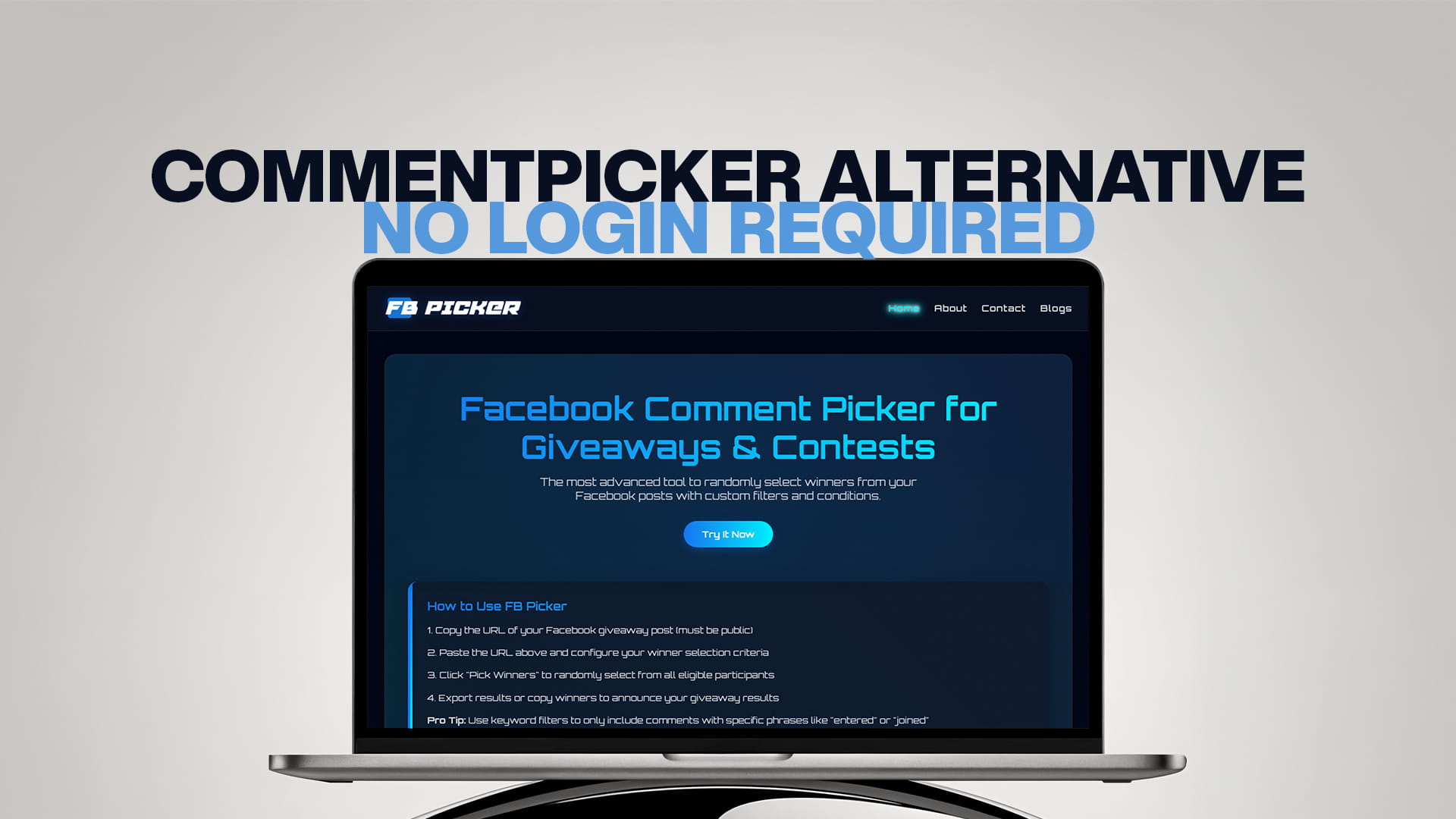
Commentpicker Alternative no Login Required
Comment Picker is one of the oldest and best-known names in giveaway tools, and for good reason: it's been around for years, supports a long list of social networks, and has a genuinely useful free tier. But if you've landed on this page, you've probably bumped into one of its two main friction points. The first is the login: to pick a winner from a Facebook post, Comment Picker requires you to sign in and connect a Facebook Business Page through Meta's official interface, granting read permissions along the way. The second is the cap: the free Facebook tool reads up to 100 comments, which is fine for a small contest and a real problem for a big one.
Neither of those is a scandal; they're deliberate design choices with real trade-offs. But if what you want is a draw that starts from a pasted URL, with no account, no permissions, and no low ceiling on your entries, you're looking for a different kind of tool. This guide covers what Comment Picker does well, where the friction actually bites, and what a no-login alternative looks like in practice.
What Comment Picker gets right
A fair comparison starts with credit where it's due. Comment Picker supports an unusually wide range of networks: Facebook, Instagram, YouTube, TikTok, X, and more, which makes it convenient if you run giveaways everywhere and want one familiar tool. It connects through Meta's official API rather than asking for your password directly, which is the responsible way to do account-connected access. It removes duplicate entries, produces a shareable results page your entrants can check, and its Premium plan, starting around $9.99 a month, lifts the limits and removes ads for people who run frequent or large contests.
If you're deeply multi-network and don't mind connecting accounts, it remains a solid choice. The case for an alternative isn't that Comment Picker is bad. It's that for the most common giveaway, a public Facebook post with a pile of comments, its two requirements add friction the task doesn't actually need.
Where the friction bites
The login requirement matters more than it first appears. To draw from a Facebook post, you need to authenticate with Facebook and connect a Business Page you manage, approving read permissions in the process. That's fine once, but it means the tool only works with pages you administer; personal profiles and posts you don't manage are out, and it means you've extended account access to a third party that you may later want to review or revoke. For an agency juggling multiple clients, or anyone cautious about connected apps, that's ongoing overhead rather than a one-time step.
The 100-comment free cap matters even more, and more quietly. If your giveaway pulls 800 comments and the free tier reads 100, your draw isn't slightly limited; it's excluding the vast majority of your entrants from any chance of winning. People who entered in good faith effectively never entered at all. The honest options at that point are to pay for Premium or to switch to a tool without the ceiling, because running the draw anyway isn't fair to your audience even if nobody notices.
What a no-login alternative looks like
The alternative model works from the public web instead of your account. Because comments on a public Facebook post are publicly visible, a tool doesn't need to be connected to your page to read them. It just needs the post's URL. You copy the link, paste it into the tool, and the comments load: no sign-in screen, no permission prompts, no page connection, nothing to revoke afterward.
That single difference cascades into everything people like about the approach. It's faster, because the whole flow is paste-and-draw. It's safer, in the specific sense that you never grant access you'd have to manage; the tool reads what's already public and nothing more. It works on any public post, not only pages you administer. And it's friendlier for one-off users, who just want a winner without committing to an account.
The trade-off is symmetrical and worth stating plainly: a URL-based tool can only read public content. A friends-only post or a private group is invisible to it, exactly as it's invisible to the rest of the web. For the public-page giveaways that make up almost all contests, that's no limitation at all, but if your giveaways live in private spaces, an account-connected tool or a manual export is the right path instead.
How FB Picker compares, point by point
FB Picker is built on the no-login model, and the comparison against Comment Picker's Facebook tool comes down to a few concrete differences.
On access, FB Picker works from a pasted public post URL with no account, no login, and no page connection, while Comment Picker requires signing in and connecting a Business Page you manage. On comment limits, FB Picker reads the comments on your post rather than stopping at a 100-comment free ceiling, so large giveaways get a draw from the full entry pool without a paywall standing between you and fairness. On the draw itself, FB Picker selects the winner at random using a cryptographically secure method, with the selection happening on screen so you can record it as proof.
On filtering, you can remove duplicate commenters, require a keyword, and exclude replies- the conditions that keep bots and rule-breakers out of the pool. On multiple prizes, you can pick multiple winners and backups in a single pass. And on records, you can export entrant and winner lists for your files. Where Comment Picker keeps an edge is breadth: if you need one account-connected tool across half a dozen networks, that's its home turf. For the Facebook giveaway itself, the paste-and-go route is simply less friction for the same fair result.
Switching takes one draw
There's no migration to speak of. Comment pickers don't hold your history hostage; your giveaways live on your Facebook page, and any records you've kept are yours. Switching is literally running your next draw differently: make sure the giveaway post is public, copy its URL with the three-dot "Copy link," paste it into the new tool, set your filters, and draw. The first time through, you'll notice what didn't happen: no sign-in, no permission screen, no page selection, which is the entire point. If you've been putting up with the login dance out of habit, one paste-and-go draw usually settles the question.
Choosing honestly between the two
The decision comes down to how you actually run giveaways. Stay with an account-connected tool like Comment Picker if you run contests across many networks and value one familiar dashboard, if your giveaways sometimes involve content that requires authenticated access, or if you're already on Premium and the limits don't touch you. Move to a no-login alternative if your giveaways run on public Facebook posts, if the 100-comment free cap has ever forced an unfair draw or an unplanned upgrade, if you'd rather not maintain connected-app permissions, or if you simply want the fastest possible path from post to winner. Most people running ordinary Facebook giveaways fall squarely into the second group, which is why the paste-and-go model keeps winning converts. A free comment picker and giveaway tool that starts from a URL handles the everyday case with nothing to set up and nothing to manage afterward.
The multi-page problem for agencies and admins
The login model has one more consequence worth naming for anyone who manages more than one page. Because Comment Picker's Facebook flow works through pages you've connected, every page you draw for is another connection to set up, another set of permissions to approve, and another entry in your connected-apps list to remember. For a solo creator with one page, that's a one-time chore. For an agency running giveaways across a dozen client pages, or a social media manager who inherits and hands off pages regularly, it becomes genuine administrative overhead, and a small security consideration too, since access granted for a client you no longer serve should really be revoked, and usually isn't.
A URL-based tool sidesteps the whole category. There is no per-page setup because there are no connections: any public post, on any page, client-owned or not, is one paste away. The draw for client number twelve works exactly like the draw for client number one, with nothing accumulated in anyone's account settings along the way. For multi-page work, that's not a minor convenience; it's the difference between a process that scales linearly with clients and one that's flat.
What "no login" does and doesn't mean
It's worth being precise, because "no login" sometimes gets read as "less legitimate," and the opposite is closer to the truth. A no-login tool never sees your password and never holds permissions; it cannot post as you, read your private content, or touch your account, because it was never connected to your account in the first place. It reads exactly what any stranger with the link could read: the public comments on a public post. That's a smaller attack surface than any connected app, however reputable.
What it doesn't mean is a shortcut around Facebook's privacy model. A no-login tool can't reach friends-only posts or private groups, and no legitimate tool should claim otherwise. If a service promises URL-based access to private content, that's a red flag, not a feature. The honest deal of the no-login model is simple: full speed and zero access management on public posts, and no reach at all beyond them.
A few practical tips
Whichever tool you use, the good habits are identical. Keep the giveaway post public so a URL-based tool can read it, and copy the link right after publishing. Remove duplicates before every draw so nobody wins by flooding the thread. Record the selection on screen and post the clip with your announcement; visible fairness beats promised fairness every time. Keep an export of entrants for your records. And re-check any tool's current limits before a big campaign, since free tiers and caps change over time and the numbers here reflect how things stand as of early 2026. Run your next contest through a random comment picker with those habits in place, and the tool question mostly answers itself.
The bottom line
Comment Picker earned its reputation, and for multi-network, account-connected work it still fits. But its Facebook flow asks for two things a public-post giveaway doesn't need: a login with page connection, and acceptance of a 100-comment free ceiling, and those are exactly the two things a no-login alternative removes. If your giveaways live on public Facebook posts, the paste-and-go model gives you the same fair, random, recordable draw with none of the setup: the best free Facebook comment picker workflow is copy the link, paste it, filter, and draw. Try it on your next contest and let the friction you don't feel make the argument.
Frequently Asked Questions
The two most common reasons are the login requirement: Comment Picker's Facebook tool needs you to sign in and connect a Business Page you manage, and the free tier's 100-comment cap, which can exclude most entrants from a large giveaway unless you upgrade. A no-login, URL-based alternative removes both.
No. It's an established, reputable tool that connects through Meta's official API rather than asking for your password, and it supports many networks. The case for an alternative is about friction and limits for public-post Facebook giveaways, not about safety or legitimacy.
Comments on a public Facebook post are publicly visible, so a URL-based tool reads them the same way any visitor could, from the post's public address. That's why the post must be set to public, and why private groups and friends-only posts are out of reach for this model.
No. Your giveaways live on your Facebook page, not inside any picker, and switching is just running your next draw from a pasted URL instead of a connected account. The main thing you give up is multi-network breadth in one dashboard, which only matters if you actively use it.
No login or page connection, no 100-comment free ceiling, filters like duplicate removal and keywords, multiple winners and backups in one pass, exports for your records, and an on-screen secure random draw you can record as proof of fairness, all starting from a pasted public post URL.