
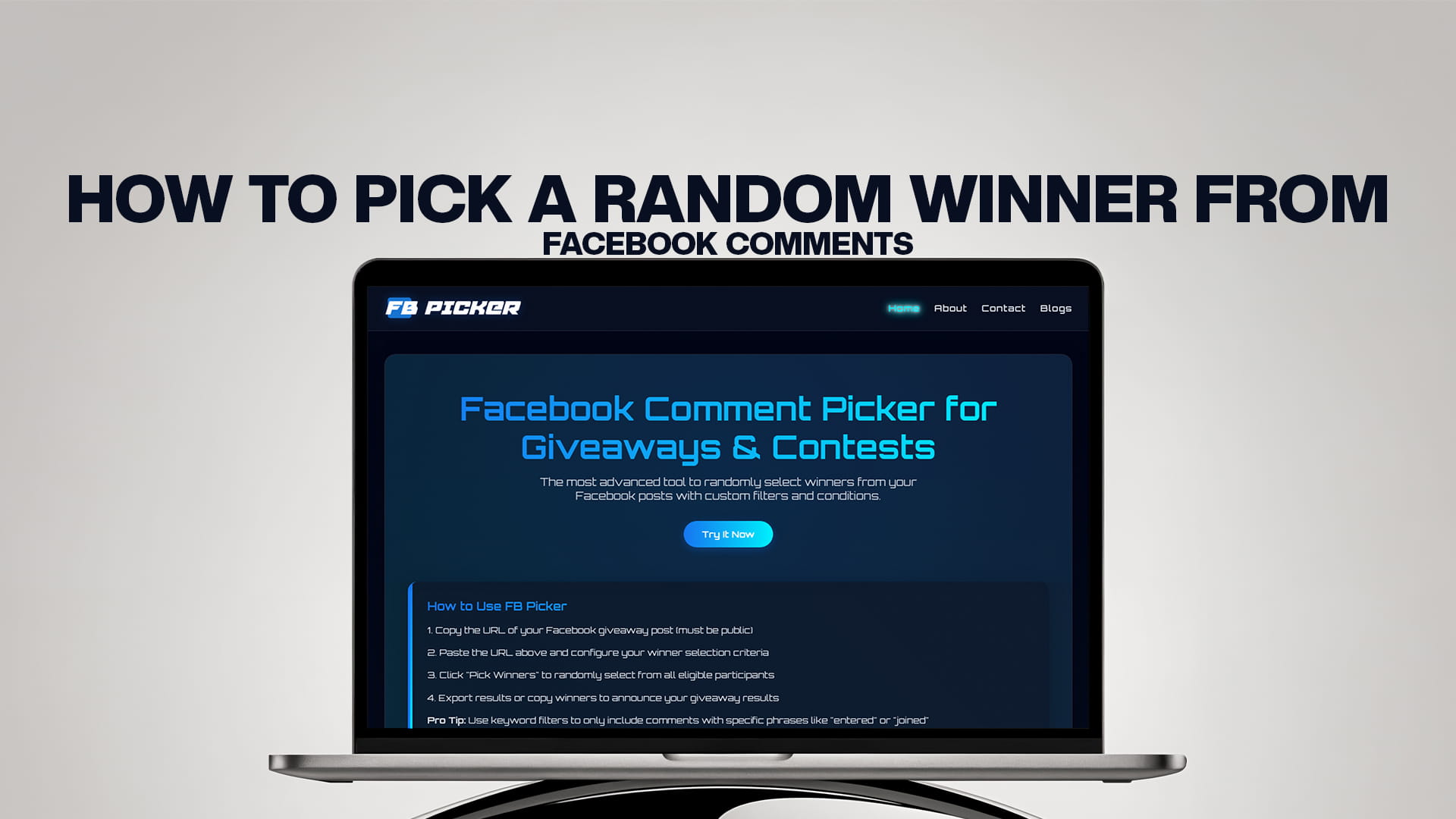
How to Pick a Random Winner From Facebook Comments
Running a giveaway on Facebook is one of the fastest, cheapest ways to grow your page, spark conversation, and reward the community that already follows you. A single well-run contest can pull in hundreds of comments, dozens of new followers, and a noticeable bump in your reach, all without spending a cent on ads. But the moment those comments start pouring in, every organizer hits the same wall: how do you actually choose a fair winner?
Scrolling through the thread and picking a name that catches your eye is not random, and your audience can almost always sense it. A biased or sloppy draw erodes trust, invites accusations of favoritism, and can even put you on the wrong side of platform rules. The good news is that selecting a genuinely random winner from your Facebook comments takes less than a minute once you know the right method.
This guide covers everything you need: why fairness matters, the manual approach and its limits, a clear step-by-step process using FB Picker, the most advanced tool for randomly selecting winners from your Facebook posts, plus filter tips and answers to the questions organizers ask most.
Why Fair, Random Selection Matters
A transparent draw is not just good manners; it protects your brand and keeps your promotion compliant. Many regions legally require that prize contests be decided purely by chance rather than judgment or bias, and Facebook's own Pages and Promotions policies expect organizers to administer giveaways fairly and to release the platform from any association with the contest.
Beyond the legal side, fairness is what keeps people entering your next giveaway. When participants believe everyone had an equal shot, they engage again, tag more friends, and share your posts. When they suspect the draw was rigged, they stop trusting your page, and the comments can turn negative fast. A verifiably random pick is the single best way to build the kind of goodwill that compounds over multiple campaigns. If you want a deeper breakdown of the legal and platform requirements before you launch, read our complete guide to Facebook giveaway rules and compliance.
The Manual Method (and Why It Usually Falls Short)
You absolutely can pick a winner by hand, and for a tiny post with a handful of entries it's perfectly fine. The basic process looks like this: open your post, scroll through and copy every comment into a spreadsheet, assign each entry a sequential number, then use a free random-number generator to produce a winning figure. Whoever holds that number wins.
It works, but it breaks down quickly. The first problem is time. Copying comments one by one is tedious, and a popular post can easily collect several hundred entries within hours. The second problem is accuracy. Manual lists are prone to errors: skipped comments, duplicated names, or accidental edits that quietly change the odds. The third and biggest problem is integrity. A manual list is invisible to your audience, so even if you played it straight, you have no easy way to prove it. There's also no quick way to strip out spam, bots, or the same person commenting twenty times to game the draw.
In short, the manual method is a reasonable backup for very small contests, but it doesn't scale, and it doesn't give you the transparency a serious giveaway needs.
How to Pick a Random Winner With FB Picker (Step by Step)
An automated comment picker solves every one of those problems at once. Here's the full workflow, start to finish.
1. Copy your Facebook post URL. Open the post that hosts your giveaway, click the timestamp or the share icon, and copy the link. This public URL is all the tool needs to find your comments.
2. Paste it into FB Picker. Drop the URL into the tool and let it automatically pull in every comment on the post. Instead of scrolling for ten minutes, you have the full entry list in seconds, no copying or spreadsheets required.
3. Set your conditions. Decide what counts as a valid entry. You might require commenters to like the post, count only comments that tag a friend, or include replies to other comments. These conditions let you reward the exact behavior your campaign was designed to encourage.
4. Apply custom filters. This is where a professional draw separates itself from a casual one. Remove duplicate commenters so a single person can't flood the thread and win twice. Filter by a specific keyword so only people who followed your entry instructions qualify. Exclude your own page's replies so your admin comments don't accidentally land in the pool.
5. Spin and reveal the winner. Hit the pick button. FB Picker runs a verifiably random selection and displays the winner with a clear animation. You can also draw one or more backup winners in the same pass, which saves you a second contest if your first choice never claims the prize.
Because the entire selection happens on screen, you can record it and share the clip with your audience. That recording is your proof of fairness, and posting it is one of the simplest ways to build long-term trust with your followers.
Use Custom Filters and Conditions Like a Pro
Filters are the heart of a credible giveaway, and they're what let you turn a basic draw into a genuine marketing engine. With the right conditions you can require participants to comment a specific word or phrase, count only entries posted before your published deadline, or weight the draw so that tagging more friends increases someone's chances of winning, which in turn extends your post's organic reach.
A few practical filter combinations work especially well. For a brand-awareness push, require a friend tag so each entry exposes your page to a new audience. For a feedback campaign, ask people to comment their favorite product and filter by that keyword, giving you both entries and free market research. For a follower-growth goal, combine a "must like the page" condition with duplicate removal so the prize actually reaches engaged fans rather than serial contest hunters.
These tactics pair naturally with the broader playbook in our roundup of proven Facebook engagement strategies, which covers posting cadence, comment prompts, and the kinds of giveaways that consistently outperform.
If you run contests across more than one network, you don't need a separate workflow for each. You can manage every platform from a single dashboard using the Instagram comment picker for Reels and feed posts, and the wider set of multi-platform giveaway tools covering YouTube, TikTok, and beyond. One tool, one process, every channel.
Tips for a Smooth, Credible Giveaway
A great draw starts long before you press the pick button. Write clear entry rules directly in your post so there's no ambiguity later: state exactly what someone must do to enter, what the prize is, when entries close, and which time zone that deadline follows. Vague rules are the number one source of post-contest disputes.
Announce your winner publicly rather than only in a private message, and consider pinning the announcement so latecomers can see the contest was resolved. Always keep a record of your draw, whether that's a screen recording or a saved results page, in case anyone questions the outcome. Give winners a reasonable window to claim their prize, and prepare backup winners in advance so a no-show doesn't derail your timeline.
Finally, match your tool to your audience size and how often you run promotions. A creator doing one giveaway a month has very different needs from an agency managing campaigns for dozens of clients. You can compare what each plan unlocks, including larger comment limits, advanced filters, and multi-winner support, on the pricing and features page.
Bringing It All Together
Picking a random winner from Facebook comments used to mean a spreadsheet, a random-number generator, and a lot of crossed fingers hoping nobody accused you of cheating. Today it's a sixty-second task that produces a fair result and the proof to back it up. Paste your post URL, set your conditions, apply your filters, and reveal the winner on camera. Your audience gets a transparent draw, you get a credible brand, and your next giveaway starts from a position of trust rather than suspicion. Run it well once, and the engagement, follower growth, and goodwill carry straight into the campaign after that.
Frequently Asked Questions
Is picking a random winner from Facebook comments free? Yes. FB Picker lets you run basic random draws at no cost, with paid plans unlocking advanced filters, larger comment limits, multi-winner draws, and cross-platform support for bigger or more frequent contests.
Can I remove duplicate comments so one person only wins once? Absolutely. The duplicate filter keeps a single valid entry per user, even if they commented dozens of times, so heavy commenters can't skew the odds in their favor.
Does FB Picker count replies and tagged friends? Yes. You can choose to include replies to other comments, require participants to tag one or more friends, and set keyword conditions, all before you run the draw.
How do I prove the draw was actually fair? Record your screen while you run the pick. The randomized animation and final result give you a shareable clip that demonstrates the selection was genuine and unbiased, which is far more convincing to your audience than a simple announcement.
Do I need to log in to Facebook or share my password? No. You only need the public URL of your post to pull its comments. There's no reason to hand over account credentials, which keeps your account secure throughout the process.
What if my chosen winner never claims the prize? Draw backup winners in the same session. FB Picker can select multiple winners in one pass, so if your first pick goes quiet, you already have the next eligible entrant ready to contact.