
How to Announce a Giveaway Winner on Facebook (2026)
The winner announcement is the most-watched moment of any giveaway, and the most-fumbled. Everyone who entered comes back to see if they won; everyone who's skeptical comes back to judge whether it was fair, and the way you handle those thirty seconds shapes whether people enter your next contest or quietly decide your giveaways aren't worth the effort. Yet most organizers treat the announcement as an afterthought: a rushed "congrats [name]!" with no proof, no follow-up, and no thought for the dozens of people who didn't win but are still watching.
Done well, the announcement does three jobs at once: it delivers the news, it proves the draw was fair, and it converts the attention of everyone who didn't win into something useful. This guide covers exactly what to include, how to handle privacy and proof, a copy-paste template you can adapt, and the mistakes that quietly cost organizers their credibility.
Why the announcement matters more than you think
A giveaway builds a crowd, and the announcement is where that crowd either becomes loyal or drifts away. Handle it transparently, and people learn that your contests are real and fair, which is the single biggest driver of participation in your next one. Handle it vaguely: a name appears, no proof, no context, and the quiet doubt that follows every giveaway hardens into "these are probably rigged," and your entry numbers erode over time.
There's also a reach benefit. The announcement post is a second bite at the engagement your giveaway generated: people return to check, comment, and react, which keeps the giveaway circulating and gives you a natural moment to point everyone toward whatever comes next. Skipping or burying the announcement forfeits all of that. Treating it as a deliberate, well-built post captures it.
What every winner announcement should include
A strong announcement covers a predictable set of elements. Miss them and you leave questions unanswered; include them and you close the loop cleanly.
Name the winner clearly, but read the privacy section below first on how much to reveal. Confirm what they won, restating the prize reminds everyone what was at stake and what your giveaways offer. Show or state how the winner was chosen, "selected at random using a comment picker," ideally with proof, which is the element that separates a trusted announcement from a suspicious one. Explain the next step for the winner, how and by when they need to claim, so the handoff is clear and you're protected if they go silent. Thank everyone who entered, because the non-winners are the majority of your audience and the announcement is your chance to keep them warm. And point to what's next, a consolation offer, a follow prompt, or a teaser for your next contest, so the attention converts instead of evaporating.
That's the anatomy. The order can flex, but a post missing the proof element or the thank-you is a post leaving value and trust on the table.
Handle winner privacy the right way
Before you tag someone publicly, remember that winning a giveaway makes a person briefly visible to a large audience, and not everyone welcomes that. A few principles keep you considerate and covered.
Set expectations in your rules. Your official rules should state that the winner's name (and perhaps profile) may be announced publicly, so entering constitutes agreement, which is both good practice and, in many places, a compliance expectation. Then, when you announce, tagging the winner is standard and usually fine, but it's courteous, and safer, to contact them privately first, confirm they're happy to be named, and only then post the public tag. For prizes or audiences where sensitivity is higher, you can announce by first name and last initial, or ask permission before sharing any photo of them with the prize.
Never publish a winner's private contact details, address, phone number, email, in the public announcement. Collect those privately during the claim process. The public post names and congratulates; the private channel handles logistics.
Prove it was fair, in the announcement itself
This is the element that turns a good announcement into an unimpeachable one, and it's the cheapest trust you'll ever buy. The most persuasive proof is a recording of the draw: a short screen-capture clip showing the real comment pool, any filters you applied, and the winner being selected at random, posted right alongside the announcement. Anyone who wondered whether you hand-picked a friend can simply watch that not happen.
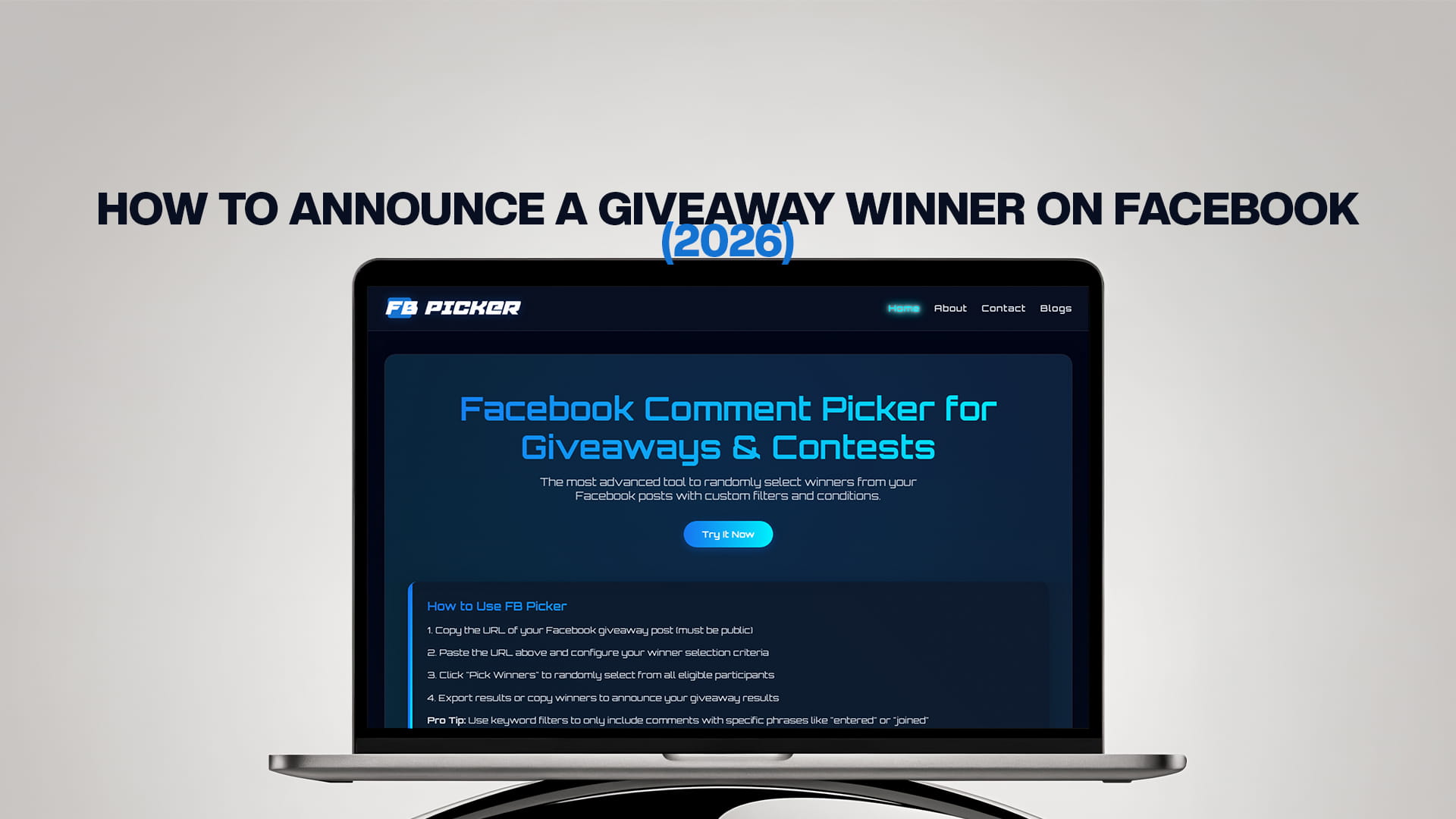
This is where the tool you draw with matters. FB Picker runs the selection on screen from your post's public URL, no login, so recording it is effortless: it pulls the comments, removes duplicates, and selects the winner at random with a secure method while you capture the moment. Drop that clip into your announcement post and the fairness question answers itself. If you drew backups in the same pass, and you should, you can also mention that a backup is ready should the winner not claim, which reassures everyone the process was planned rather than improvised. For organizers who want the whole thing to look effortless, the best free Facebook comment picker turns "here's the winner" into "here's the winner, and here's the draw that chose them" in about a minute.
A copy-paste announcement template
Adapt this to your voice, swapping the bracketed parts. It covers every element above.
🎉 We have a winner! 🎉
Congratulations to [winner name / first name + initial], who has won [prize]! 🥳
The winner was chosen completely at random from all eligible comments using a comment picker, and you can watch the draw in the video below, no favorites, no fixing, just a fair pick. 🎥
📩 [Winner], we'll message you to arrange your prize, please reply within [7] days to claim it.
A huge thank-you to everyone who entered. We loved reading your comments, and we didn't want you to leave empty-handed: here's [consolation offer, e.g. 15% off with code THANKYOU, valid through [date]]. 💛
Follow us so you don't miss our next giveaway, [teaser of what's coming]. 👀
This giveaway was not sponsored, endorsed, or administered by Facebook.
That single post delivers the news, shows the proof, sets the claim deadline, rewards the non-winners, drives a follow, and keeps you compliant. It's the difference between an announcement that ends a giveaway and one that launches the next.
Where and how to post it
A few placement choices maximize the announcement's impact. Post it as a new post and also reply on the original giveaway post, since some people will check back on the original rather than watch your feed, a reply there with a link to the announcement catches them. Pin the announcement to the top of your page for a day or two so returning entrants find it immediately. Time it for a peak engagement window, just as you would the launch, so the maximum number of people see it live. And post it when you said you would: if your rules promised a winner "announced Friday," announcing Friday is itself a small but real trust signal that you keep your word.
Mistakes that quietly cost you
A handful of announcement errors do lasting damage. Announcing with no proof is the big one, a bare name invites the exact suspicion a recorded draw would have erased. Going silent, never formally announcing at all, is worse: entrants notice, and "they never even said who won" is a reputation killer. Announcing a winner you haven't verified risks naming a bot or rule-breaker publicly and then awkwardly walking it back. Publishing private details exposes your winner and you. Forgetting the non-winners wastes the warmest audience you'll ever have. And announcing late, or not at all, after promising a date signals that your deadlines, and by extension your whole giveaway, aren't to be trusted. Every one of these is avoidable with a template and a recorded draw.
Turning the announcement into your next giveaway's launch
The best organizers treat the announcement as a bridge, not a full stop. The audience gathered around a winner reveal is already engaged, already trusting (if you showed proof), and already thinking about your brand, which makes it the ideal moment to plant the seed for what's next. A single line, "our next giveaway drops [when], and it's a big one", converts a chunk of today's attention into anticipation for tomorrow. Inviting entrants to follow or turn on notifications there and then captures people at peak interest rather than hoping they remember you later.
You can go further and let the announcement double as social proof. With the winner's permission, follow up later with a photo or note of them enjoying the prize, and post it as its own update tagged back to the original giveaway. That closes the loop in the most convincing way possible: not just "we picked a winner," but "here's a real, delighted person who actually received what we promised." Nothing recruits entrants for your next contest more effectively than visible evidence that your last one was real, fair, and fulfilled.
The bottom line
The winner announcement isn't the end of your giveaway; it's the moment that decides whether the giveaway worked. Build it deliberately: name the winner (with privacy handled), confirm the prize, show proof that the draw was random, set a clear claim deadline, thank and reward everyone who didn't win, and point them toward what's next. Handle privacy by getting agreement in your rules and a courtesy confirmation before you tag, keep contact details off the public post, and make the recorded draw the centerpiece so fairness is visible rather than promised. Do that consistently, backed by a transparent draw through a dependable free comment picker and giveaway tool and a repeatable random comment picker for giveaways workflow, and every announcement will end one giveaway while quietly recruiting the audience for the next.
Frequently Asked Questions
Post a clear announcement that names the winner, confirms the prize, shows proof the draw was random (ideally a recorded clip of the selection), sets a claim deadline, thanks everyone who entered, and points them to what's next. Post it as a new post and also reply on the original giveaway post so returning entrants see it.
It's best practice to contact the winner privately first, confirm they're happy to be named, and then post the public tag. Your official rules should also state that winners may be announced publicly, so entering counts as agreement. Never publish a winner's private contact details in the public post.
Record the draw and post the clip with your announcement. A short screen capture showing the real comment pool, your filters, and the random selection is the most persuasive proof available. Using a tool that draws on screen makes recording effortless, and it turns a doubted announcement into an unquestioned one.
Thank them and give them a reason to stay: a consolation offer or discount, a prompt to follow for the next giveaway, and a teaser of what's coming. Non-winners are the majority of your audience and the warmest prospects you have, so the announcement is your best chance to convert their attention rather than lose it.
Post it when your rules say you would; keeping your promised date is itself a trust signal, and aim for a peak engagement window so the most people see it live. Announce only after you've verified the drawn account is a real, eligible entrant, so you never have to publicly walk back a winner.