
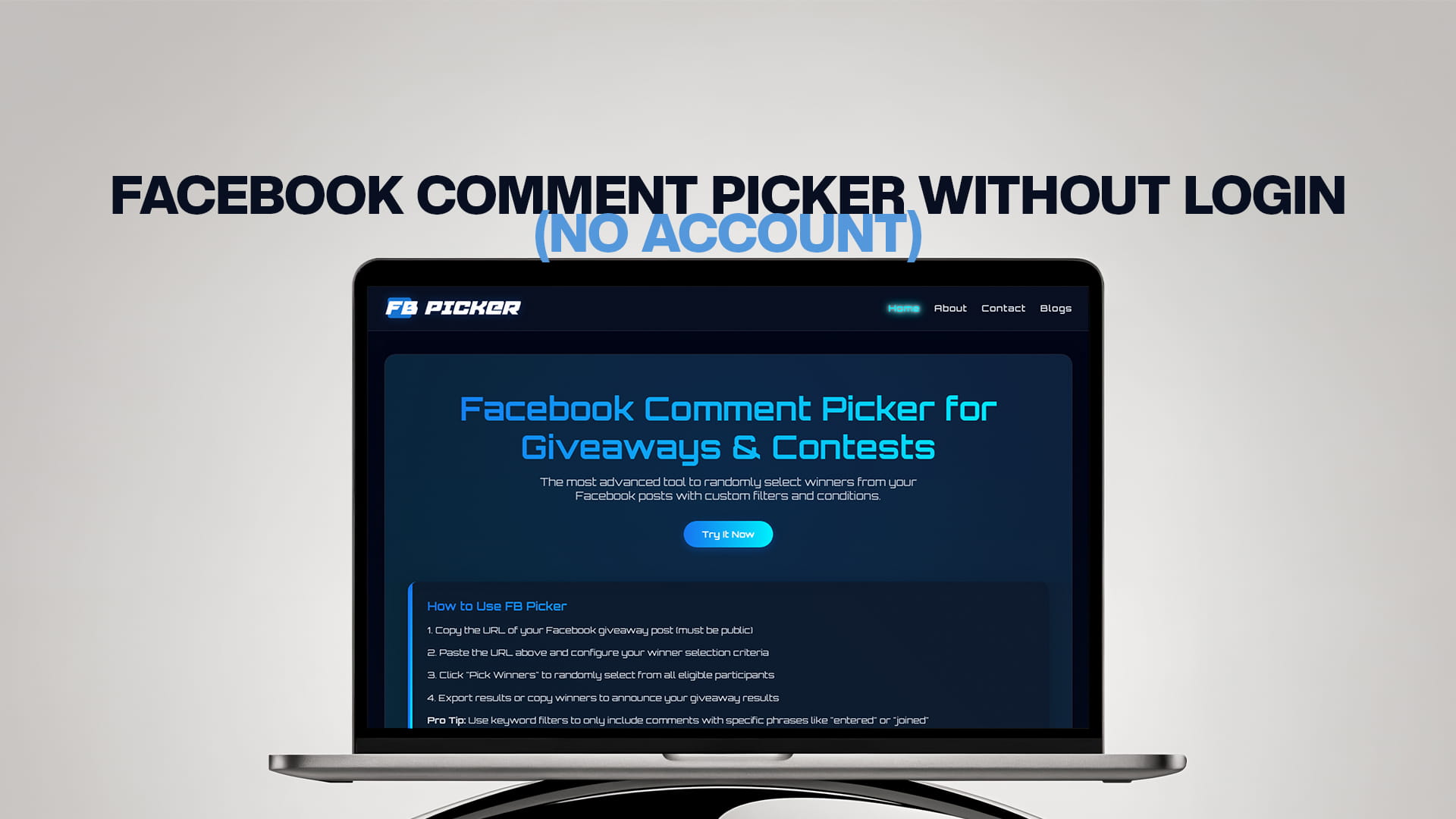
Facebook Comment Picker Without Login (No Account)
Most people's first experience with a comment picker goes like this: they find a tool, paste their post, and then hit a wall asking them to log in with Facebook and grant a string of permissions. For a quick giveaway draw, that feels like a lot. You wanted to pick a winner, not connect your account to a third party and worry about what it can now see.
There's a better way, and it's increasingly the standard: a comment picker that works without any login at all. You paste a public post URL, the tool reads the public comments, and you draw a winner. No account, no password, no permissions. This guide explains how no-login pickers work, why skipping the login is genuinely safer and faster, where the approach has limits, and how to run a fair draw without ever signing in or handing over a single permission.
What "without login" actually means
A no-login comment picker works entirely from the public web address of your post. Because Facebook posts set to public can be read by anyone, a tool doesn't need to be "you" to see the comments on a public post. It just needs the link. You paste the URL, the tool fetches the public comments attached to it, and you pick a winner from that list.
Compare that to the login-based approach, where a tool asks you to sign in with Facebook and approve permissions so it can connect to your account through Meta's official interface. That route has its place, but for a straightforward "comment to win" giveaway on a public post, it asks for far more access than the task requires. The no-login model gives you the same result, drawing a random winner from your comments, without ever touching your account.
Why skipping the login is safer
The security argument is the strongest reason to prefer a no-login tool, and it's simple: you can't expose access you never granted.
When you log in to a third-party tool and approve permissions, you're trusting that service with a connection to your account. Most reputable tools only request read access and behave responsibly, but you're still extending trust, and you have to remember to revoke that access later if you stop using the tool. A no-login picker removes that entire category of risk. It never sees your password, never connects to your account, and never holds permissions you'd need to clean up afterward. It reads what's already public, and that's all.
For anyone cautious about account security, or managing a page they can't afford to put at risk, that's a meaningful difference. The safest permission is the one you never have to grant.
Why is it faster, too
Beyond safety, no-login pickers are simply quicker. There's no sign-in screen, no permission prompts, no choosing which page to connect. You copy your post link, paste it, and draw. The whole thing takes under a minute, which matters when you run giveaways regularly and don't want each one to involve an authentication dance. A free comment picker and giveaway tool that skips the login turns winner selection from a chore into a single paste.
It's also friendlier for one-off users. If you're running your first giveaway and just want to pick a winner without committing to an account or wondering what you've signed up for, paste-and-go is far less intimidating than an OAuth screen full of permission requests.
How to pick a winner without logging in
The process is refreshingly short.
First, set your giveaway post to public and copy its URL. On desktop, click the post's timestamp and copy the link from the address bar, or use the three-dot menu's "Copy link." In the app, tap the three dots on the post and choose "Copy link." The post has to be public for any no-login tool to read it, since that's the whole basis of the approach.
Second, paste the URL into the tool. It fetches the public comments automatically, no sign-in required.
Third, set your conditions and filters, like removing duplicate commenters or requiring a keyword, then run the draw. The tool selects the winner at random from the eligible comments. If you have several prizes or want backups, you can usually draw more than one winner in the same pass.
That's it. No account was created, no password shared, no permissions granted, and you still got a clean, random winner.
Where the no-login approach has limits
It's worth being honest about the trade-offs, because no approach is perfect for everything.
The big one is that no-login tools can only read public content. If your post is set to friends-only, or lives in a private group, a tool that works from the public URL can't see the comments, because the public web can't see them either. For private group giveaways, you'd typically need to export the comments manually and run the picker against that list instead. For the vast majority of giveaways, which run on public Pages, this isn't a problem at all, but it's the reason the no-login model and the login model coexist.
The other consideration is scale and advanced features. Some account-connected platforms offer deeper integrations for very large or complex campaigns. For a normal public-post giveaway, though, none of that is necessary, and the simplicity of paste-and-go wins.
How FB Picker handles it
FB Picker is built around exactly this no-login model. You paste the URL of your public post, and it pulls in every comment, with no signup, no password, and no account connection required. From there, you apply your filters, remove duplicates, and draw your winner. Because it only ever reads public comments, there's nothing to authorize and nothing to revoke later. It's the paste-and-go approach in its purest form, and for the everyday giveaway, it's both the safest and the fastest way to work. The best free Facebook comment picker experience is one where the hardest part is deciding on the prize, not getting through a login screen.
What "public" really means for your post
Since no-login tools depend on your post being public, it's worth knowing exactly what that setting does. On Facebook, a post's audience can be set to public, friends, friends except, only me, or, for group posts, limited to that group. Only "public" lets anyone, including a URL-based tool, see the post and its comments. Anything more restricted is invisible to the outside web, which is why a friends-only post or a private group post won't work with a no-login picker, even though you can see it perfectly well while logged in.
Business Page posts are public by default, which is why most giveaways run smoothly. If you're posting from a personal profile or you've tightened your defaults, check the audience selector before you launch and set the giveaway post to public. It's a five-second check that saves the frustration of a tool that "won't load my comments" on draw day. And if a giveaway genuinely needs to live in a private space, plan to export the comments manually instead, because no public tool will be able to reach them.
No login doesn't mean no rules
Skipping the login removes friction, not responsibility. A no-login giveaway still has to be run properly, and the good practices are exactly the same as for any other contest. Keep entry free, since requiring a purchase turns a giveaway into a regulated promotion. Publish clear terms covering eligibility, dates, the prize, and how the winner is chosen. Include the disclaimer that the promotion isn't sponsored by or associated with Facebook, which Meta requires regardless of which tool you use. Lean on commenting and following as entry actions rather than required shares. And draw the winner fairly and keep a record of it.
In other words, the login is the only thing you're cutting out. Everything that makes a giveaway trustworthy, clear rules, free entry, a fair and documented draw, still applies, and a no-login tool makes that last part just as easy as a login-based one would.
A few practical tips
Make your giveaway post public from the start, since a no-login tool depends on it. Copy the post URL right after you publish and save it somewhere, so it's ready when you draw. Use the three-dot "Copy link," which works the same on desktop and mobile. And remember that no-login doesn't mean no-rules: you should still publish clear giveaway terms, include the disclaimer that the promotion isn't sponsored by Facebook, and keep entry free. The login is the only thing you're skipping, not the good practices that make a giveaway trustworthy. When you're ready to draw, a random comment picker for giveaways that runs from the URL handles the rest in seconds.
The bottom line
A Facebook comment picker that works without login gives you everything a giveaway draw needs: a clean, random winner from your comments, without the cost of connecting your account or granting permissions you'll later have to manage. It's safer, because you can't expose access you never gave. It's faster, because there's no sign-in to sit through. And for the public-post giveaways that make up almost all contests, it has no real downside. Paste your link, draw your winner, and move on, no account needed. And because the tool only ever touched public comments, there's nothing left behind to secure afterward: no connection sitting in your account settings, no permissions to remember to pull. For a one-off contest or a monthly habit, that mix of speed and a clean conscience is hard to argue with.
Frequently Asked Questions
Yes. No-login pickers read the public comments on a public post using only its URL, so they don't need your account. You paste the link, the tool fetches the comments, and you draw a winner, no signup or password required.
It's actually safer than the login alternative, because you never grant the tool access to your account. There's no password to share, no permissions to approve, and nothing to revoke later. The tool only reads what's already publicly visible on your post.
Some tools connect through Meta's official interface, which requires signing in and approving read permissions, often to support private content or deeper integrations. For a public-post giveaway, that level of access isn't necessary, which is why no-login, URL-based tools exist. If your giveaway runs on a public Page, as most do, the login simply adds friction without adding anything you need.
Yes. No-login tools work from the public web, so they can only read comments on posts set to public. If your post is friends-only or in a private group, a URL-based tool can't see the comments, and you'd need to export them manually instead.
A good no-login picker only reads the public comments it needs to run the draw and doesn't connect to your account at all. Always check a specific tool's privacy details, but the no-login model inherently limits what any tool can access to begin with, since it works from public information rather than a connection to your account. There's simply far less for it to store than a login-based tool that has hooked into your profile.